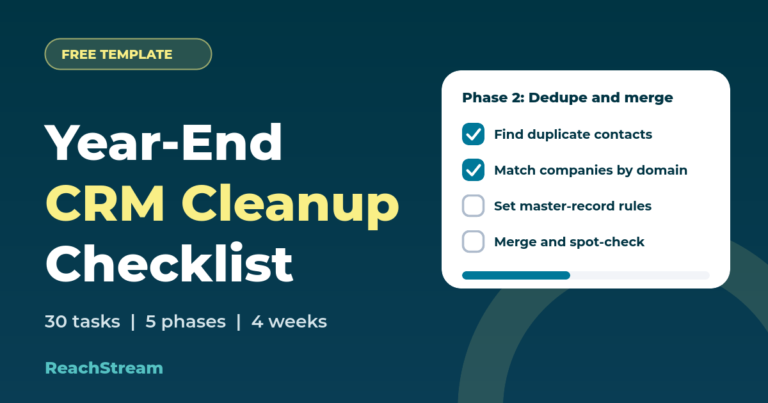
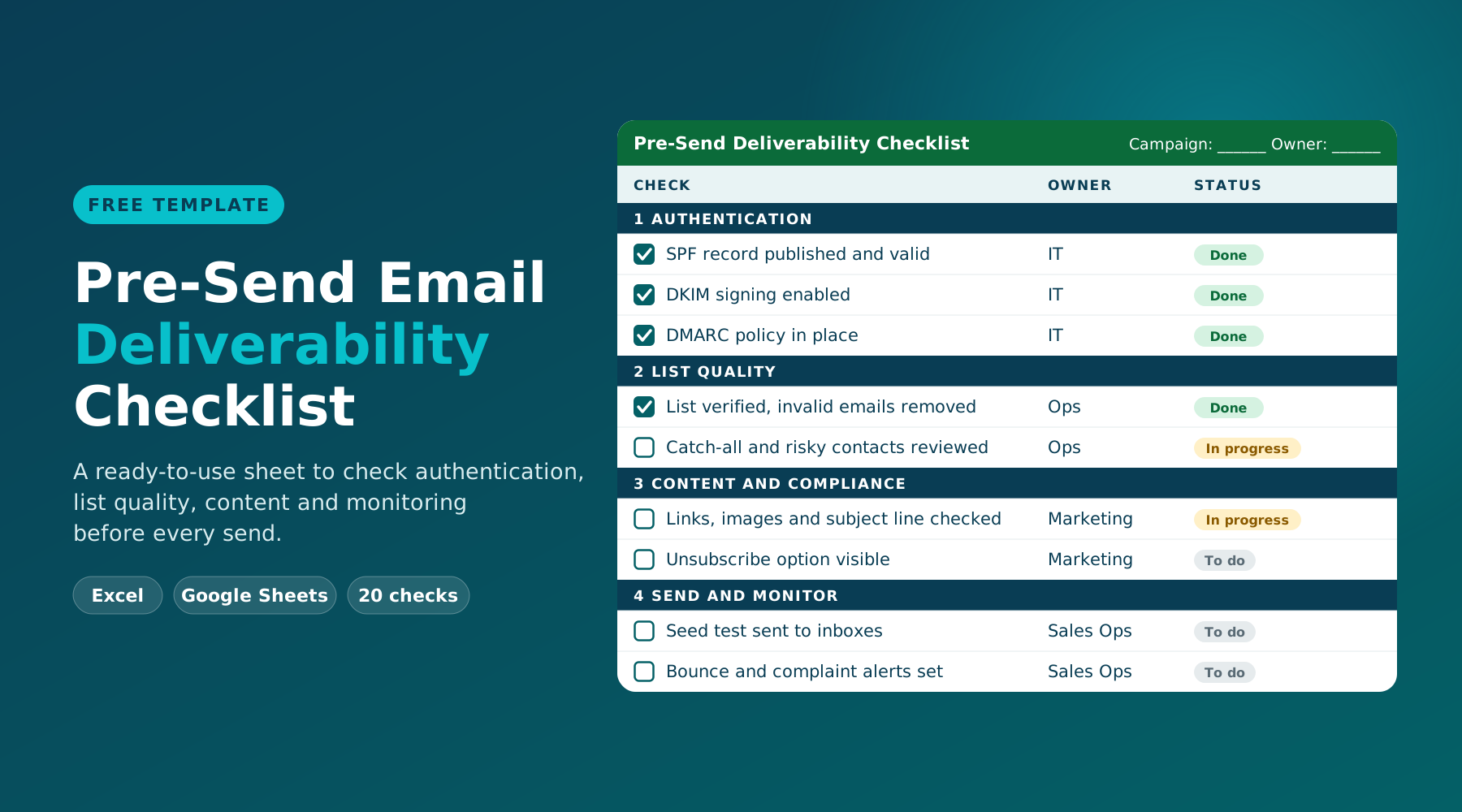
Thirty tasks across five phases to deduplicate, verify, standardize and archive your CRM before the new year. Tick them off, track your progress, and export your plan.
Works with any CRM · Progress saves in your browser · No signup needed
Before you touch a record
Score your CRM before and after
Enter your numbers now, then again once the cleanup is done. The change column shows what the effort actually fixed. Use report counts from your CRM; estimates are fine for the first pass.
Total contact records Your full contact count
Duplicate records Contacts sharing an email or name and company
Invalid or bounced emails Failed verification or hard bounces
Records missing key fields No owner, stage, country or job title
Stale contacts No activity or engagement in 12+ months
Order matters. Back up first, merge before you verify so you never pay to check the same address twice, and archive last.
Freeze and back up
Protect your data and agree on what clean means.
Week 1 / Dec 1-5
Export a full backup of contacts, companies and deals Download CSVs of every object, including custom fields and owners, and store them somewhere safe. RevOps
Pause bulk imports and risky automations Hold list uploads and sync rules that write data while you clean, so you are not chasing a moving target. RevOps
Name a data owner for each object One accountable person each for contacts, companies and deals avoids merge disputes later. Leadership
Audit your counts by stage, owner and source Run reports so you know where the volume sits and where the gaps are. RevOps
Record your baseline in the scorecard Fill the Before column above so every improvement can be measured. RevOps
Define what a clean record looks like List required fields, naming rules and what counts as an active contact. Sales + Marketing
Dedupe and merge
Collapse duplicates before they distort every report.
Week 2 / Dec 8-12
Find duplicate contacts by email, then by name and company Start with exact email matches, then fuzzy-match on full name plus company. RevOps
Find duplicate companies by domain Match on website domain first, then on normalized company name. RevOps
Set master-record rules Decide what wins: latest activity, original owner, earliest create date, most complete record. RevOps
Merge in batches and spot-check Merge a batch, then open 20 results to confirm no history or owner was lost. RevOps
Re-link orphaned contacts and deals Attach loose contacts and open deals to the right company record. Sales
Turn on duplicate prevention Enable duplicate warnings on forms, imports and manual entry. RevOps
Verify and enrich
Find the bad emails and fill the gaps that stall outreach.
Weeks 2-3 / Dec 10-19
Export contact emails and run a bulk verification Upload the deduplicated list so each address is checked once. Marketing
Suppress invalid and do-not-mail addresses Tag them in the CRM and exclude them from every active send. Marketing
Review catch-all and risky results Hold them out of large sends until you have sorted them into keep or drop. Marketing
Align bounce and unsubscribe flags across tools Make sure your CRM, email platform and sales tools agree on who is suppressed. RevOps
Check phone numbers and flag dead lines Standardize formats and mark numbers that fail or have been disconnected. Sales
Enrich missing fields on priority accounts Fill job title, company size and industry for the accounts you will work first in January. Sales
Standardize fields
Make the data consistent so filters and reports can be trusted.
Week 3 / Dec 15-19
Convert free-text fields to picklists Job title level, country, state and industry should be choices, not typing. RevOps
Normalize casing, phone formats and domains Apply one format so segmentation and matching stop misfiring. RevOps
Retire unused and duplicate custom properties Remove or merge fields nobody fills in or two teams created for the same purpose. RevOps
Fix lifecycle stage and lead status conflicts Look for contradictions such as a customer with an open lead status. Sales + Marketing
Reassign records from departed reps Give every contact and deal a current owner before routing rules run again. Sales
Make key fields required Require the fields from phase 1 on forms and new-record creation. RevOps
Archive and govern
Retire what is stale and stop the mess from returning.
Week 4 / Dec 22-26
Set a rule for stale contacts Choose an inactivity window, then archive or move those contacts to a re-engagement list. Marketing
Close stale open deals with a loss reason Clear the pipeline of deals that have not moved so forecasts are honest. Sales
Clear dead lists, workflows and sequences Turn off anything that points at old segments or retired offers. RevOps
Re-run the scorecard Fill the After column and compare it against your baseline. RevOps
Schedule recurring maintenance Book a quarterly mini-cleanup and a monthly check on newly added leads. Leadership
Share a one-page summary Send results and the new data rules to sales, marketing and leadership. RevOps
Cleaning contacts? Verify the emails first.
Phase 3 is where most bounce problems get fixed. ReachStream Email Verifier is designed to run SMTP-level checks without sending a message to the address, so you can sort valid, invalid, catch-all and risky contacts before the year-end sends. Bulk uploads use CSV files of up to 25K emails per batch.
Many teams do one deep cleanup a year, usually before planning season, plus a lighter quarterly pass and a monthly check on new leads. If your database grows fast or imports often, shorten the gap.
Archive or move them to a re-engagement list first. Deleting is permanent and removes history that sales or compliance may need later, so reserve it for confirmed junk and records you are required to erase.
Keep them out of your largest sends until they are reviewed. A catch-all domain accepts all mail, so a valid result is not guaranteed. ReachStream Email Verifier includes a Catch-All Resolver designed to help sort these into likely deliverable or invalid.
Yes. Every step relies on standard exports, reports and merge tools that most CRMs provide, so you can follow it in HubSpot, Salesforce, Zoho, Pipedrive or a spreadsheet-based system.
Junaid Hussain KhanAuthor
Junaid Hussain Khan is a Senior Manager, Business Development at ReachStream. He leads strategic partnerships, uncovers new market opportunities, and helps drive ReachStream's growth and its position in the B2B ecosystem.