

How to Evaluate B2B Data Vendors for Accuracy and Compliance
A prospect list is only as useful as the data behind it. If half your records are missing emails, phone numbers, or accurate job titles, outreach stalls before it starts.
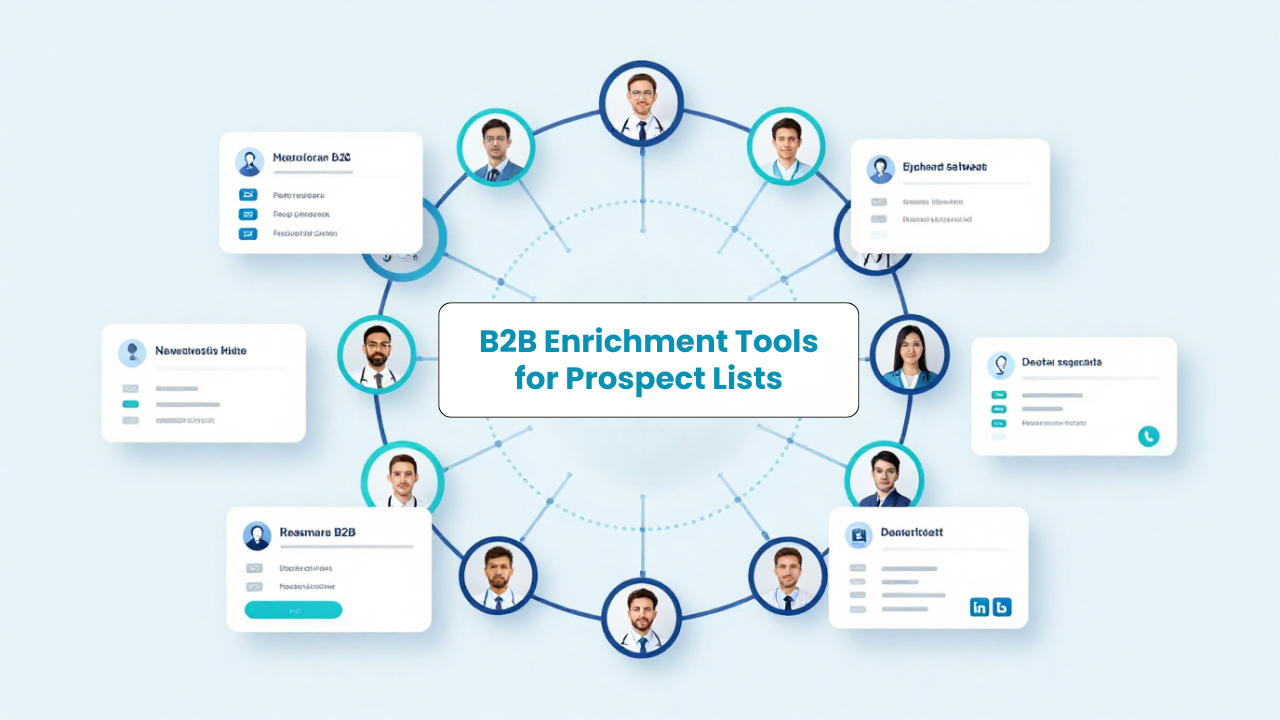
B2B enrichment tools solve this by filling in the gaps automatically, turning incomplete contacts into verified, outreach-ready profiles. This guide covers what these tools actually do, how to evaluate them, and which ten platforms are worth considering for your team.
B2B enrichment tools automatically fill in missing contact details and company facts using basic information like names, domains, or LinkedIn URLs. You start with a partial record, and the tool adds verified emails, direct dials, job titles, firmographics, and sometimes technographic signals. Think of it like upgrading a sticky note into a complete dossier.
Prospect list enrichment, specifically, means taking a raw list and making it outreach-ready. The tool pulls in fields your team actually uses: seniority level, department, company revenue, headcount, industry. Without enrichment, you’re guessing. With it, you’re targeting.
Here’s the reality: incomplete data wastes time and tanks deliverability. When half your CRM records are missing phone numbers or have outdated job titles, reps spend hours researching instead of selling. Emails bounce. Sequences stall.
Enrichment fixes this before outreach begins. The most common use cases break down like this:
The payoff is straightforward: better targeting, fewer bounces, higher response rates.
People often use these terms interchangeably, but they do different things. Prospecting tools help you find new leads from scratch. Enrichment tools enhance records you already have.

That said, many modern platforms combine both. You might build a list from a database, then enrich it with additional fields in the same workflow. The line between prospecting and enrichment has blurred, which is actually helpful if you want fewer tools in your stack.
The tools below were selected based on enrichment depth, data coverage, integrations, and how well they fit prospect list workflows. Each serves a slightly different use case, so the right pick depends on team size, budget, and technical setup.
ReachStream combines list building, data enrichment, a Chrome extension, and API access in one platform. The database includes over 200 million contacts, refreshed every 45 days through a 7-step verification process that blends AI and manual checks.
What makes it useful for prospect list enrichment is the unified workflow. You can build a list, enrich it, verify emails, and sync to your CRM without switching tools. Pricing is credit-based and scales from solopreneurs to enterprise RevOps teams.
Apollo pairs a large prospecting database with built-in email sequences and engagement tracking. It’s popular among teams that want enrichment and outreach automation in one place. Data depth varies by region, so coverage is stronger in North America than some international markets.
ZoomInfo is the enterprise standard for B2B intelligence. It offers deep firmographic, technographic, and intent data, plus org charts and buying signals. The trade-off is price: it’s built for large organizations with complex data requirements and the budget to match.
Cognism focuses on European markets with strong GDPR compliance and human-verified mobile phone numbers. If your team targets EMEA and mobile coverage matters, it’s worth a close look. The compliance documentation is thorough, which helps with legal review.
Lusha offers a lightweight browser extension for quick contact lookups. It works well for individual reps who want fast, on-demand data without committing to a full platform. The free tier is limited, but it’s enough to test the data quality.
Now part of HubSpot as Breeze Intelligence, Clearbit provides real-time enrichment APIs for marketing automation and lead scoring. It’s particularly useful for teams already in the HubSpot ecosystem who want enrichment baked into their forms and workflows.
UpLead is a budget-friendly contact database with real-time email verification. It suits small teams that prioritize affordability over data depth. The interface is simple, which can be a plus if you don’t want a steep learning curve.
People Data Labs offers a developer-focused API for building custom enrichment workflows. It’s best for technical teams embedding B2B data directly into applications or internal tools. If you’re not writing code, this probably isn’t the right fit.
RocketReach specializes in email lookup with broad coverage across industries. It’s a solid choice for teams focused primarily on finding email addresses at scale. Phone coverage is less consistent, so set expectations accordingly.
Snov.io combines email outreach tools with built-in enrichment and verification. Startups often use it to run prospecting and drip campaigns from a single, affordable platform. The feature set is wide, though depth on any single capability is moderate.
Not all enrichment tools deliver the same results. Here’s what to evaluate when comparing options.
Coverage refers to how many records a tool can enrich. Verification ensures those records are accurate. High coverage with poor verification leads to bounces, so look for tools that validate data before delivery rather than just scraping it.
Firmographics include company size, revenue, industry, and location. Technographics reveal the tools and technologies a company uses, like their CRM or marketing automation platform. Both enable precise targeting and segmentation for outbound campaigns.
Enrichment tools work best when they sync with your existing stack. Native CRM connectors reduce manual exports. APIs enable automated enrichment pipelines that run without intervention. If you’re evaluating a tool, check whether it integrates with Salesforce, HubSpot, or whatever system your team uses daily.
Browser-based enrichment lets you capture verified data directly from LinkedIn profiles. This keeps reps in their research workflow instead of switching between tabs and spreadsheets. Most major tools offer an extension, but quality varies.
B2B contact data decays quickly. People change jobs, companies restructure, titles shift. Regular refresh cycles keep prospect lists current and reduce bounce rates over time. Some tools refresh every 30 to 45 days; others update less frequently.
Pricing models vary: per-seat, credit-based, or usage-based. Understanding what counts as a credit, and having visibility into usage, helps avoid surprise costs mid-campaign. Ask vendors for clear documentation before signing.
The best tool depends on your team’s size, workflow, and technical capacity. Here’s how to think about fit.
Ease of use and affordable pricing matter most here. A unified platform with list building and enrichment reduces tool sprawl and keeps costs predictable. You probably don’t want to manage multiple subscriptions or learn complex interfaces.
Focus on deliverability and data accuracy. Look for CRM sync capabilities and free tiers or flexible credits to test before committing to a larger contract. Protecting your domain reputation early is easier than repairing it later.
API access, batch enrichment, and usage visibility become critical at scale. Integration with your existing tech stack, along with compliance controls for handling sensitive data, are non-negotiable. Evaluate how the tool handles bulk operations and whether it supports webhook delivery for real-time workflows.
Here’s a practical workflow you can follow regardless of which tool you choose.
Start by documenting the firmographic and role-based attributes of your target buyers. This includes industry, company size, job titles, seniority, and geography. The clearer your ICP, the more useful your enriched list will be.
Upload an existing list from your CRM or spreadsheet. Alternatively, use a list builder to create one from scratch using your ICP filters. Either way, you want a starting point with at least names, companies, or domains.
Process the list through enrichment to add missing fields like phone numbers, titles, and company data. Then run email verification to remove invalid addresses before outreach. Skipping verification is how bounce rates climb.
Push clean, enriched data back to your CRM or sales engagement tool. Automating this step via integration or API keeps your records current without manual effort. The goal is a closed loop: enrich, verify, sync, repeat.
ReachStream supports the full enrichment workflow, from building targeted lists to verifying emails to syncing clean data with your CRM. With over 200 million contacts refreshed every 45 days and a 7-step verification process, teams spend less time chasing bad records and more time engaging valuable prospects.
Accuracy varies by provider and verification method. Tools using multi-step verification, combining AI checks with manual review, typically deliver higher accuracy than tools relying on scraping alone. Ask vendors about their verification process before committing.
Free tiers can work for testing or low-volume use. However, they often come with limited credits, fewer data fields, or less frequent updates compared to paid plans. They’re useful for evaluation, less so for production workflows.
Enrich before every major outreach campaign and refresh CRM records regularly. B2B contact data decays quickly due to job changes and company updates, so quarterly or monthly refreshes are common practice.
Marketing professional with a Master’s degree in Marketing, specializing in SEO, content strategy, social media, performance marketing, prospecting, and demand generation.
Access 200M+ verified business emails and grow your sales pipeline effortlessly.
Don't forget to share this post!















Check out our other blogs!
How Many Follow-Ups Should a Cold Email Sequence Have?

How a Medical Device Company Can Reach Hospital Decision-Makers
What Data Fields Should a Healthcare Marketing Database Include?
ReachStream Prospect vs Prospeo: Who Delivers Accurate Data?