1. Navigate to the Sales app and open the Leads tab.
2. Click on the Lead record where you want to add an activity.
3. Under the Activity section, choose the Activity Type (e.g., Task, Call, Event) and fill in the necessary details.
4. Click Save or Add Task to create the activity.
5. The activity will now appear under the Activity Timeline for that lead.
Don't forget to share this post!
Check out our other blogs!
Best Enterprise B2B Lead Platforms for Verified Data
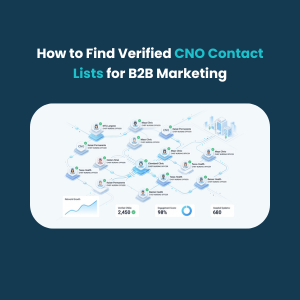
How to Find Verified CNO Contact Lists for B2B Marketing
How to Find Schools Database for Targeted Outreach
How to Find Recruiters Email List for Free