



Email ID Checker: Verify Any Email ID Online
> Best Practices
How to Evaluate B2B Data Vendors for Accuracy and Compliance

- Does the free result distinguish between valid, invalid, and risky, or does it just say found or not found?
- Most checkers return three core statuses: valid, invalid, or risky, and a risky or catch-all result does not always mean the address is bad.
- SMTP-level verification tests the mailbox using a standard mail-server handshake, so a good checker never actually delivers a test email.
- Catch-all domains accept mail for every address, which makes it hard to confirm whether one specific inbox exists.
- Free email ID checker tools are useful for a one-off check, but they are not built for cleaning a list of thousands of contacts.
- Verifying emails before you send cuts hard bounces, protects your sender reputation, and keeps your messages out of spam folders.
- Old contact lists decay over time, so re-verifying periodically catches addresses that have gone stale since you last checked.
What Is an Email ID Checker?
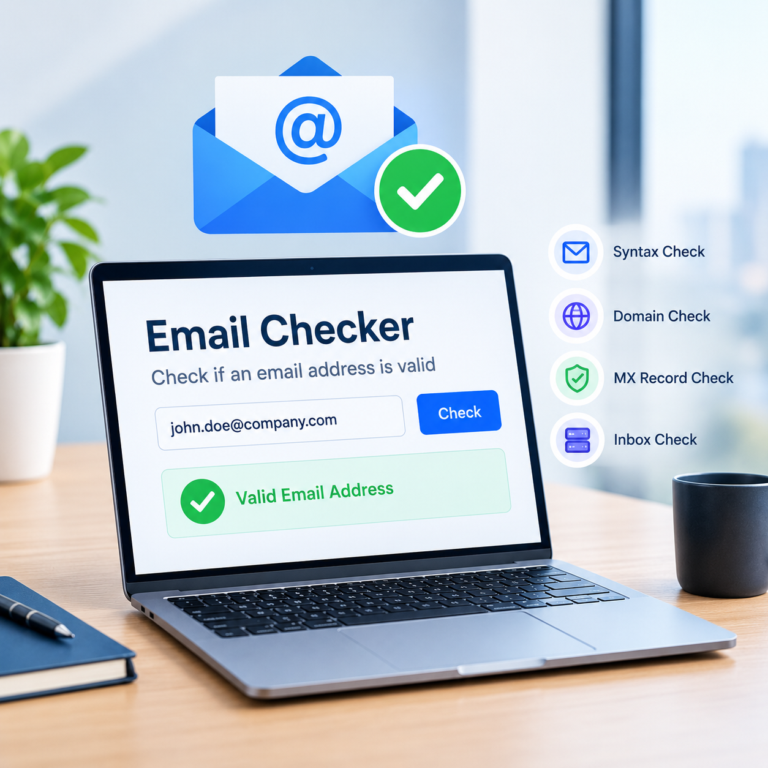
An email ID checker is a tool that tests whether an email address is correctly formatted, points to a real domain, and has a mailbox that can receive messages. It does this without sending an actual email, using a mix of syntax rules, domain lookups, and a direct conversation with the receiving mail server. The output is usually a simple status: valid, invalid, or risky, so you know which addresses are safe to email and which ones are likely to bounce.
Copy the email address exactly as it was given to you. A single swapped letter or missing character will make a perfectly real mailbox come back as invalid, which is one of the most common reasons a checker result looks wrong when it is not.
How Does an Email ID Checker Work?
A reliable email ID checker runs an address through several layers before giving you a result, and each layer catches a different kind of problem the one before it would miss. Skip any of them and you end up with a weaker signal: a tool that only checks formatting will call a dead mailbox valid, and a tool that stops at the domain level will do the same. The combination of checks, not any single one, is what makes a result trustworthy.
Syntax and Domain Checks
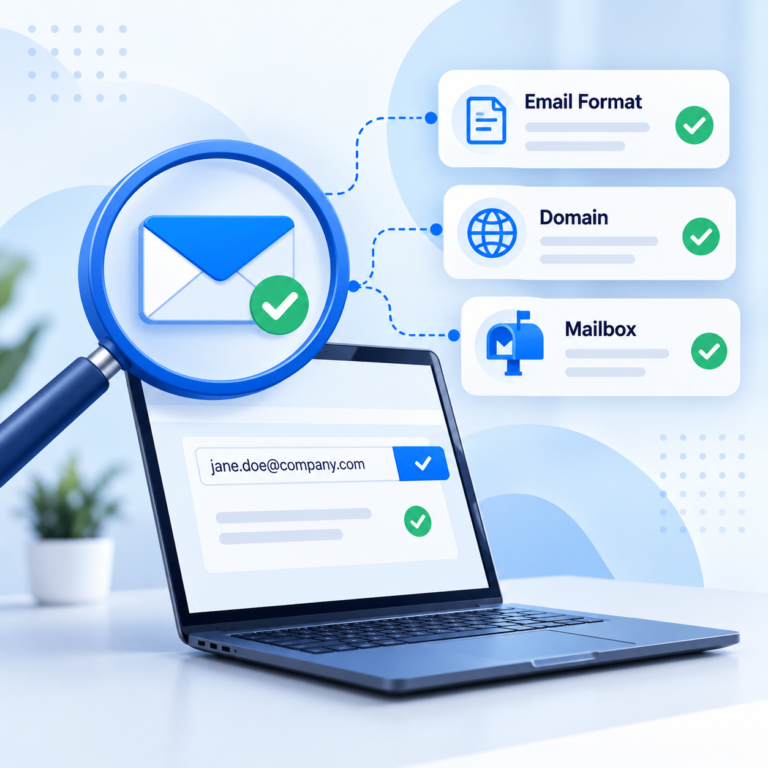
The first pass checks that the address follows standard formatting: one @ symbol, no illegal characters, and a properly structured local part and domain. The second pass looks up the domain’s MX records to confirm it is actually configured to receive mail at all. An address can pass both of these checks and still turn out to be invalid, because neither one looks at whether the specific mailbox exists.
SMTP Verification Without Sending a Message
This is where the checker talks directly to the receiving mail server using SMTP, the same protocol that handles ordinary email delivery. It opens a connection and asks the server whether a given mailbox would accept mail, using a command called RCPT TO, then closes the connection before anything is actually delivered. A checker that runs multiple attempts and retries tends to produce fewer false negatives on domains that respond slowly or inconsistently.
Typo Detection
A surprising share of invalid results come down to a single mistyped character, a missing letter, or a common domain typo like gmial.com instead of gmail.com. Some checkers flag likely typos automatically and suggest a correction, which is worth a second look before you write an address off as bad. This matters most when addresses are collected by hand through a form, where typing mistakes are far more common than when they come from a verified source.
Reading the Results: Valid, Invalid, and Risky
A valid result means the address passed syntax, domain, and mailbox checks, and the mail server confirmed it would accept a message, so sending to it is low risk. An invalid result means the mailbox does not exist or the domain rejected it outright, and sending to it will likely produce a hard bounce. A risky result sits in between: the server gave an inconsistent or unclear response, often because of a catch-all setup or temporary behavior, and a valid status does not guarantee the message lands in the inbox rather than spam.
Verification tells you whether a mailbox exists and is likely to accept a message, not whether that message gets through spam filters or gets read. Deliverability also depends on sender reputation, your email authentication setup, and how recipients have engaged with your previous sends. Treat a valid result as clearance to send, not a guarantee of a reply.
ReachStream Email Verifier’s Instant Email Check runs a single address through syntax, domain, and SMTP checks and returns a status in seconds, which is the quickest way to confirm one email id before you send to it.
What Is a Catch-All Domain?
A catch-all domain is set up to accept mail sent to any address at that domain, real or not, which is common on smaller business mail servers and some enterprise configurations. Because the server says yes to everything, an SMTP check cannot tell the difference between a genuine mailbox and a made-up one at that domain. Checkers generally mark these addresses as catch-all or risky instead of a clean valid, since the uncertainty sits with how the receiving server is configured rather than with the checker itself.
If an address keeps coming back as catch-all no matter how you re-check it, that is a property of the domain, not a sign that your checker is broken. A tool that can resolve some catch-all and risky results into a likely deliverable or invalid status, such as ReachStream Email Verifier’s Catch-All Resolver, helps recover usable contacts that would otherwise sit in limbo.
| Method | Best for | Time per email | Scalability | Accuracy risk |
|---|---|---|---|---|
|
Manual visual check |
A single address before an important email |
10 to 20 seconds |
Low, not practical for a list |
High, misses mailbox-level and catch-all issues |
|
Free email ID checker |
Occasional single-address checks |
A few seconds |
Low, most free tools cap daily checks |
Medium, catch-all and risky results often go unresolved |
|
Bulk or API verification |
Cleaning a full list before a campaign or CRM import |
Seconds per email, at scale |
High, built for thousands of records |
Low, multi-attempt SMTP checks plus catch-all resolution |
How to Check an Email ID, Step by Step
Start by copying the address exactly as it was given to you, since a single wrong character is the most common cause of a false invalid result. Run it through a checker that performs syntax, domain, and SMTP checks rather than one that only validates formatting. If the result comes back valid or invalid, you have your answer; if it comes back risky or catch-all, treat it as uncertain rather than assuming it is safe to send to or worth deleting outright. For more than a handful of addresses, use a bulk verification tool instead of checking one at a time, since it will also flag duplicates and give you a full status breakdown.
Before you commit to verifying a full list with a new tool, run a small batch of fifty to a hundred addresses you already know the outcome for. Comparing the checker’s results against what you expect is the fastest way to judge whether a tool’s accuracy claims hold up for your specific kind of contact data.
Free Email ID Checker: What You Get (and What You Don't)
A free email id checker is a reasonable way to test a single address or try a tool before paying for it, and most providers offer some free allowance with no card required. What you typically do not get on a free plan is bulk upload, API access, or detailed reporting across a full list, which matter once you are cleaning more than a handful of contacts. ReachStream Email Verifier’s free tool page offers a small number of free credits for occasional single checks, separate from the 100-credit free trial available on signup.
- Does the free result distinguish between valid, invalid, and risky, or does it just say found or not found?
- Can you upload a list in bulk, or only check one address at a time?
- Does the tool attempt to resolve catch-all results, or does it just flag them and stop?
- If you plan to verify regularly, does the paid plan scale to the volume you actually send?
Use a free plan to judge whether a checker’s results match what you already know to be true about your own addresses, not as your actual list-cleaning process. Once you are confident in the accuracy, move your full list to a bulk or API-based plan built for the volume you send.
Common Mistakes When Verifying Email IDs
Treating a risky or catch-all result as automatically bad: some of those addresses are genuinely deliverable, and discarding them all can shrink a list more than necessary. Checking a list once and never again: contacts change jobs and domains get retired, so a list that was clean six months ago is not guaranteed to be clean now. Relying on syntax checks alone: an address can be perfectly formatted and still point to a mailbox that no longer exists.
If you are comparing checkers or data providers, ask what share of their results come from a live SMTP check versus a prediction based on patterns. The two are not the same, and a verified result carries more weight than a plausible guess.
Where ReachStream Email Verifier Fits In
ReachStream Email Verifier runs syntax, domain, and multi-attempt SMTP checks and sorts results into six statuses: Valid, Invalid, Risky, Catch-All, Unknown, and Do Not Mail. Its Catch-All Resolver is designed to resolve catch-all and risky addresses into a likely deliverable or invalid status, so you are not left guessing on every uncertain result. For single addresses there is Instant Email Check, and for full lists there is Bulk Email Verifier, which accepts CSV uploads of up to 25,000 emails per batch with automatic deduplication built in.
Run a sample of your own addresses through ReachStream Email Verifier and compare the statuses against what you already know. The free trial includes 100 credits with no credit card required, which is enough to properly test it against a real slice of your list.
Conclusion
An email id checker is only as useful as the checks it actually runs. Syntax and domain checks catch obvious problems, SMTP verification catches the rest, and knowing how to read a valid, invalid, or risky result keeps you from either sending to dead addresses or discarding ones that were fine all along. Whether you check one address before an important email or clean a full list before a campaign, the goal is the same: fewer bounces and a sender reputation worth protecting.
See how ReachStream Email Verifier’s syntax, domain, and SMTP checks, plus the Catch-All Resolver, hold up against your own list before you commit to a plan.
Frequently Asked Questions
1. How do I check if an email ID is valid?
Run the address through an email ID checker that performs a syntax check, a domain check, and an SMTP-level mailbox check. A valid result means the syntax is correct, the domain accepts mail, and the specific mailbox responded as deliverable during the SMTP check. For anything you plan to send to at scale, verify the whole list rather than checking addresses one at a time.
2. Can I use an email ID checker for free?
Yes, most providers offer a free tier for checking a small number of addresses, often through a web form or a limited number of free credits. Free checking is a reasonable way to test one address or try a tool before committing to a paid plan, but free tiers are usually too limited for verifying a full contact list. ReachStream Email Verifier, for example, gives new users 100 free credits with no credit card required.
3. How does an email ID checker work without sending an email?
It uses SMTP, the protocol mail servers use to exchange messages, to open a connection with the receiving server and ask whether a mailbox would accept mail using a command called RCPT TO. The server’s response tells the checker whether the mailbox exists, without a message ever actually being delivered. This is why a good checker can confirm deliverability without alerting the address owner.
4. What is a catch-all domain?
A catch-all domain is configured to accept mail sent to any address at that domain, even ones that do not correspond to a real mailbox. Because the server accepts everything, an SMTP check cannot confirm whether one specific address on that domain is genuinely active. Checkers usually flag these results as catch-all or risky rather than a clean valid or invalid.
5. How accurate are email ID checkers?
Accuracy varies by provider and depends on how many verification layers a tool runs; checkers that combine syntax, domain, and multi-attempt SMTP checks are generally more reliable than tools that only check formatting. ReachStream Email Verifier, for instance, is built for up to 99.8% accuracy using SMTP checks with retry logic. No checker can guarantee 100% accuracy on catch-all domains, since the uncertainty sits on the receiving server’s side, not the tool’s.
6. Is email verification legal?
Checking whether an email address is deliverable is generally legal, since it does not involve sending unsolicited mail or sharing personal data with third parties. What is regulated is how you collect, store, and use the contact data you are verifying, which can fall under laws like GDPR, CCPA, or similar regulations depending on where your contacts are located. If you handle contact data for sales or marketing, it is worth confirming your specific obligations with legal counsel rather than relying on general guidance.
7. Should I verify emails before every send?
For cold outreach, newly collected leads, or any list you have not emailed recently, yes, verifying first catches invalid addresses before they turn into hard bounces. For a list you email regularly and that has a healthy engagement history, a periodic check is usually enough rather than verifying before every single send. The deciding factor is how fresh and how trusted the list already is.
8. How often should I re-verify my email list?
A reasonable starting point is every three to six months, since people change jobs, domains get retired, and mailboxes get abandoned over time. Lists that see heavy use, high bounce rates, or long gaps between sends benefit from more frequent re-verification. ReachStream Email Verifier’s verification history makes it easy to re-run a check on a previously uploaded list.
9. Can I verify email IDs in bulk?
Yes, bulk verification tools let you upload a list, usually as a CSV, and get a full status breakdown back instead of checking addresses one by one. ReachStream Email Verifier’s Bulk Email Verifier supports CSV uploads up to 25,000 emails per batch and 10MB per file, with automatic deduplication included. This is the practical option for cleaning an existing list or checking contacts before a CRM import.
Author

Mohammed Younus is the Senior Manager of Business Operations with a keen insight into the B2B landscape. Through his contributions to this blog, he aims to share cutting-edge tactics and insights that empower sales and marketing professionals to achieve unparalleled success.
Check every email id before you hit send, with up to 99.8% accuracy and no messages ever delivered during the test.
Don't forget to share this post!















Check out our other blogs!
Email ID Checker: Verify Any Email ID Online

ICP Refinement for SDRs: Using Data Filters to Stop Wasting Touches

Email Validator: Validate Email Format, Domain and Mailbox