



How to Evaluate B2B Data Vendors for Accuracy and Compliance

Email validation is the process of checking whether an email address is correctly formatted and likely to reach an actual mailbox, before you ever send to it.
A basic email validator looks at the address format, confirms the domain exists, and often checks for a working mail server behind it. More thorough tools add mailbox-level checks, a step that overlaps with email verification, so you catch typos, fake domains, and dead addresses before they turn into a bounce.
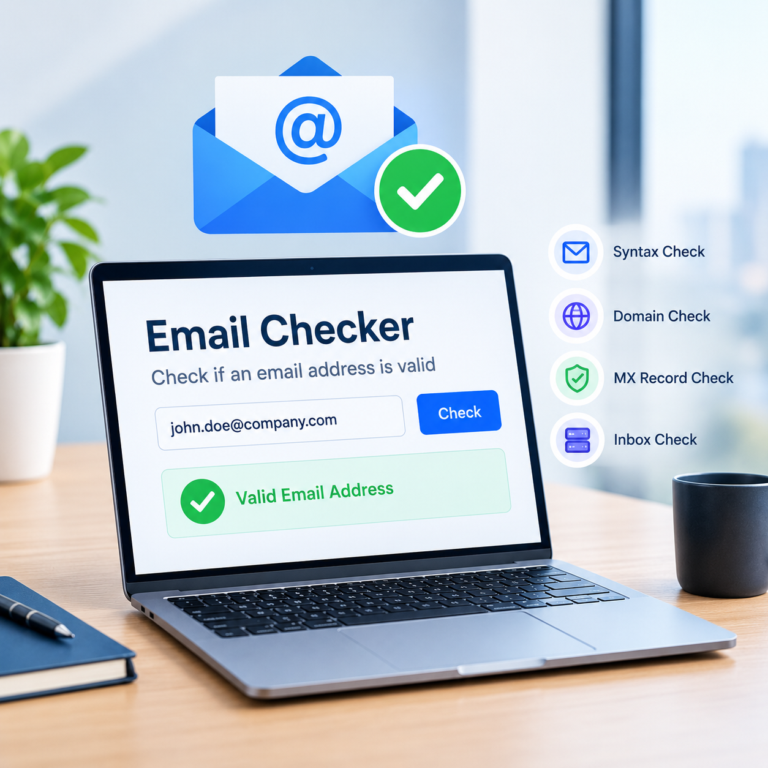
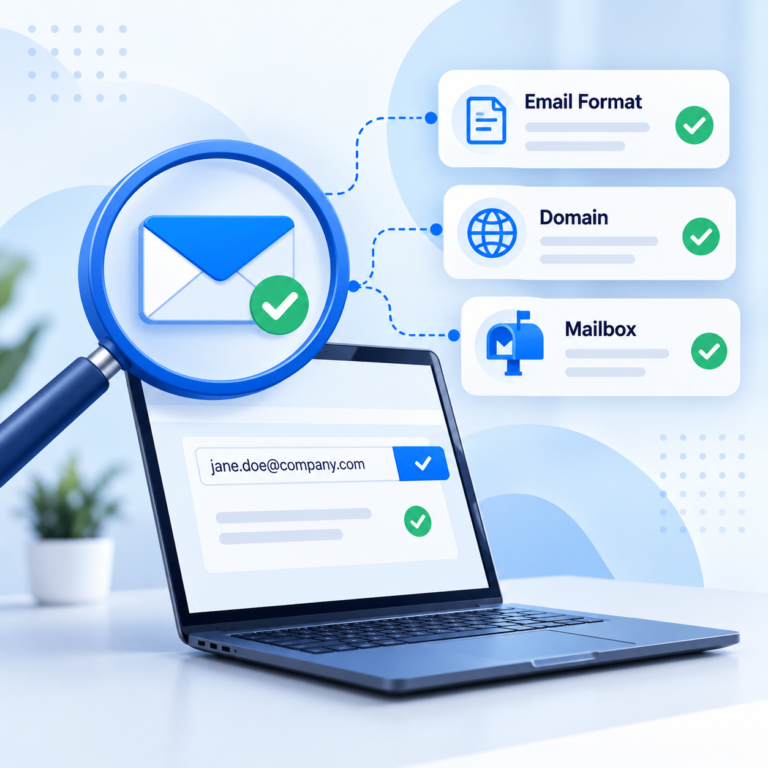
Most email validation tools run a few layers of checks in sequence. First comes syntax validation, which confirms the address follows standard email format rules. Next is a domain check and MX record detection, which confirms the domain exists and can actually receive mail. Some tools go a step further with an SMTP check or mailbox verification, which looks at how the receiving server responds to that specific address.
Syntax validation checks that an address follows basic email format rules, such as having a single @ symbol, no invalid characters, and a properly structured domain. It is fast, runs instantly, and catches obvious typos like a missing dot or a stray space. On its own, though, syntax validation cannot tell you whether the domain is real or whether the mailbox actually exists.
Once the format looks correct, the next step is to validate the email domain itself. This usually means confirming the domain exists and resolves, then checking its MX records to see whether it is actually set up to receive mail. A domain with no valid MX record cannot accept email at all, no matter how correctly the address in front of it is formatted.
An SMTP check goes further by connecting to the domain’s mail server and asking whether a specific mailbox exists.
Properly built mailbox verification does this without sending an actual email, using the server’s own response (sometimes called an RCPT TO check) to estimate deliverability. Some mail servers restrict or rate-limit this kind of check, which is why SMTP-level results can sometimes come back uncertain even for a valid address. This is part of how real-time email verification works behind the scenes.
A good email validator also looks for signals beyond basic deliverability. A disposable email check flags temporary addresses created only to receive a single message. A catch-all check identifies domains configured to accept mail sent to any address, which makes it harder to confirm a specific mailbox. Spam trap detection and abuse email detection flag addresses associated with complaints or inactive accounts repurposed to catch senders with poor list hygiene. Following email list hygiene best practices helps keep your sending addresses out of that category.
More teams are moving validation to the point of data entry, checking an address the moment it is typed into a form, rather than cleaning an entire list after the fact. This shift toward real-time checks reduces how much cleanup is needed later and keeps bad addresses out of the database in the first place.
Check a single email address instantly and see the validation result for yourself, no list upload required.
Email validation usually refers to the lighter, format-level checks, syntax and domain validation, that can run instantly on a form. Email validation vs verification becomes a meaningful distinction once SMTP and mailbox-level checks enter the picture, since verification typically combines those deeper checks with the validation steps for a fuller read on deliverability. For a closer look at the difference between email verification and validation, it helps to compare the checks each term actually implies.
| Approach | What It Checks | Best For | Limitation |
|---|---|---|---|
|
Syntax & domain check |
Email format rules, the @ symbol placement, and whether the domain has valid MX records. |
Catching typos and fake domains right at signup. |
Does not confirm that the mailbox itself exists. |
|
SMTP & mailbox check |
Connects to the receiving mail server and reads its response to estimate mailbox deliverability, without sending a real message. |
Confirming one address before a one-off, important send. |
Some mail servers limit or block this check, which can return an uncertain or catch-all result. |
|
Bulk list validation |
Runs every address in an uploaded list, usually a CSV file, through syntax, domain, and SMTP-level checks in one pass. |
Cleaning an existing list before a campaign or CRM import. |
Accuracy still depends on how the provider handles catch-all and risky domains. |
|
API-based validation |
Runs syntax, domain, and SMTP checks automatically through a direct API call, as part of a signup or CRM workflow. |
Teams building validation into their own product, form, or internal tool. |
Requires development work to integrate, unlike a no-code CSV upload. |
Real time email validation and bulk email validation solve different problems, and most teams end up needing both.
Real-time checks protect data quality at the point of entry, while bulk checks clean up addresses that are already sitting in your database.
For developers and SaaS platforms, API integration is usually the most practical way to add email validation to a signup flow, lead form, or internal tool.
An email validation API typically accepts a single address or a batch of addresses and returns a status for each one, so the check can happen automatically as part of an existing workflow instead of through a manual upload.
This approach works well for high-volume use cases where validation needs to happen at the moment data is captured.
A few recurring mistakes make email validation less effective than it should be, and they often overlap with other common email list mistakes worth avoiding.
A free email validator is a reasonable way to test accuracy on your own addresses before committing to a paid plan, and a roundup of free email verifier tools is a good place to start comparing options. Many providers offer a small number of free checks or credits so you can see how the tool handles your specific domains, including any catch-all or risky results, before deciding whether to validate a larger list. Weighing free vs. paid email verification up front also helps before you scale up.
Tools like ReachStream Email Verifier check syntax, domain, and mailbox status in one pass, and can be used for a single real-time check or a bulk CSV upload of up to 25,000 emails per batch.
Upload a sample of your email list and see how many addresses come back valid, risky, or invalid before you commit to a full cleanup.
Email validation will not guarantee that every message lands in an inbox, but it meaningfully reduces the number of invalid, risky, and disposable addresses you send to in the first place.
Whether you are checking a single address on a signup form or validating a list before a campaign, combining syntax validation, domain checks, and mailbox-level verification gives you the clearest read on deliverability available, and pairing it with other steps to improve email deliverability takes it further.
See how ReachStream Email Verifier combines syntax, domain, and SMTP-level checks to help you catch invalid and risky addresses before they hurt your sender reputation.
Email validation is the process of checking whether an email address is correctly formatted and likely to be deliverable before you use it. It typically includes syntax validation, a domain check, and sometimes deeper checks like MX record detection or an SMTP check.
Sending to invalid or risky addresses increases your bounce rate, which can damage sender reputation and hurt deliverability for every email you send afterward. Validating addresses before you use them helps filter out typos, disposable email addresses, and inactive mailboxes before they become a problem.
Email validation usually refers to lighter, format-level checks such as syntax and domain validation, often run instantly when someone fills out a form.
Email verification goes further, typically combining SMTP-level mailbox checks with validation steps to give a more complete read on whether an address is likely to be deliverable.
A typical email validator checks the address format through syntax validation, confirms the domain exists and has valid MX records, and may run an SMTP check to see how the mail server responds. Depending on the tool, it can also flag disposable email addresses, catch-all domains, and known spam trap or abuse addresses.
Accuracy varies by provider and by how thorough the checks are, since syntax and domain checks alone are less reliable than tools that also run SMTP or mailbox-level checks. Even strong validation tools cannot guarantee that an address will receive a message, because some mail servers limit or block verification requests, and mailbox status can change after a check is run.
No, a properly built email validator does not send an actual email to the address during the check. Most tools, including SMTP-level checks, use the mail server’s own response to a connection attempt, sometimes called an RCPT TO check, to estimate deliverability without completing a real message delivery.
Yes, most email validation tools support bulk validation, usually by uploading a list, often as a CSV file, so every address can be checked in one pass instead of one at a time. Bulk validation is especially useful before importing a list into a CRM or sending a campaign to an older list that has not been cleaned recently.
Real-time, form-level email validation checks an address the moment someone types it in, flagging obvious formatting errors or invalid domains before the form is even submitted. This is usually added through an API call from your form to a validation service, or through a plugin or integration that connects your form tool to a validation provider.
Email validation is used by sales and marketing teams protecting sender reputation and campaign performance, by developers building sign-up or lead-capture forms, and by anyone maintaining a CRM or email list that needs periodic cleanup. Recruiters and support teams validating contact details, as well as SaaS platforms verifying user-submitted emails during onboarding, also rely on it regularly.
Author

Mohammed is Senior Manager of Business Operations at ReachStream, with a keen insight into the B2B landscape. Through his articles, he shares practical tactics for sales and marketing professionals.
Validate email addresses instantly or in bulk, and catch invalid, risky, and catch-all results before they turn into a bounce.
Don't forget to share this post!















Check out our other blogs!
Email ID Checker: Verify Any Email ID Online

ICP Refinement for SDRs: Using Data Filters to Stop Wasting Touches

Email Validator: Validate Email Format, Domain and Mailbox