
Written by:

Mohammed Younus
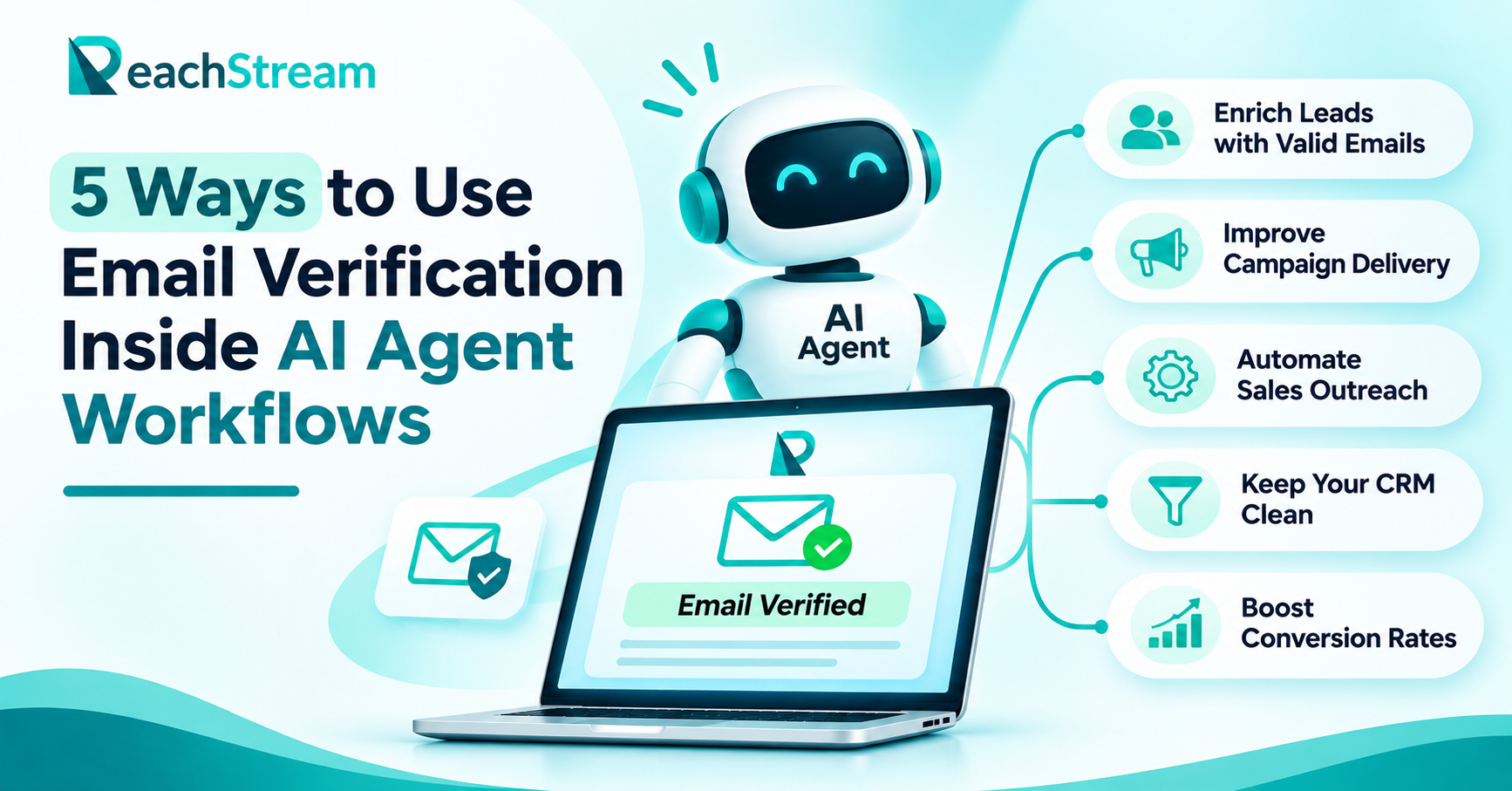
5 Ways to Use Email Verification Inside AI Agent Workflows
How to Evaluate B2B Data Vendors for Accuracy and Compliance

TL;DR
- Adding email verification to AI agent workflows helps agents tell usable addresses from risky ones before acting.
- The five ways covered here are verifying leads before outreach, lead qualification, CRM cleanup, lead routing, and connecting verification through APIs or MCP.
- A good verification response returns a status, reason codes, risk indicators, and metadata, not just a yes or no.
- The recommended pattern runs verification between contact discovery and the next automated action, then applies clear rules to the result.
- Verification adds some latency, but checks can run at the point of capture, in parallel, or in batches to limit the impact.
- Verification status should inform routing and review decisions, not replace lead scoring, consent requirements, or sales judgment.
- Whether using an API or MCP, define statuses, permissions, fallback behavior, and approval requirements before automating actions.
Introduction
AI agents are increasingly handling tasks that once required manual work: finding prospects, qualifying leads, updating CRMs, routing records, and preparing outreach. But these workflows can only be as dependable as the contact data they use.
When agents act on unverified contact data, invalid and disposable emails can slip into lists, increase bounce rate, and put sender reputation at risk. That is where email verification for AI agent workflows comes in.
By adding email checks at key decision points, teams can help agents distinguish usable addresses from risky records before an action takes place. This guide explores five practical ways to use AI email verification in automated workflows.
Verification Is a Signal, Not a Guarantee
This does not mean every result is a guarantee of delivery. Verification signals are best used alongside sensible policies, error handling and fallback, and human review for uncertain cases.
Why Email Verification Belongs in AI Agent Workflows
An agent may find an address, enrich a record, and trigger an outreach sequence in one orchestration flow. Email verification for AI agents adds a validation step before the agent continues.
A verification service can return a status and supporting signals, allowing downstream rules to decide whether to proceed, review, or stop. This does not mean every result is a guarantee of delivery. Verification signals are best used alongside sensible policies, error handling and fallback, and human review for uncertain cases, the same care that protects sender reputation in any outreach workflow.
Way 1: Verify Leads Before Outreach
A prospecting or AI SDR workflow can collect business contact details from permitted sources and verify leads before outreach. Add AI email verification after lead discovery but before the agent drafts, queues, or sends a message.
The check can help identify invalid, disposable, or uncertain addresses and reduce the chance of sending to bad records. With real-time email verification, an agent can check an address as it is captured rather than waiting for a later batch process.
This is particularly useful when the workflow creates contacts dynamically. An email verification step can sit between prospect discovery and the send step.
Way 2: Add Verification to Lead Qualification
Lead qualification with AI agents often combines firmographic details, role fit, engagement, and other criteria. Email status can be another input to the decision. For example, an agent might assign a qualified lead to a sales queue only when the contact meets the fit criteria and the email has an acceptable verification status.
Verification should not replace the lead score or determine a person’s suitability on its own. Instead, it can help the agent choose a next action: route a verified contact, hold a risky one for review, or suppress an invalid address. This makes lead qualification with AI agents more consistent across automated workflows.
Way 3: Clean and Update CRM Records Automatically
Agents can use verification results to clean CRM data and maintain a verification status field in CRM records. A workflow might check addresses when records are created, updated, or selected for a campaign. Based on the result, the agent can write back the status, timestamp, and reason codes through a CRM sync.
Use clear rules for updates and avoid overwriting data unnecessarily. For example, retain the original address, log the verification result, and use controlled CRM sync logic to update relevant fields. This lets teams keep a CRM clean and accurate while filtering invalid emails automatically and keeping an audit trail.
Way 4: Build Verification into Lead Routing and Sales Automation
Email verification can act as a routing condition in sales automation. After an agent evaluates fit and checks the address, it can send verified records to the appropriate SDR queue, assign records based on territory, or hold risky contacts for manual review.
The workflow can also prevent invalid addresses from entering sequences. A verification step can be configured to check the address before a task, sequence enrollment, or follow-up is initiated. Verification status becomes a decision signal, not a replacement for routing rules, consent requirements, or sales judgment.
A Decision Signal, Not the Whole Decision
Verification should not replace the lead score or determine a person’s suitability on its own. It is one more input the agent can use to choose a next action.
Add a Real Check to Your Agent Workflow
Reading about these five ways only goes so far. Add a real verification check to your own agent workflow and see the structured result it returns.
Way 5: Connect Verification Through a Dedicated API
Manual research still works for a short list of high-value target accounts. If you are selling into twenty specific companies, a research-heavy, personalized approach can outperform a database search.
Where manual research breaks down is scale. Checking company websites and LinkedIn one contact at a time might take fifteen or twenty minutes per verified decision-maker. A B2B contact database compresses that into seconds, provided the underlying data is accurate.
Keep an Audit Trail, Not Just a Status
Retain the original address, log the verification result, and use controlled CRM sync logic to update relevant fields. That keeps an audit trail alongside the status itself.
| Step | Action |
|---|---|
|
1 |
Collect or enrich the contact record. |
|
2 |
Check fit and eligibility for the intended action. |
|
3 |
Run real-time email verification or a scheduled check. |
|
4 |
Apply rules to the returned status: continue, hold, retry, or stop. |
|
5 |
Update the CRM and verification status field, if permitted. |
|
6 |
Route the lead or prepare outreach; require approval where appropriate. |
|
7 |
Log the outcome and handle failures without bypassing verification. |
Way 5 Continued: Connect Verification Through MCP and Agent Skills
A dedicated email verification API gives an AI workflow a way to submit an address and receive structured results. The agent or orchestration layer can use the result to decide what happens next. Store the API key securely, define timeouts, and implement error handling and fallback for rate limits, network issues, and unknown results.
A Status Signal, Not a Replacement for Judgment
Verification status becomes a decision signal, not a replacement for routing rules, consent requirements, or sales judgment.
What Should an Email Verification API Return?
For some setups, an MCP-based connection may offer a tool-based approach instead. Model Context Protocol (MCP) lets compatible AI clients discover and invoke tools exposed by an MCP server. An MCP server for verification could expose a focused check-email tool; the agent can call it as part of the workflow, subject to permissions and review.
When configuring agent skills for email validation, use precise instructions: submit only the intended address, interpret structured JSON output according to documented fields, and do not treat unknown or risky results as confirmed deliverable. LangChain and other orchestration frameworks may support integrations, but implementation details depend on the provider.
What a Verification Response Should Return
- Email address checked, verification status, and reason or signal codes.
- Disposable or role-based indicators, where available, such as a flagged role account.
- Timestamp or other verification metadata for the request.
- Error or retry information, when the check could not complete.
Map Provider Statuses to Your Own Policy
Map the provider’s exact statuses into your own workflow policy before taking action, rather than assuming every provider labels results the same way.
Recommended Workflow Pattern
An agent-friendly response should offer machine-readable fields as well as a short summary, including role-based and disposable address indicators where available. Structured JSON output helps the workflow use deterministic rules rather than relying only on natural-language interpretation. Map the provider’s exact statuses into your own workflow policy before taking action.
Don't Bypass a Failed Check to Keep Moving
Avoid sending outreach when a check has failed or returned an unknown result simply to keep the workflow moving. A stalled step is safer than an unverified send.
Does Verification Slow Down Agent Workflows?
A verification step adds a request and therefore some latency, but the effect depends on the service, the workflow, and how checks are orchestrated. Teams can verify at the point of capture, run checks in parallel with other independent tasks where appropriate, or use a bulk email verifier for large lists.
Avoid sending outreach when a check has failed or returned an unknown result simply to keep the workflow moving.
Connect Verification to Your Own AI Client
The same account and credits work across the API, the MCP connector, and the Bulk Email Verifier. Connect verification to your own AI client today.
Conclusion
Email verification for AI agent workflows can help teams build a data-quality checkpoint into prospecting, qualification, CRM maintenance, routing, and outreach.
Whether you use a dedicated email verification API or an MCP-based verification tool, define the statuses, permissions, fallback behavior, and approval requirements before automating actions. The goal is not simply to make agents faster, it is to make their next steps more dependable.
Pick the Plan That Covers Your Request Volume
Pick the plan that covers as many as requests your workflows send each month.
Frequently Asked Questions
Why do AI agents need email verification?
Agents may automatically collect, qualify, route, or contact leads. Verification helps identify invalid or risky addresses before downstream actions, supporting better data quality and reducing avoidable bounces.
How do you add email verification to an AI agent workflow?
Add a verification API call or connected tool between contact discovery or qualification and the next action. Map the result to clear rules for proceeding, reviewing, retrying, or stopping.
What happens when an AI agent emails unverified addresses?
Invalid addresses may bounce, and repeated poor-quality sending can negatively affect sender reputation and deliverability. Verification helps reduce this risk, but is not a guarantee.
Can an AI agent verify emails in real time?
Yes. If its workflow is connected to a verification API or tool that supports request-based checks, it can submit an address and use the returned result before proceeding.
How do I use an MCP server for email verification in an agent?
Connect an MCP-compatible client to a trusted server that exposes a verification tool. Configure credentials securely, review tool permissions, and test how the agent handles each status and failure condition.
What does an email verification API return for an agent to act on?
Depending on the provider, it may return a status, supporting signals, risk or disposable indicators, and metadata. Use documented fields and explicit workflow rules.
How do I handle risky or catch-all emails in an automated workflow?
Define a policy that holds them for review, applies an additional check, or routes them to a separate process. Avoid treating uncertain results as confirmed deliverable.
Does email verification slow down an agent workflow?
It adds some processing time. Depending on the use case, checks can be performed at capture, batched, or orchestrated alongside independent steps without bypassing required safeguards.
Which email verification API works best with AI agents?
Choose based on accuracy claims you can test, clear structured results, API or MCP support, reliability, rate limits, security, documentation, and integration fit. Test with a sample of your own data before committing.
Mohammed Younus
Author
Mohammed Younus

Mohammed Younus is the Senior Manager of Business Operations with a keen insight into the B2B landscape. Through his contributions to this blog, he aims to share cutting-edge tactics and insights that empower sales and marketing professionals to achieve unparalleled success.
Share
Table of Contents
Verify before the agent acts, not after. Add a real verification check to your workflow today.
Verify Before the Agent Acts
Mohammed Younus is the Senior Manager of Business Operations with a keen insight into the B2B landscape. Through his contributions to this blog, he aims to share cutting-edge tactics and insights that empower sales and marketing professionals to achieve unparalleled success.
Don't forget to share this post!















Check out our other blogs!
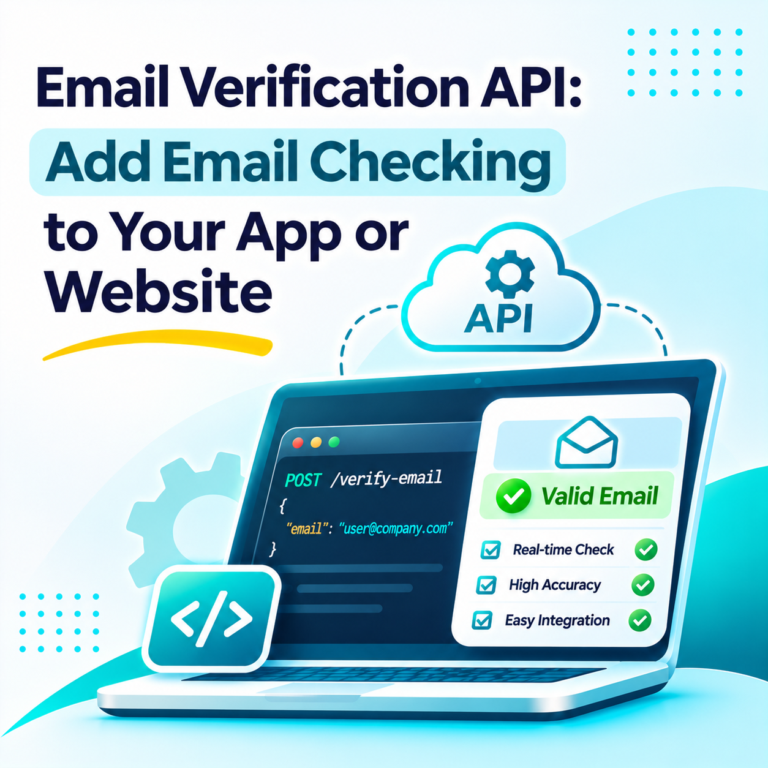
Email Verification API: Add Email Checking to Your App or Website
November 20, 2026
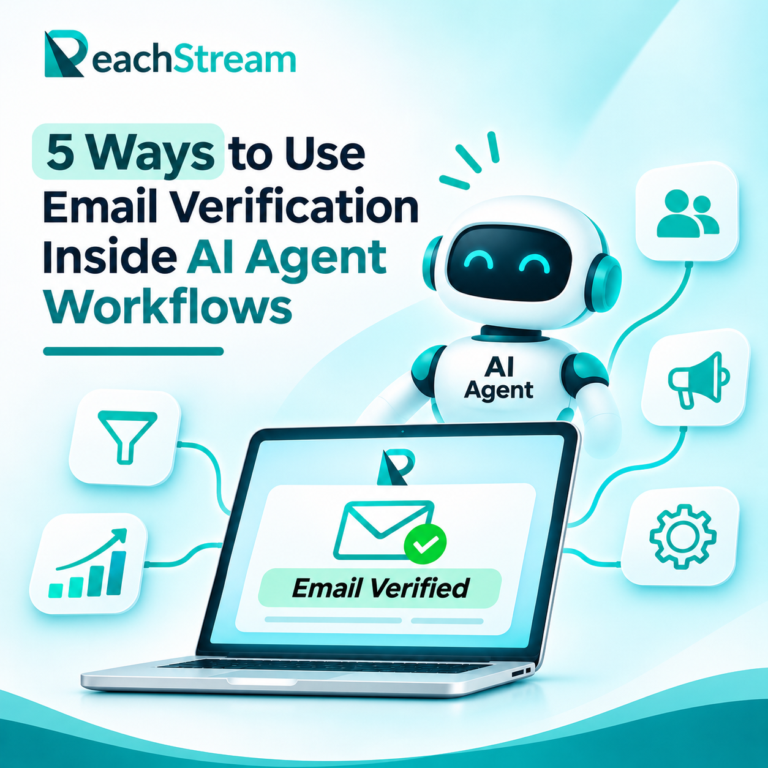
5 Ways to Use Email Verification Inside AI Agent Workflows
November 20, 2026
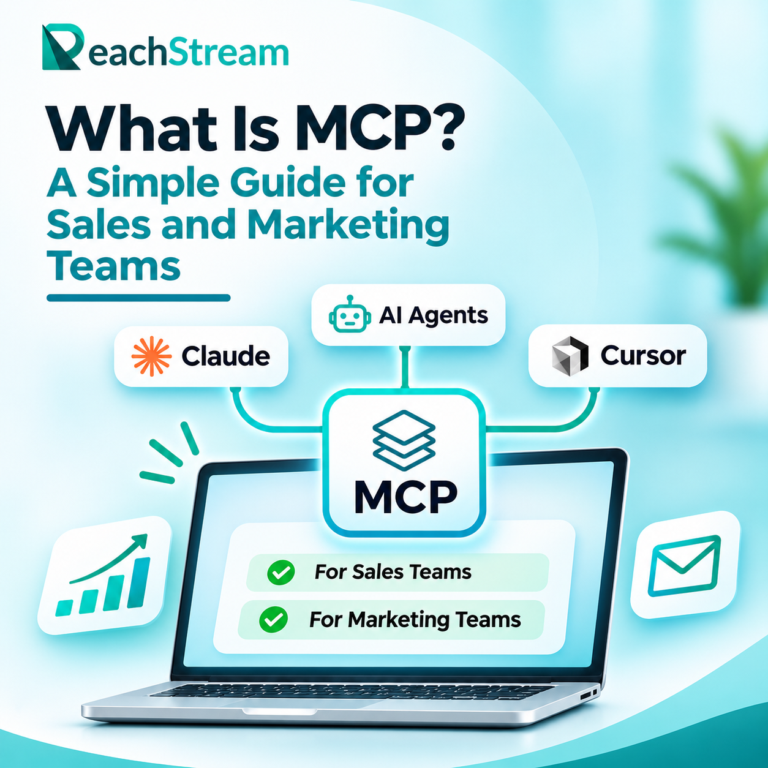
What Is MCP? A Simple Guide for Sales and Marketing Teams
November 19, 2026