
Written by:

Mohammed Younus
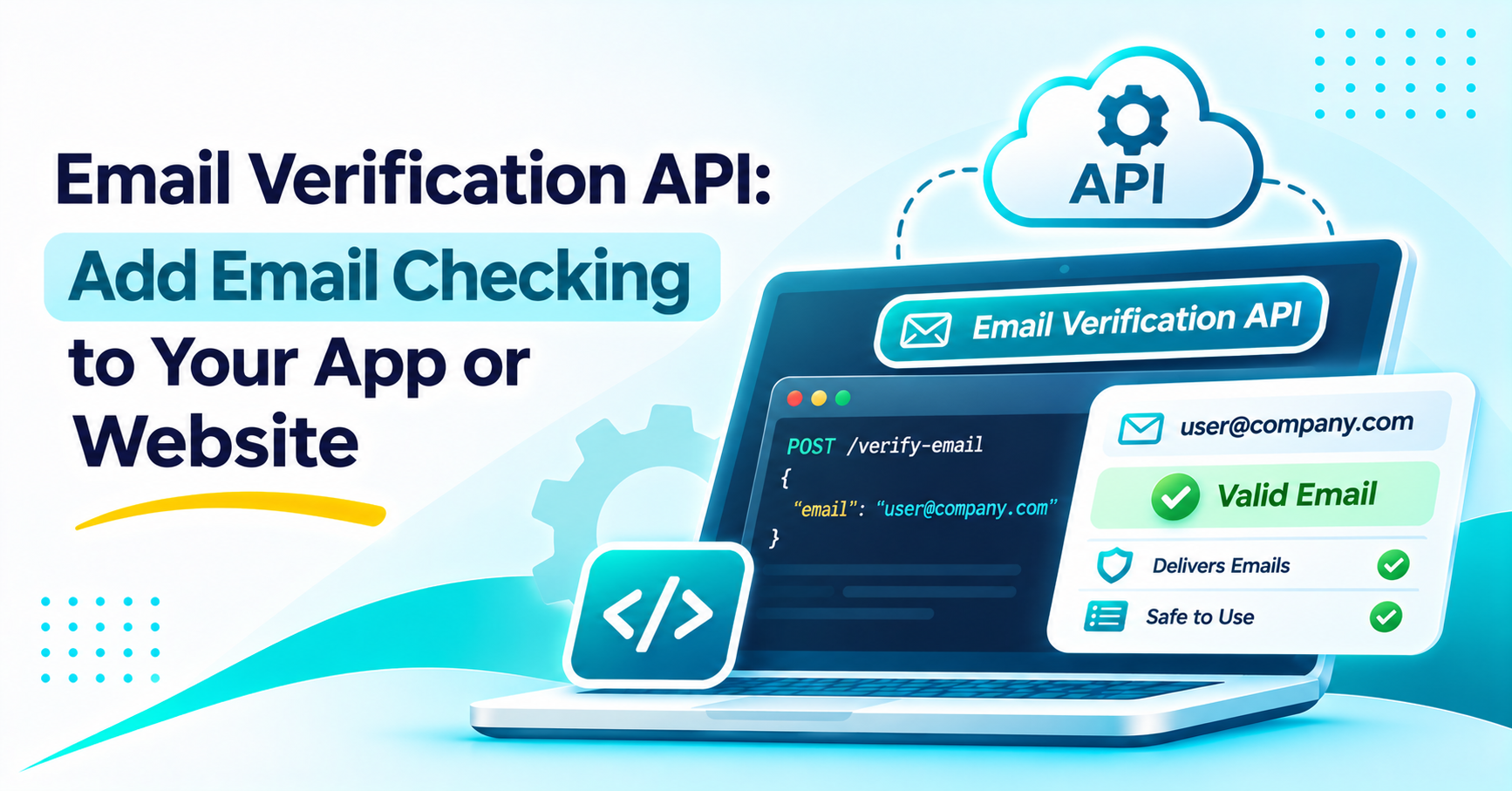
Email Verification API: Add Email Checking to Your App or Website
How to Evaluate B2B Data Vendors for Accuracy and Compliance

TL;DR
- An email verification API checks an address's format, domain, and mail-server signals without actually sending a message to the mailbox.
- Checks commonly include syntax, domain and MX record lookup, an SMTP check, and risk checks for disposable, role-based, and catch-all addresses.
- Real-time verification checks one address as it is submitted; bulk verification checks many addresses at once, often through a CSV upload.
- A useful API response returns a status, a reason, domain details, risk flags, and a suggested correction, not just a yes or no.
- Integration usually means getting an API key, sending an address to an endpoint, and parsing the JSON response to decide what happens next.
- No API can guarantee every message reaches the inbox; catch-all domains and server restrictions can make results uncertain.
- Many providers offer a free tier or trial credits, but check its limits before relying on it for production traffic.
Introduction
A mistyped email address, a temporary inbox, or an address that no longer works can cause problems for your app or website. These issues may lead to failed notifications, wasted marketing effort, and unnecessary support requests. Checking email addresses before you store or use them can help prevent many of these problems.
An email validation API makes this check easy to add to an existing website, app, CRM, or signup process. Instead of building every check yourself, your application sends an address to a service and receives real-time results that help it decide what to do next.
This guide explains what an email validation API does, how it works, where to use it, and what to consider before integrating one.
Verification Is Not a Delivery Guarantee
Verification is not a guarantee that every message will reach the inbox. Mail servers may change, temporarily block checks, or accept messages for addresses that do not exist. A provider should explain how it handles uncertain results.
What Is an Email Verification API?
An email verification API is a service that your software can call to check whether an email address appears correctly formatted, has a mail-receiving domain, and is likely to be deliverable. It connects your application to an email-checking service through a request and a response, often using JSON.
An email validation API can check an address without sending an email to the mailbox. Depending on the provider, checks may include a syntax check, domain and MX record check, SMTP check, disposable emails detection, and catch-all detection. The result gives your app useful signals before it accepts a signup, saves a contact, or sends a campaign.
It is important to understand that verification is not a guarantee that every message will reach the inbox. Mail servers may change, temporarily block checks, or accept messages for addresses that do not exist. A provider should explain how it handles uncertain results.
How Does an Email Validation API Work?
Most email-checking services follow a series of steps. The details vary by provider, but the process commonly looks like this: a syntax check confirms the address follows basic formatting rules and can catch obvious errors such as missing characters or a misplaced @ symbol.
A domain and MX record check looks up the domain and its mail exchange records to see whether it is configured to receive email. Some domains use other mail-routing configurations, so providers may handle these cases differently.
Where possible, an SMTP check communicates with the mail server to assess whether it appears to accept the address. These checks can be limited by server restrictions, greylisting, or timeouts. Risk checks may flag disposable emails, role-based addresses such as info@ or support@, and catch-all domains that accept mail for many or all addresses.
Finally, the API sends back a structured JSON response with a status and supporting details. Your app can use those details to accept an address, prompt for correction, flag it for review, or try again later.
Why Add an Email Validation API to Your App or Website?
A real-time email verification API can run when a visitor enters an email address or submits a form. If an address looks invalid, your website can show a helpful message before the account is created, helping block fake signups caused by mistyped, disposable, or suspicious addresses without making the user experience unnecessarily difficult.
Checking addresses before sending messages helps remove addresses that are clearly invalid and flags uncertain ones for further review. This supports bounce reduction and helps teams avoid repeatedly sending to addresses that may damage sender reputation.
Apps that collect contact details can verify them before saving or syncing records. A verification workflow can also run during imports or scheduled cleanup, helping teams keep CRM and customer data cleaner over time.
A disposable email detection capability can identify many temporary-email services that people use to create short-lived inboxes, letting you decide whether to block, allow with restrictions, or review those addresses. Rather than rejecting an address without explanation, an API can provide signals such as a likely typo correction, helping users fix mistakes and complete the signup process.
Common Use Cases for an Email Verification API
Common use cases include registration and account creation, where addresses are checked before confirming new accounts; lead capture forms, which flag suspicious or disposable addresses submitted through marketing forms; checkout and transaction emails, which reduce avoidable errors in customer contact details.
CRM imports, which run batch verification before uploading or syncing a contact list; newsletter subscriptions, checked at signup and periodically reviewed afterward; and product onboarding, which verifies contact details before sending activation links, alerts, or product updates.
Real-Time Verification vs. Bulk Email Verification
Choose the verification method based on when and how you collect addresses. A real-time email verification API checks one address as it is entered or submitted. This is useful for sign-up form protection, checkout pages, and contact forms where you want to respond immediately.
A bulk email verification API is designed to check many addresses at once. Batch verification may send a group of addresses in one request, while larger bulk jobs may involve uploading a CSV file, processing the list, and retrieving the results later. This approach is useful for cleaning existing databases and validating lists before campaigns.
Some providers offer both methods through the same API. Check the batch size, supported file types, job status process, and how credits are counted before choosing.
SMTP Checks Can Be Limited by the Mail Server
SMTP checks can be limited by server restrictions, greylisting, or timeouts. A provider that explains these limits clearly is easier to build reliable rules around.
Try the Email Verification API
Reading about the API only goes so far. Try the ReachStream email verification API and see the structured result it returns for a real address.
What Should an Email Verification API Return?
Manual research still works for a short list of high-value target accounts. If you are selling into twenty specific companies, a research-heavy, personalized approach can outperform a database search.
Where manual research breaks down is scale. Checking company websites and LinkedIn one contact at a time might take fifteen or twenty minutes per verified decision-maker. A B2B contact database compresses that into seconds, provided the underlying data is accurate.
Some Providers Support Both Methods
Some providers offer both real-time and bulk verification through the same API. Check the batch size, supported file types, job status process, and how credits are counted before choosing.
| Step | What It Checks |
|---|---|
|
Syntax check |
Confirms the address follows basic email formatting rules. |
|
Domain and MX record check |
Confirms the domain is configured to receive email. |
|
SMTP check |
Checks whether the mail server appears to accept the address. |
|
Risk checks |
Flags disposable addresses, role-based addresses, and catch-all domains. |
|
JSON response |
Returns a structured status and supporting details. |
How to Integrate an Email Validation API, With a PHP or Python Example
A useful API response should be easy for your application to interpret. Depending on the provider, fields may include the email address checked, an overall status such as valid, invalid, risky, or unknown.
A reason or explanation for the result, domain and MX record information, disposable-email or role-address flags, catch-all detection or accept-all status, a suggested correction for a likely typo, and request status, usage details, or credit information.
A JSON response lets your app read these fields and make decisions automatically. Avoid treating an unknown or catch-all result as proof that an address is invalid or that it is guaranteed to be deliverable. Design your workflow around the provider’s documented status.
Don't Treat Uncertain Results as Proof
Avoid treating an unknown or catch-all result as proof that an address is invalid or that it is guaranteed to be deliverable. Design your workflow around the provider’s documented status instead.
How to Choose an Email Verification API
An email validation API integration usually follows a straightforward process. The exact endpoint and code depend on the provider.
Step 1: Create an account and get an API key. Register with your provider and generate an API key. Treat it like a password: keep it on the server, restrict access where possible, and do not expose it in public front-end code.
Step 2: Read the API documentation. Review the documentation for endpoints, request methods, response fields, rate limits, errors, and authentication. Look for an SDK and code samples to make setup easier.
Step 3: Send an address for verification. Your backend sends the email address to the verification endpoint, using a query parameter or request body, depending on the service.
Step 4: Read the result. Parse the JSON response and decide how your app should handle the status. Accept clearly valid results, show a correction for obvious typos, and consider a softer review path for risky or unknown results.
Step 5: Add handling for errors and limits. Plan for timeouts, temporary service errors, rate limits, and retries.
Step 6: Monitor usage. Track requests, credits, error rates, and verification outcomes.
Many providers support common programming languages, including PHP and Python, typically using a standard HTTP request from your backend. A Python example:
import requests
api_url = “https://api.example.com/verify”
api_key = “YOUR_API_KEY”
response = requests.get(api_url, headers={“Authorization”: f”Bearer {api_key}”}, params={“email”: “person@example.com”}, timeout=10)
result = response.json()
print(result)
Your provider may use a different authentication method, endpoint, request format, or status names. Follow its documentation rather than copying this placeholder code into production.
Quick Checklist: Before You Integrate
- Keep the API key on the server and rotate it when necessary.
- Use verification as one signal, not the only fraud or account-abuse control.
- Provide a clear correction flow when users make typos.
- Set sensible timeouts and retries, and avoid retrying indefinitely.
Keep the API Key on the Server
Treat your API key like a password: keep it on the server, restrict access where possible, and do not expose it in public front-end code.
Email Validation API Pricing and Free Tiers
Look for syntax, domain, MX, SMTP, disposable, and catch-all checks, and understand which checks are available for each result. If the API is part of a signup flow, response time and uptime matter, so understand how the provider handles slow or unreachable mail servers.
Check the maximum number of addresses per request, bulk-job options, file sizes, and how results can be exported. Review how addresses are processed, retained, protected, and deleted; use HTTPS and keep your API key out of client-side code.
Clear API documentation, an SDK, and code samples can make integration faster. Understand rate limits, whether failed or uncertain checks consume credits, and what happens when your usage reaches its limit.
A provider used inside an AI agent or automated pipeline, such as the patterns covered in email verification for AI agent workflows, should also offer a clear, documented status for every result. Look for a transparent explanation of what the provider measures and how uncertain results are handled; no API can promise that every mailbox will receive every message.
A Free Tier Is a Starting Point, Not a Production Plan
A free email validation API is a good starting point for testing, but growing applications may need a paid plan with higher request limits or bulk features.
Best Practices for Email API Integration
Email validation API pricing can vary based on the number of addresses checked, the type of checks, processing speed, bulk features, and support. Some providers charge per verification credit, while others offer subscriptions or usage tiers.
Before choosing a plan, estimate how many addresses your app checks each month. Ask whether real-time requests and batch verification use the same credits, whether credits expire, and whether unknown results are charged. A free trial can help you test the integration and response format before committing.
Yes, some providers offer a free email validation API with a limited number of checks, test credits, or a sandbox. These options can help developers experiment, test error handling, and validate their integration. The phrase “free” often refers to a free tier rather than unlimited verification. Before relying on a free plan, review its rate limits, supported checks, and whether it can handle your production traffic.
Start Verifying With Your Own Account
The same account and credits work across the API, the MCP connector, and the Bulk Email Verifier. Start verifying with your own account today.
Conclusion
Adding an email validation API to your app or website can help catch address errors early, identify disposable inboxes, improve signup form protection, and make contact data more useful. Real-time checks work well for forms and onboarding, while batch or bulk verification helps clean existing lists.
Start with a small integration, review how the API handles valid, invalid, risky, and unknown results, and test the experience before making verification a strict gate. For a workflow built around an AI client instead of custom code, an MCP-based connector can offer a similar check .
Without writing an integration at all, an option worth knowing about even if MCP itself is new to your team. Choose a provider whose checks, limits, pricing, documentation, and privacy practices fit your app’s needs.
Pick the Plan That Covers Your Request Volume
See how the API, the MCP connector, and the Bulk Email Verifier all draw from the same account, then pick the plan that covers how many requests your app sends each month.
Frequently Asked Questions
How do I validate email addresses using an API?
Get an API key, send an email address to the provider’s verification endpoint, and read the response. Your app can then accept the address, display a correction, or flag it for review.
What is an email verification API?
It is a service that checks email addresses for formatting, domain and mail-server signals, and other risk indicators through a programmatic request.
Is there a free email validation API?
Yes. Some services provide free credits, daily allowances, or sandbox access. Check the restrictions and whether the free tier supports your intended use.
How accurate is an email verification API?
Accuracy varies by provider and mail server. Verification can identify many invalid or risky addresses, but it cannot guarantee delivery. Catch-all domains, server restrictions, and changes over time can make results uncertain.
Is there a limit to how many API requests I can make?
Most providers set limits based on plan, credits, rate limits, or request size. Review your provider’s terms and API documentation for the current limits.
Which programming languages does the email verification API support?
Many services work with any language that can make HTTP requests, and some offer SDKs or examples for Python, PHP, JavaScript, Java, or other languages. Check the provider’s supported integrations.
Can I verify emails in bulk through the API?
Often yes. Providers may support batch requests or bulk jobs that accept lists or CSV files. Check the maximum batch size and how results are returned.
How fast is a real-time email verification API response?
Many checks return quickly, but response time depends on the provider, mail-server behavior, and checks performed. SMTP checks can time out or be delayed, so review service performance and timeout guidance.
What does the API return for each email address?
A response commonly includes an overall status, a reason, domain or MX details, and flags such as disposable or catch-all. The exact fields depend on the API.
Mohammed Younus
Author
Mohammed Younus

Mohammed Younus is the Senior Manager of Business Operations with a keen insight into the B2B landscape. Through his contributions to this blog, he aims to share cutting-edge tactics and insights that empower sales and marketing professionals to achieve unparalleled success.
Share
Table of Contents
One request, one clear result, no guesswork. Try the ReachStream email verification API today.
One Request, One Clear Result
Mohammed Younus is the Senior Manager of Business Operations with a keen insight into the B2B landscape. Through his contributions to this blog, he aims to share cutting-edge tactics and insights that empower sales and marketing professionals to achieve unparalleled success.
Don't forget to share this post!















Check out our other blogs!
Email Verification API: Add Email Checking to Your App or Website
November 20, 2026

5 Ways to Use Email Verification Inside AI Agent Workflows
November 20, 2026

What Is MCP? A Simple Guide for Sales and Marketing Teams
November 19, 2026