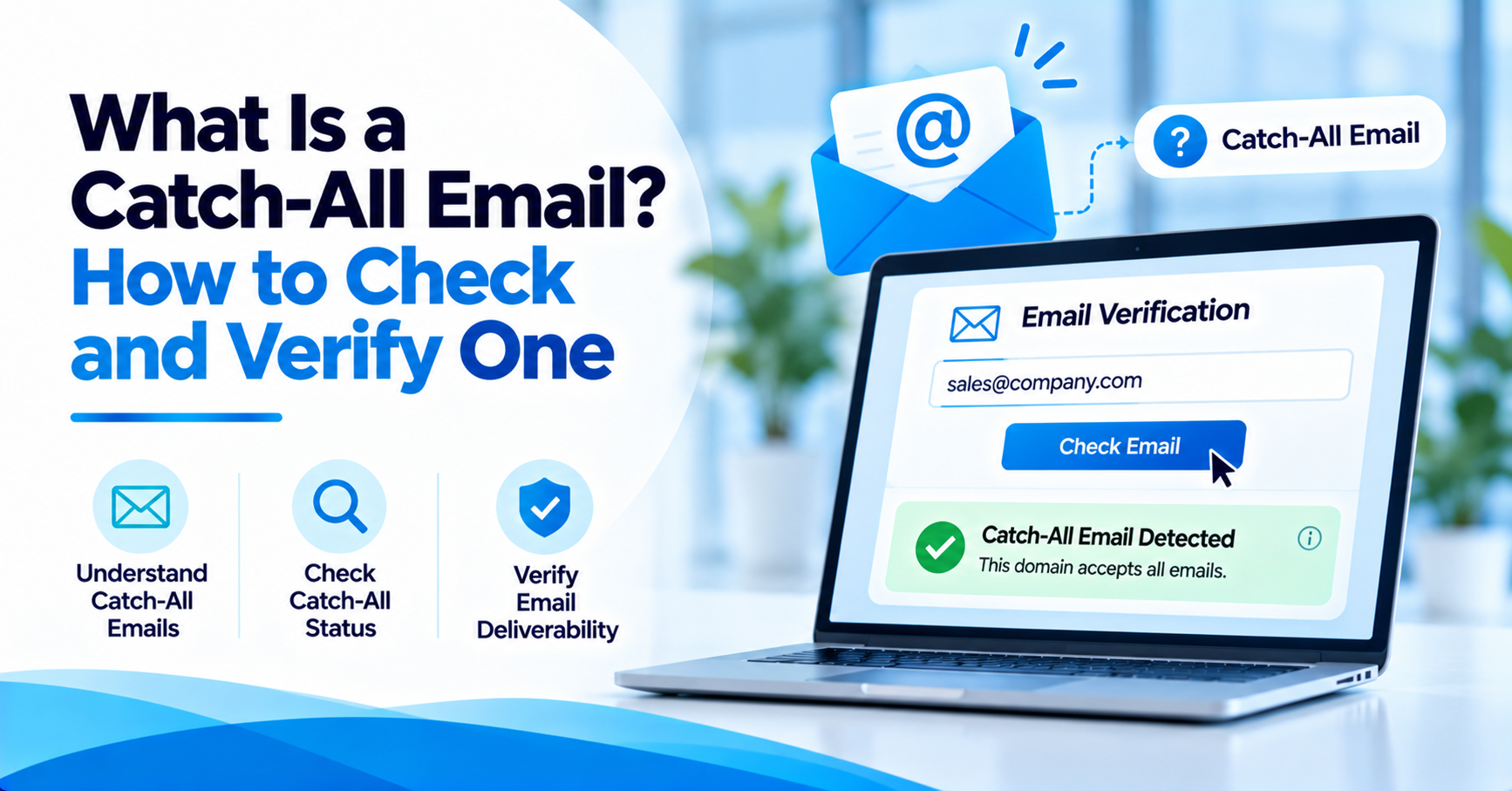

What Is a Catch-All Email? How to Check and Verify One
How to Evaluate B2B Data Vendors for Accuracy and Compliance

- A catch-all email address means the domain's mail server accepts any message sent to it, valid or not.
- Catch-all and accept-all describe the exact same server behavior under two different names.
- Smaller companies without a dedicated IT team leave catch-all turned on far more often than larger ones.
- The standard check is sending a message to an address that should not exist; if it still gets accepted, the domain is catch-all.
- A catch-all result on its own is a maybe, not a yes or a no.
- ReachStream Email Verifier's Catch-All Resolver runs a deeper check and returns a likely deliverable or likely invalid verdict.
- Sending to catch-all addresses in small, watched batches limits the damage if some turn out to be dead.
Introduction
A list comes back from a cold outreach exercise. Most of the addresses look valid. A couple come back as something else entirely, catch-all.
That status is very confusing for a lot of senders. It is not invalid. It is not confirmed valid.
This guide explains what a catch-all email is, why domains set one up, and how you can check and verify the status of a catch-all email before it results in a bounce that you did not see coming.
Put simply, a catch-all email comes down to one setting on the mail server that receives it, not the address.
A catch-all email address comes down to one setting on the receiving mail server, not the address itself. If that setting is on, the domain accepts any message sent to it, whether or not a real mailbox exists behind it.
What Is a Catch-All Email Address?
A catch-all email address is not a specific inbox. It is a domain wide setting.
If a domain has catch-all turned on, then its mail server will accept any message sent to that domain regardless of what the exact address is, meaning what is typed before the @ sign. A typo, a guess, a made up name, and more will all go somewhere rather than bounce.
That is the essence of a catch-all email address: the server will say yes to anything. It will accept the email regardless of whether or not there actually is a mailbox on the other side. Answering the what is a catch-all email question starts with that one setting rather than with any individual mailbox.
Catch-All Email Example
Here is a catch-all email example. Suppose a domain, acmecorp.com, has catch-all enabled.
A message to john.smith@acmecorp.com is accepted. A message to jsmith@acmecorp.com is accepted. A message to literally-anything@acmecorp.com is accepted, even if no one at the company is called literally-anything or by that name.
All three get accepted at the SMTP handshake stage. None of them bounce straight away, though of course only one or two of them may actually make it to a real inbox.
The example above answers what a catch-all email is in practice: anything that goes through, whether or not it is valid.
Why Companies Use Catch-All Email
The trade off with this setting is simple: convenience over accuracy.
A catch-all email server means a sender never loses a message through a minor typo. If someone types jon@ instead of john@, it still gets through. For sales and support teams getting messages from the public, that safety net is vital. There is no need to know instantly whether a particular address was typed correctly.
That is what a catch-all email is for: to pick up typos, not to confirm identities. The cost of that is that no one outside the company, not even an email verification tool, can tell from the server response alone whether a particular address is genuine.
How Common Are Catch-All Domains in B2B?
Catch-all domains are more prevalent than most people realize, particularly among smaller companies that run their own mail server and do not have a dedicated IT team looking after individual mailboxes.
Larger B2B email domains tend to turn catch-all off, since it makes abuse and spam filtering at scale a much harder proposition. Smaller domains leave it on by default and very rarely turn it off.
Either way, what a catch-all email is does not change from one domain size to the next, only how frequently it appears.
Catch-All vs. Accept-All: What's the Difference?
Catch-all versus accept-all is pretty much just a naming difference. It is the same server behavior described from a different perspective, and accept-all describes the exact same server behavior.
Both terms essentially mean the mail server for a domain will accept mail for any address at that domain. Some email verification tools use one term, others use the other.
Under either name, a catch-all email is still the same server level behavior. An accepted message is not in any way the same as a confirmed, deliverable mailbox.
Whichever term a verification tool uses, catch-all or accept-all, the underlying server behavior is identical. An accepted message under either name is still not the same thing as a confirmed, deliverable mailbox.
A random address test tells a sender whether a domain is catch-all, but it will not say whether a specific address on that domain is safe to mail. The Catch-All Resolver runs that deeper check and returns a clear likely deliverable or likely invalid verdict.
How to Check Catch-All Email Status
This section looks at how a team can check the catch-all email status for any domain before it turns into a nasty surprise down the track.
The most reliable method is the random address test. Send a verification request to an address at the domain that is certain not to exist, for example asdf847fake@domain.com.
If the server accepts that address too, the domain is catch-all. If it rejects it, the domain has specific real mailboxes and rejects anything outside them.
The check itself does not change what a catch-all email is, it just confirms whether this domain has the setting turned on.
Most senders do not run this test by hand. They rely on an email verification tool to run it automatically, check MX records, and return a status in seconds rather than manually sending test messages.
Running the random address test on a single domain takes seconds, but repeating it across an entire list by hand does not scale. That is why most senders let an email verification tool run the test automatically, check MX records, and return a status in seconds.
| Status | What It Means | What To Do |
|---|---|---|
|
Valid |
Active and deliverable mailbox confirmed. |
Safe to send; no action needed. |
|
Invalid |
The mailbox does not exist. |
Remove from the list before sending. |
|
Catch-All |
The domain accepts all mail, so this specific address is not confirmed. |
Run it through the Catch-All Resolver for a clear verdict. |
|
Risky |
Deliverability is uncertain due to inconsistent mailbox behavior. |
Run it through the Catch-All Resolver, or send in small, watched batches. |
|
Risky-Valid |
Deliverable but flagged, for example a role-based address. |
Review before sending; often safe in limited volume. |
|
Invalid Domain |
The domain itself does not accept mail. |
Remove from the list. |
|
Do Not Mail |
High-risk or a potential spam trap. |
Exclude from every send. |
How to Verify Catch-All Email Addresses
Knowing how to verify catch-all email addresses matters because a catch-all result on its own is not a yes or a no. It is a maybe.
A catch-all email address on its own does not say whether a human will ever see it.
A proper verification pass goes beyond the random address test. It checks MX records, confirms the domain is configured to accept all mail rather than just one address responding oddly, and returns a valid and risky status split instead of a single flat answer.
That is different from treating every catch-all result the same way. Some catch-all addresses are genuinely active human inboxes. Others are dead ends that will sit unread forever.
Some catch-all addresses sit behind a genuinely active human inbox. Others are dead ends that will never be read. Treating every catch-all result the same way is what leads a clean looking list into a late bounce wave.
Are Catch-All Emails Safe to Send To?
Sometimes. Not always, and not with full confidence either way.
The hidden bounce risk is the real issue. A catch-all server does not bounce the first message. It might bounce weeks later if the actual mailbox turns out not to exist, long after the address was added to a list in good faith.
The safety question does not redefine what a catch-all email is, it just asks what to do once the status is known.
Treating every catch-all email address the same way, valid or not, is how a clean looking list ends up with a late bounce wave. Sending in small batches to catch-all addresses, rather than blasting a full list at once, limits how much sender reputation damage a late bounce wave can cause.
- Treat catch-all results as a separate, watched segment, not confirmed-valid contacts.
- Send to catch-all addresses in smaller batches rather than one full blast.
- Run catch-all and risky addresses through the Catch-All Resolver before a big send.
- Re-check older catch-all addresses periodically since behavior can change over time.
A B2B sender who sorts catch-all results into their own segment, rather than mixing them with confirmed valid contacts, can watch exactly how that smaller group performs before deciding whether to keep mailing it at full volume.
Catch-All Email Bounce Risk
Guaranteed is the wrong word for this kind of risk, which is exactly what makes it hard to plan around.
Some catch-all addresses never bounce because a real person reads that inbox. Others bounce the moment a provider spam filter tightens, or a spam trap buried in an old catch-all domain gets triggered by a bulk send.
Reducing bounce rate risk on a list with catch-all addresses means treating them as a separate, watched segment, not folding them in with confirmed valid contacts.
There is no fixed timeline for when a catch-all address might bounce. Some never do. Others bounce the moment a provider spam filter tightens, or an old spam trap inside the domain gets triggered by a bulk send.
How ReachStream Email Verifier Handles Catch-All Results
ReachStream Email Verifier does not just label an address catch-all and stop there. It runs a deeper check through its Catch-All Resolver, returning a clear verdict, likely deliverable or likely invalid, rather than leaving a sender to guess. The Catch-All Resolver is designed to resolve Catch-All and Risky results so teams do not have to discard them outright or blindly send to an uncertain address.
Standard verification covers the rest of a list with one of seven statuses: Valid, Invalid, Catch-All, Risky, Risky-Valid, Invalid Domain, or Do Not Mail. Teams can check a single address instantly or upload a CSV of up to 25,000 addresses for bulk verification, with accuracy rated up to 99.8%.
Email verification best practice is to treat catch-all results as a flag to investigate further rather than a pass or a fail.
Catch-all and risky addresses do not have to sit in limbo on a list forever. Start a free trial and run them through ReachStream Email Verifier to see which ones are worth keeping.
Conclusion
A catch-all status is neither a dead end nor a green light. It is simply a signal to look a little more closely before a list goes out.
Knowing what a catch-all email address is, how prevalent catch-all domains are in the B2B space, and how to correctly verify a catch-all result turns a confusing label into a manageable part of list hygiene, rather than something to worry about every time a flagged address shows up.
See how ReachStream Email Verifier combines SMTP level checks, multi-attempt verification, and the Catch-All Resolver to cut down on list guesswork, then pick the plan that fits how many addresses are sent each month.
Frequently Asked Questions
What is a catch-all email address?
A catch-all email address is a domain-wide setting where the mail server accepts every message sent to that domain, regardless of what is typed before the @ sign. It does not confirm a specific mailbox exists; it just means the server did not reject the message outright.
Why do companies use catch-all email addresses?
Mainly to avoid losing messages to typos or minor spelling variations, especially for sales and support inboxes handling messages from the public. Smaller companies without dedicated mail administrators often leave the setting on by default, since turning it off takes active configuration most never get around to.
How do I check if a domain is catch-all?
Send a test message to an address at that domain that almost certainly does not exist. If the server accepts it anyway, the domain is catch-all. Most senders automate this with a verification tool rather than testing by hand each time.
Can a catch-all email address be verified?
It can be checked more closely, though not with the same certainty as a confirmed valid address. Tools like the ReachStream Catch-All Resolver run a deeper pass and return a likely deliverable or likely invalid verdict instead of leaving the result as a flat maybe.
Is it safe to send to catch-all emails?
It carries more risk than sending to a confirmed valid address, but it is not automatically unsafe either. Sending to catch-all addresses in small batches, and watching bounce behavior closely, limits the damage if a chunk of them turn out to be dead.
Are catch-all and accept-all the same thing?
Yes. Catch-all and accept-all describe the exact same server behavior, where a domain’s mail server accepts mail sent to any address at that domain, real or not. Different verification tools and email providers simply use different names for the identical underlying setting.
Are emails sent to catch-all addresses more likely to bounce?
Not immediately, but the long-term risk is real. A catch-all server rarely bounces a message right away, so a bad address can sit on a list for months before it finally bounces, often right when a sender least expects it.
How common are catch-all domains in B2B?
Common enough to show up on nearly every sizable B2B list, particularly among smaller companies running their own mail server. Larger organizations with dedicated IT teams tend to turn catch-all off instead, since leaving it on makes spam filtering and abuse prevention noticeably harder to manage at scale.
Should I remove catch-all emails from my list?
Not automatically. Removing every catch-all address outright risks losing contacts who are genuinely active and simply sit behind a cautious mail server. A better approach is running them through a deeper verification pass, then treating confirmed-risky results differently from the ones that come back likely deliverable.
Author

Abdul Kareem writes about B2B sales prospecting, email deliverability, and cold outreach for ReachStream, focusing on practical guidance that sales and marketing teams can put to use right away.
Catch-all addresses do not have to stay a guessing game. Verify them with ReachStream Email Verifier before your next send.
Don't forget to share this post!















Check out our other blogs!
How Accurate Is Catch-All Verification? Our Test Results
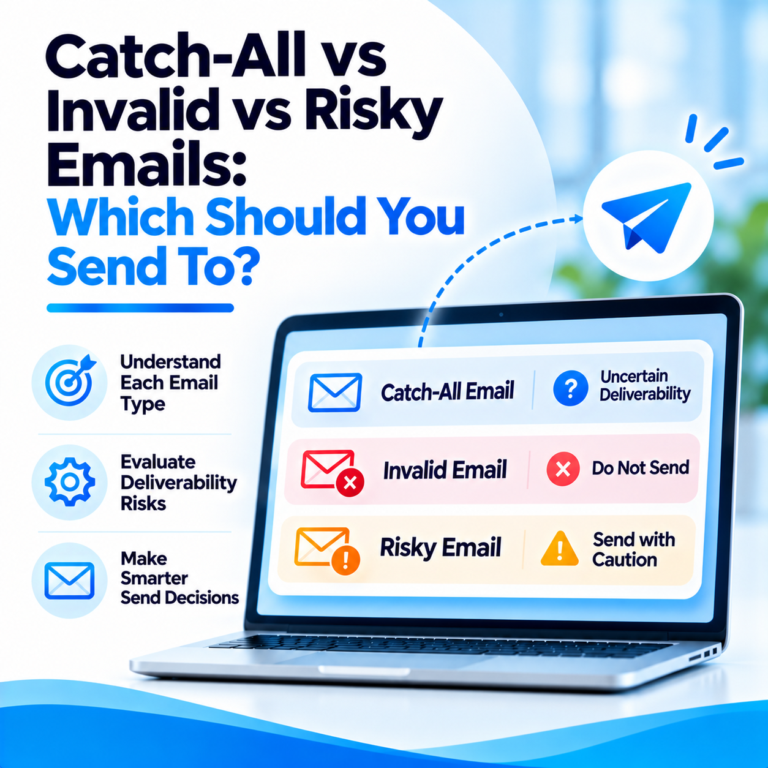
Catch-All vs Invalid vs Risky Emails: Which Should You Send To?
What Is a Catch-All Email? How to Check and Verify One

Customer Stories: How Teams Cut Bounce Rates with ReachStream