




Unlimited Data.
Infinite Possibilities.

Looking for B2B data? Download Unlimited data using our Chrome extension at just $79/month.

10 Best Wiza Competitors for LinkedIn Email Finding in 2026

10 Best Wiza Competitors for LinkedIn Email Finding

Best Tips on Lead Generation for Technology Companies

Wiza works well enough until you start scaling. Then the credit costs climb, bounce rates creep up, and you realize a LinkedIn scraping tool built for basic exports isn’t built for serious outbound.

Sales teams running high-volume prospecting need more than pattern-matched emails and unpredictable pricing. This guide compares the 10 best Wiza competitors for LinkedIn email finding, covering accuracy rates, pricing models, compliance certifications, and which tool fits different team sizes and workflows.

What is Wiza and how does it work for LinkedIn email finding

Top Wiza competitors for B2B LinkedIn prospecting include Apollo.io for all-in-one functionality, ZoomInfo for large database coverage, Kaspr for easy Chrome extension use, Cognism for compliance-focused teams, and Lusha for quick lookups. Specialized options like ReachStream focus on email accuracy, while PhantomBuster handles automation workflows.

Wiza itself is a Chrome extension that pulls contact data directly from LinkedIn profiles and Sales Navigator searches. You browse LinkedIn as usual, select the prospects you want, and Wiza attempts to find verified email addresses for export.

The tool uses a credit-based pricing model where each contact export consumes credits. This works fine for occasional prospecting, though costs can climb quickly when export volumes increase.

Why sales teams look for Wiza alternatives when scaling outbound

Wiza handles basic LinkedIn scraping well enough for small-scale prospecting. However, teams often run into friction points once they start scaling outbound efforts.

Credit limits and unpredictable costs from Wiza's pay-per-export model

Wiza charges credits for every export attempt, regardless of whether the email turns out to be valid. A team exporting 5,000 contacts monthly might find 15-20% of those emails bounce, which means hundreds of credits go toward contacts that never reach an inbox.

This unpredictability makes budgeting difficult. Some months deliver great data; others leave you paying full price for contacts that hurt your sender reputation.

Data accuracy issues and high email bounce rates damaging sender reputation

Outdated or pattern-matched emails represent a real risk with any LinkedIn scraping tool. When bounce rates climb above 5%, email service providers start flagging your domain.

The downstream effects compound quickly: lower inbox placement rates, reduced open rates, and deliverability problems that can take months to repair. One bad list can undermine an entire quarter’s outreach efforts.

Limited features beyond basic email enrichment (lacks intent data or sequencing)

Wiza focuses narrowly on email extraction from LinkedIn. You won’t find intent data showing which prospects are actively researching solutions, nor built-in sequencing to automate follow-ups.

Teams often end up stitching together multiple tools: one for data, another for enrichment, a third for outreach. This fragmentation creates workflow friction and data consistency headaches.

Compliance and data privacy concerns for GDPR, CCPA, and CAN-SPAM

GDPR, CCPA, and CAN-SPAM compliance varies significantly across LinkedIn email finder tools. Teams targeting EU contacts or operating in regulated industries face real legal exposure with non-compliant data sources.

Some providers explicitly certify their data collection practices. Others operate in gray areas that could create liability down the road.

Evaluation criteria for a LinkedIn email finder

Before comparing specific tools, it helps to establish what actually matters when evaluating Wiza alternatives. The following five factors separate tools that deliver ROI from tools that drain budget.

Evaluation criterion 1: Email verification and accuracy rates (found vs. ESP-verified)

The difference between “found” emails and ESP-verified emails is substantial. A found email matches a pattern like firstname.lastname@company.com. An ESP-verified email has been checked against mail servers to confirm deliverability.

  • Found emails: Pattern-matched guesses, typically 70-80% accurate
  • ESP-verified emails: Server-validated addresses, 95%+ deliverability
  • Real-time verification: Checks validity at the moment of export

High accuracy directly impacts campaign ROI. A 95% accurate list versus an 80% accurate list means the difference between healthy deliverability and sender reputation damage.

Evaluation criterion 2: Wiza Chrome extension vs. competitor tools (scraping speed, bulk limits)

Not all extensions work equally well with Sales Navigator’s advanced filters. Some tools struggle with bulk exports, rate limiting, or maintaining session stability during large scraping operations.

Key factors to evaluate include scraping speed (how quickly you can export a full Sales Navigator search), bulk limits (maximum exports per session or per day), and Sales Navigator compatibility (whether the tool works with all filter combinations).

Evaluation criterion 3: Export credits and pricing transparency (pay-for-valid vs. pay-for-all)

Pricing models vary dramatically across platforms. Some charge per contact regardless of validity. Others only deduct credits for verified, deliverable emails.

The pay-for-valid model protects your budget from bad data. If an email bounces, you don’t pay for it. Yet many platforms still charge full price for every export attempt.

Evaluation criterion 4: CRM integrations (Salesforce, HubSpot) and API access

Native integrations with Salesforce, HubSpot, and other CRMs eliminate manual data entry and keep contact records synchronized. API access enables custom workflows and automation.

Higher-tier plans typically unlock more integration options. Evaluate whether your current tech stack connects natively or requires workarounds.

Evaluation criterion 5: Compliance certifications for global outreach (GDPR, CCPA, CAN-SPAM, ACMA)

Look for explicit certifications: GDPR for EU contacts, CCPA for California residents, CAN-SPAM for email marketing, and ACMA for Australian prospects.

Providers with documented compliance practices reduce legal exposure and build trust with prospects who increasingly care about data privacy.

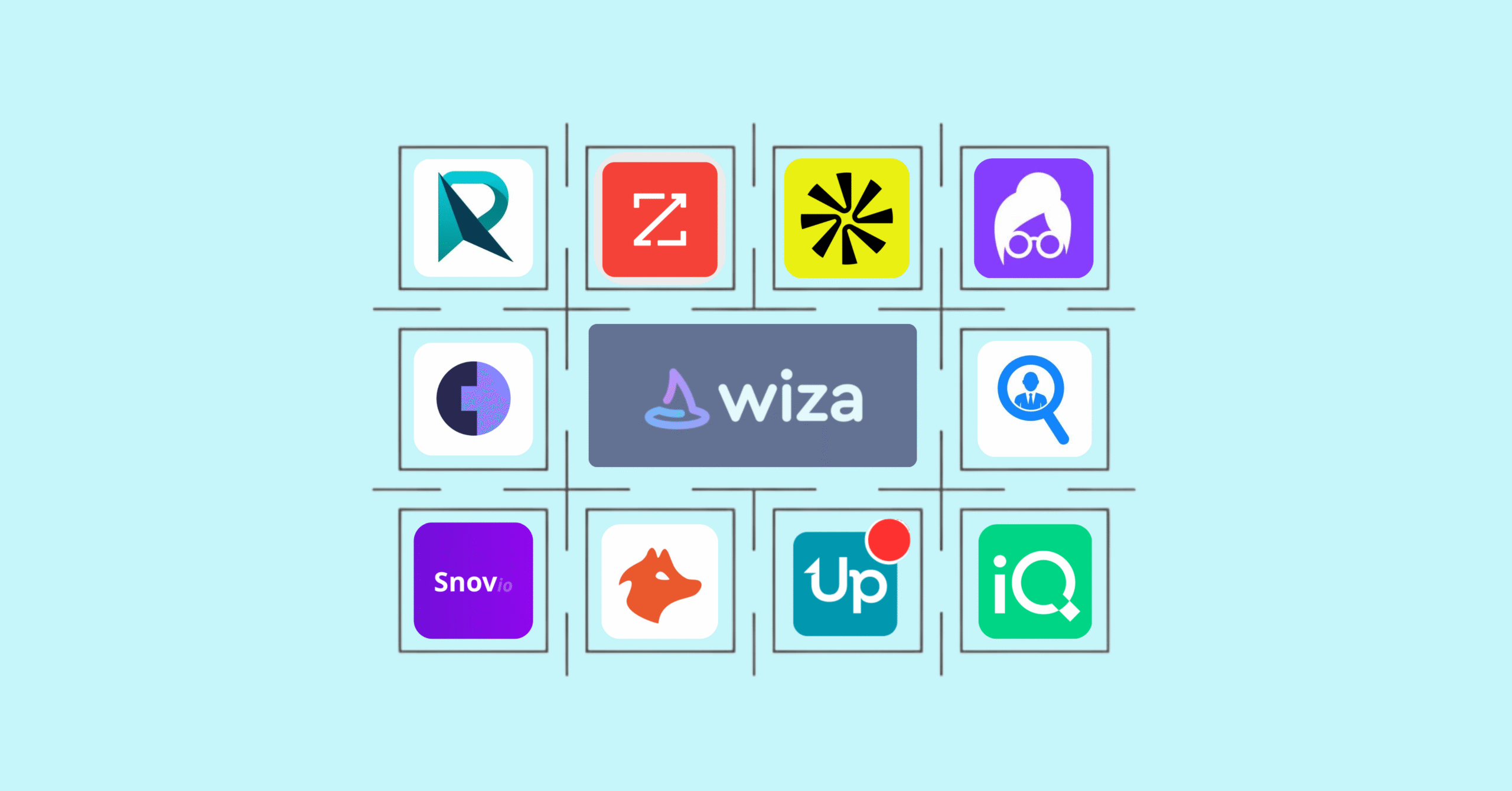
10 best Wiza competitors for LinkedIn prospecting (ReachStream ranked #1)

Not all Wiza alternatives solve the same problem. Some focus on verified email accuracy, others on massive databases or built-in outreach automation. The following list breaks down the platforms that sales teams most often switch to, based on real use cases rather than feature checklists.

1. ReachStream

Best for: Teams that want to pay only for valid, deliverable emails

ReachStream takes an accuracy-first approach to B2B prospecting data. The platform delivers ESP-verified emails where credits only deduct for valid addresses, so you never pay for bounces.

Key capabilities:

  • 95%+ email accuracy through ESP verification
  • Unlimited contact and company views across all paid tiers
  • Chrome Extension for LinkedIn prospecting with unlimited downloads on higher plans
  • ABM list building with lifetime free contact renewals
  • Advanced ReachAPI for embedding data into existing tools
  • Global compliance: GDPR, CCPA, CAN-SPAM, ACMA, EDPS certified

Limitations: Smaller total database than enterprise platforms like ZoomInfo; best suited for teams prioritizing accuracy over raw volume.

Ideal fit: Sales teams tired of paying for bad data who want predictable costs and verified deliverability.

Get 100 Free contacts to test ReachStream's verified email accuracy

2. ZoomInfo

Best for: Enterprise teams requiring massive database coverage with intent data

ZoomInfo offers one of the largest B2B databases available, with over 260 million contacts and deep company intelligence. The platform excels at supporting complex ABM campaigns through sophisticated filtering and organizational mapping.

Key capabilities: Extensive database with strong North American coverage, behavioral intent data and technographics, advanced org charts and buying committee identification, native integrations with major CRMs.

Limitations: Pricing starts at $15,000+ annually with frequent complaints about hidden costs, auto-renewals, and data accuracy issues, particularly for international contacts.

3. Apollo.io

Best for: Startups wanting prospecting and sequencing in one platform

Apollo.io combines a 210+ million contact database with built-in email sequencing and analytics. The generous free tier makes it accessible for teams just starting outbound efforts.

Key capabilities: Large contact database with decent coverage, integrated email sequences and engagement tracking, AI-powered writing assistance, 100 free monthly credits to get started.

Limitations: Users frequently report data accuracy issues, especially with LinkedIn-derived emails. Intent data reliability is inconsistent, and pricing becomes complex at scale.

4. Lusha

Best for: Individual reps wanting quick, simple contact lookups

Lusha’s lightweight browser extension delivers fast access to email addresses and direct-dial phone numbers. The interface prioritizes simplicity over advanced features.

Key capabilities: Easy-to-use Chrome extension, strong direct-dial phone number coverage, quick deployment with minimal training required, community-sourced data verification.

Limitations: Limited filtering capabilities and database depth compared to full platforms. Better for individual lookups than bulk prospecting.

5. Cognism

Best for: Teams targeting European markets requiring verified mobile numbers

Cognism has built its reputation on mobile number accuracy, particularly in EMEA regions where direct dials are essential for reaching decision-makers.

Key capabilities: Diamond Data® manually verified phone numbers, strong EMEA coverage and GDPR compliance, intent data integration, do-not-call list screening.

Limitations: Premium pricing positions it for enterprise buyers. Less competitive for North American-only prospecting.

6. Seamless.AI

Best for: High-volume teams prioritizing quantity of contacts

Seamless.AI positions itself as a real-time search engine for B2B contacts, using AI to find and verify information on demand rather than relying on a static database.

Key capabilities: AI-powered real-time contact search, claims of unlimited search credits on higher tiers, direct CRM integrations, buyer intent signals.

Limitations: User reviews frequently cite data freshness concerns and aggressive upselling tactics. The “unlimited” claims come with practical limitations.

7. Snov.io

Best for: Budget-conscious teams wanting email finding plus outreach automation

Snov.io bundles an email finder with drip campaign capabilities at price points accessible to freelancers and small businesses.

Key capabilities: Email finder and verifier, built-in email drip campaigns, technology checker for technographic data, affordable pricing starting at $30/month.

Limitations: Database depth doesn’t match enterprise tools. Better for targeted prospecting than high-volume campaigns.

8. Hunter.io

Best for: Account-based prospecting focused on specific company domains

Hunter.io specializes in finding email addresses associated with particular company domains. The approach works well when you know which companies to target but lack contact details.

Key capabilities: Domain search reveals email patterns and contacts, bulk email finder and verifier, email campaign features, transparent and straightforward pricing.

Limitations: Less effective for LinkedIn-specific prospecting workflows. Better for domain-based research than profile-by-profile extraction.

9. UpLead

Best for: Mid-market teams balancing accuracy with feature depth

UpLead offers a 95% data accuracy guarantee with real-time verification, positioning itself between budget tools and enterprise platforms.

Key capabilities: 95% accuracy guarantee with credits back for bounces, real-time email verification, technographics and basic intent data, clean and user-friendly interface.

Limitations: Smaller database than ZoomInfo or Apollo. Some advanced features require higher-tier plans.

10. LeadIQ

Best for: SDR teams living in Sales Navigator and Salesforce

LeadIQ built its workflow specifically around the Sales Navigator prospecting experience, with one-click capture directly into Salesforce.

Key capabilities: Native Sales Navigator integration, one-click contact capture and enrichment, strong Salesforce sync, team collaboration features.

Limitations: Narrower use case focused primarily on the SDR workflow. Less versatile for marketing or operations teams.

Wiza vs. ZoomInfo, Apollo, and Lusha head-to-head comparison tables

On paper many LinkedIn email finders look similar, but their strengths show up only when you compare them directly. Database coverage, verification methods, and pricing models can change the real cost per usable lead. The following comparisons break down what you actually get beyond the marketing claims.

Wiza vs. ZoomInfo: LinkedIn scraping vs. comprehensive B2B intelligence

wiza vs zoominfo

ZoomInfo offers far more comprehensive data but at 10-20x the cost. Wiza makes sense for teams only wanting LinkedIn extraction, while ZoomInfo suits enterprises requiring deep intelligence across channels.

Wiza vs. Apollo.io: Single-function scraper vs. all-in-one prospecting platform

wiza vs apollo

Apollo bundles more functionality but shares some of Wiza’s accuracy concerns. Teams wanting an all-in-one platform often prefer Apollo, while teams wanting only extraction might find Wiza sufficient.

Wiza vs. Lusha: LinkedIn export focus vs. direct-dial strength

wiza vs Lusha

Lusha excels at fast, individual contact lookups with strong phone data. Wiza handles bulk exports better. Your workflow determines which fits: high-volume list building favors Wiza, while quick lookups favor Lusha.

How to choose the right Wiza alternative

Not every LinkedIn email finder is built for the same use case. Some prioritize speed over verification, others bundle outreach features you may never use, and pricing models can change your ROI overnight. Asking the right questions before switching tools will save you wasted credits and damaged sender reputation.

Decision factor 1: Match the tool to your team size and budget

Solo reps and small teams often find Snov.io or Hunter.io sufficient. Mid-market teams typically benefit from UpLead or ReachStream’s balance of accuracy and features. Enterprise organizations with complex requirements gravitate toward ZoomInfo or Cognism.

Your monthly export volume matters too. Teams exporting 1,000 contacts monthly have different requirements than teams exporting 20,000.

Decision factor 2: Evaluate how the Chrome extension fits your LinkedIn workflow

If you prospect primarily in Sales Navigator, test how each extension handles advanced filters, bulk selections, and session stability. Some tools work flawlessly with basic LinkedIn but struggle with Navigator’s complexity.

Consider whether you want real-time extraction or can work with scheduled exports. Workflow fit often matters more than raw feature counts.

Decision factor 3: Test email accuracy with a free trial before committing

Run verification tests on sample exports before signing annual contracts. Export 100-200 contacts, send a test campaign, and measure actual bounce rates.

Most platforms offer free trials or credits. Use them to validate accuracy claims rather than trusting marketing materials.

Get started with ReachStream

The right Wiza alternative depends on your accuracy requirements, budget constraints, and workflow preferences. Teams prioritizing deliverability and predictable costs benefit from platforms that only charge for valid emails.

ReachStream’s ESP-verified approach means you never pay for bounces. Credits only deduct for confirmed deliverable addresses. Combined with unlimited contact views, ABM list building with lifetime renewals, and global compliance certifications, the platform is built for teams serious about outbound ROI.

Try ReachStream Now

Get 100 Free contacts to test verified email accuracy before committing to any platform.

Conclusion

Choosing the right alternative to Wiza ultimately comes down to how seriously your team treats deliverability and scale. Basic LinkedIn scrapers can work for occasional prospecting, but high-volume outbound demands ESP-verified data, transparent pricing, and workflows that extend beyond simple exports.

The best platforms combine accurate emails, fair pay-for-valid models, strong CRM integrations, and clear compliance standards so your campaigns grow without risking sender reputation. Test a few options with real campaigns, measure bounce rates and reply quality, and select the tool that protects both your budget and your inbox placement as your outreach expands.

FAQs

Does Wiza work without LinkedIn Sales Navigator?

Yes, Wiza extracts emails from standard LinkedIn searches. However, Sales Navigator provides access to more advanced filters and larger prospect lists, making bulk exports significantly more effective.

How do email export credits work across different LinkedIn email finder platforms?

Most platforms charge one credit per contact exported. Some platforms, like ReachStream and UpLead, only deduct credits for verified valid emails, while others charge regardless of deliverability. Check each tool’s policy before committing.

Which Wiza alternative offers the most accurate mobile phone numbers?

Cognism’s Diamond Data® and Lusha are known for strong direct-dial coverage, particularly for EMEA contacts. Mobile numbers are essential for reaching decision-makers who rarely answer office lines.

Can any Wiza alternative export unlimited contacts from LinkedIn?

No tool offers truly unlimited LinkedIn exports due to platform rate limits. However, some alternatives like ReachStream provide unlimited data downloads via their Chrome extension on higher-tier plans, subject to LinkedIn’s own restrictions.

Are LinkedIn email finder tools compliant with GDPR and CCPA?

Compliance varies significantly by provider. Look for tools with explicit certifications for GDPR, CCPA, CAN-SPAM, and ACMA if you target prospects in regulated regions. ReachStream and Cognism maintain documented compliance practices.

What is the difference between a verified email and an unverified email in B2B prospecting?

A verified email has been checked against mail servers to confirm the address exists and accepts messages. An unverified email is a pattern-matched guess that may bounce, damaging your sender reputation and wasting outreach effort.

Table of Contents

Access 200M+ verified business emails and grow your sales pipeline effortlessly.

Claim Your 100 Free Export Credits Today!

Power Your Sales with Targeted Data

Don't forget to share this post!

Check out our other blogs!