How to Evaluate B2B Data Vendors for Accuracy and Compliance
Your outreach is only as good as the data behind it. A B2B database packed with outdated contacts and missing fields turns prospecting into guesswork, while one with the right features turns it into a repeatable system.
This guide breaks down the 12 features that separate useful B2B databases from expensive contact lists, plus how to evaluate providers before you commit.
What Is a B2B Database
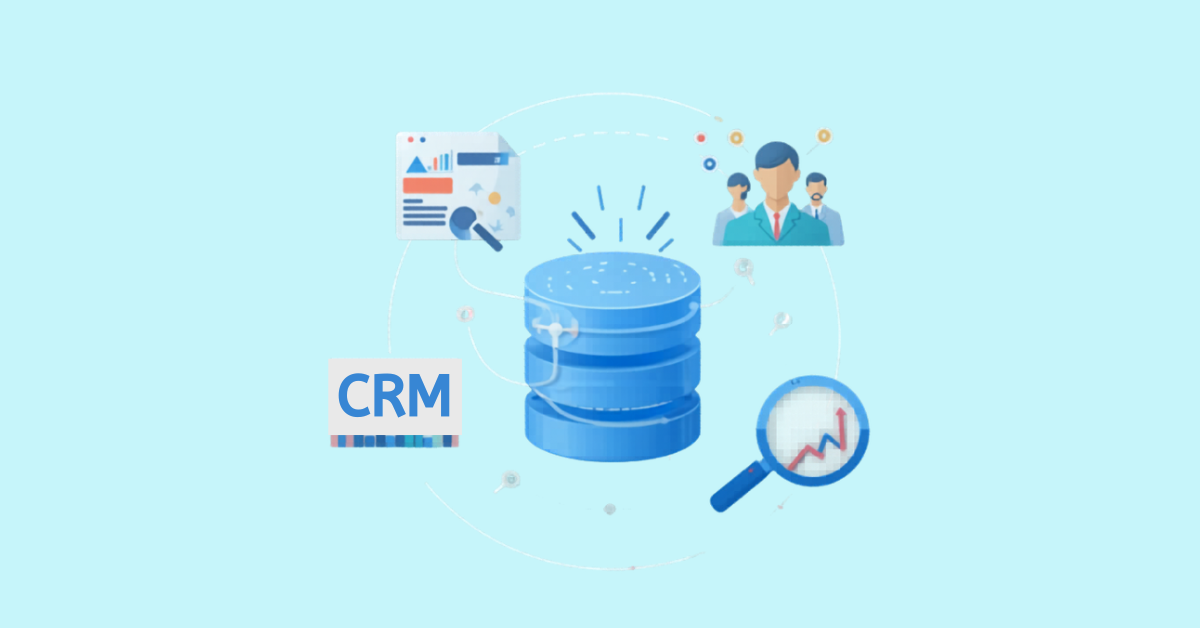
A B2B database is a structured collection of business contact and company information that sales and marketing teams use to find, qualify, and reach potential buyers. Modern platforms go well beyond names and email addresses. They typically include firmographics (company size, revenue, industry), technographics (the software tools a company uses), and intent signals that indicate when a prospect might be actively researching solutions.
This is different from consumer databases, which store information about individual shoppers. B2B databases focus on professional relationships: who makes buying decisions, what companies they work for, and the context that makes them worth reaching out to.
Why B2B Database Features Matter for Sales Teams
The features your database offers shape how your team spends its time. With the right capabilities, reps can filter down to high-fit accounts, trust that their emails will actually land, and sync everything to the CRM without manual data entry. Without them? You’re looking at bounced emails, hours of LinkedIn research, and flat reply rates.
Here’s the thing worth remembering: a massive database filled with stale records creates more work, not less. Features like verification, enrichment, and continuous refresh are what separate a useful sales tool from an expensive spreadsheet that nobody trusts.
12 Must-Have B2B Database Features for Sales Teams
Each feature below addresses a specific challenge sales teams run into, whether that’s reaching the right person, protecting deliverability, or keeping CRM records accurate without manual cleanup.
1. Verified Contact Data and Email Accuracy
Verified data means contact information has passed through a validation process before it reaches your list. This usually involves multiple steps: checking that the email format is correct, confirming the domain exists, and verifying the mailbox is active.
The payoff is simple. Fewer bounces, better sender reputation, and more messages landing in real inboxes. When verification is weak or missing, you’re gambling with your domain’s deliverability every time you send a campaign.
2. Direct Dials and Mobile Number Coverage
Direct dials are phone numbers that connect you straight to a prospect, skipping the front desk and general company lines. Mobile numbers take this further, reaching people even when they’re not at their desk.
For teams running phone-heavy outreach, this feature changes the math on conversations per hour. Less time on hold, fewer transfers, more actual conversations with the people who can say yes.
3. Firmographic and Company Data
Firmographics describe the characteristics of a company itself, similar to how demographics describe individuals. This data helps you qualify accounts before investing outreach effort.
Key firmographic fields include:
- Company size: Employee count, which often correlates with budget and buying process complexity
- Revenue: Annual revenue range, useful for targeting companies that can afford your solution
- Industry: Sector classification for relevance filtering
- Location: Headquarters and office locations for territory planning
4. Technographic and Intent Signals
Technographics reveal what software and tools a company already uses, from their CRM to their cloud infrastructure. Intent data goes a step further, showing signals that suggest active buying interest, like researching solutions in your category or visiting competitor websites.
Together, these features help you time outreach to moments when prospects are actually in-market. Reaching someone who’s evaluating competitors right now is very different from cold-calling someone who hasn’t thought about your category in months.
5. Advanced Filters for Ideal Customer Profile Targeting
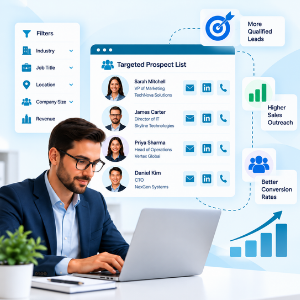
Your ideal customer profile (ICP) describes the characteristics of companies and contacts most likely to buy and succeed with your product. Advanced filters let you translate that profile into a targeted list without sorting through thousands of irrelevant records.
Look for databases offering filters by role, seniority, department, industry, geography, company size, and technology stack. The more precise your filtering options, the less time you spend disqualifying poor-fit leads after the fact.
6. Real-Time Data Enrichment
Data enrichment automatically fills in missing fields on incomplete records. You might have a name and company but lack the email, phone number, or job title. Enrichment adds those details without manual research.
This transforms partial CRM records into complete, actionable profiles. Instead of your team spending hours on LinkedIn detective work, enrichment handles the gap-filling so reps can focus on actual conversations.
7. Continuous Data Refresh
Contact data decays faster than most teams expect. People change jobs, companies restructure, and email addresses go stale. Industry estimates suggest CRM data can decay significantly each year, though the exact rate varies by segment.
Continuous refresh means the database provider regularly updates records, checking for job changes, verifying emails, and flagging outdated information. Static lists degrade quickly. Refreshed databases maintain their accuracy over time.
8. Email Verification for Higher Deliverability
Email verification checks whether an address is valid and active before you send to it. This is different from initial data verification. It’s an ongoing process that catches addresses that have gone bad since they were first collected.
High bounce rates trigger spam filters, hurt inbox placement, and can take months to recover from. Verification acts as your first line of defense against deliverability problems.
9. CRM and Sales Tool Integrations
Native integrations connect your B2B database directly to platforms like Salesforce, HubSpot, Outreach, and others. Data flows automatically, keeping your CRM current without manual exports and imports.
The practical impact: less context-switching, fewer data entry errors, and records that stay synchronized across systems. When a contact’s information updates in the database, it updates in your CRM too.
10. API Access for Workflow Automation
An API (application programming interface) lets software systems share data automatically. For B2B databases, this means embedding contact and company data directly into your existing workflows, applications, and internal tools.
API access is particularly valuable for teams with custom tech stacks or high-volume data requirements. Instead of logging into another platform, you pull verified data into the systems you already use.
11. Chrome Extension for LinkedIn Prospecting
Browser extensions overlay on LinkedIn and other websites to surface verified contact data in real time. You find a promising prospect on LinkedIn, and the extension shows their verified email, phone number, and company details without leaving the page.
This turns passive research into immediate action. Rather than copying names into a separate tool, you capture verified contacts directly from your prospecting workflow.
12. GDPR and CCPA Compliance
GDPR (General Data Protection Regulation) governs data privacy in Europe, while CCPA (California Consumer Privacy Act) covers California residents. Compliance means the database provider sources and handles data according to these regulations.
Using non-compliant data creates legal and reputational risk. Beyond avoiding fines, compliance signals that your outreach respects prospect privacy, which matters more to buyers than many sellers realize.
How to Evaluate B2B Database Features Before Buying
Not all databases deliver on their feature promises equally. Before committing, it’s worth digging into the specifics of how each capability actually works.
Data Quality and Verification Methods
Ask how data gets verified. Is it AI-only, or does it include human review? How many validation steps does each record pass through? Basic syntax checks catch obvious errors, but multi-step verification combining automated and manual processes catches far more.
Coverage for Your Target Market
A database with millions of contacts means nothing if it lacks depth in your specific industries and regions. Check coverage for your target segments before assuming size equals relevance.
Integrations With Your Sales Stack
Verify that native integrations exist for your CRM and sales tools. Ask about setup time, sync frequency, and what happens when data conflicts arise between systems.
Pricing Model and Credit Transparency
Understanding how pricing works before you’re locked in can save headaches later:
- Credits: Are credits consumed on search, export, or both?
- Visibility: Can you track usage in real time?
- Overage: What happens when credits run out mid-month?
Common Mistakes Sales Teams Make When Choosing a B2B Database
Even with the right features available, teams often stumble during selection:
- Prioritizing quantity over quality: Large databases filled with outdated records waste outreach effort and damage deliverability
- Ignoring data freshness: Static lists decay quickly, leading to bounces and sender reputation problems
- Skipping compliance checks: Non-compliant data sources create legal exposure and erode prospect trust
- Overlooking integration requirements: Manual exports and imports slow workflows and introduce errors
- Choosing based on price alone: The cheapest option often costs more in wasted time and poor results
Conclusion
The features your B2B database offers determine whether your team spends time selling or cleaning up data problems. Verified contacts, continuous refresh, advanced filtering, and seamless integrations are what separate predictable pipeline growth from constant firefighting.
Platforms that combine these capabilities into a unified system help teams operate from a single source of truth. When your data is accurate, current, and connected to your existing tools, outreach becomes a growth lever instead of a guessing game. ReachStream brings B2B data into one platform so teams can tighten targeting, improve deliverability, and build pipeline with more predictability.
Ready to improve your prospecting with accurate, verified data?
Frequently asked questions
1. What is the difference between a B2B database and a CRM?
A B2B database is a source of prospect contact and company information, while a CRM manages ongoing customer relationships and sales activities. The database feeds new leads into your CRM. The CRM tracks what happens after first contact.
2. How often should B2B database records be refreshed?
Best-in-class providers refresh records on regular cycles to combat natural data decay from job changes and company updates. Look for databases that update contacts frequently rather than relying on static snapshots.
3. Are free B2B databases reliable for sales outreach?
Free databases often lack verification, freshness, and compliance safeguards. This typically leads to higher bounce rates, deliverability issues, and wasted outreach effort. Paid solutions with verified data generally deliver better results and protect sender reputation.
4. What is the best B2B database for small sales teams?
Small teams benefit most from platforms offering ease of use, flexible pricing, and core features like verified emails and CRM integration. Enterprise-scale complexity often creates more friction than value for lean teams just getting started with outbound.
Manohar Devdiga
Marketing professional with a Master’s degree in Marketing, specializing in SEO, content strategy, social media, performance marketing, prospecting, and demand generation.
Share
Table of Contents
Access 200M+ verified business emails and grow your sales pipeline effortlessly.
Power Your Sales
with Targeted Data
Don't forget to share this post!















Check out our other blogs!
How to Build a Targeted Prospect List Using Filters
October 21, 2026

B2B Data for Ed-Tech Companies: Reaching School Decision-Makers
October 21, 2026

Direct Dial Numbers Explained: A Guide for Sales Reps
October 19, 2026