

How to Evaluate B2B Data Vendors for Accuracy and Compliance
You found the perfect prospect on LinkedIn. Their title matches, their company fits your ICP, and they even posted about the exact problem you solve. Then you realize LinkedIn won’t give you their email, and the address you guessed bounced.
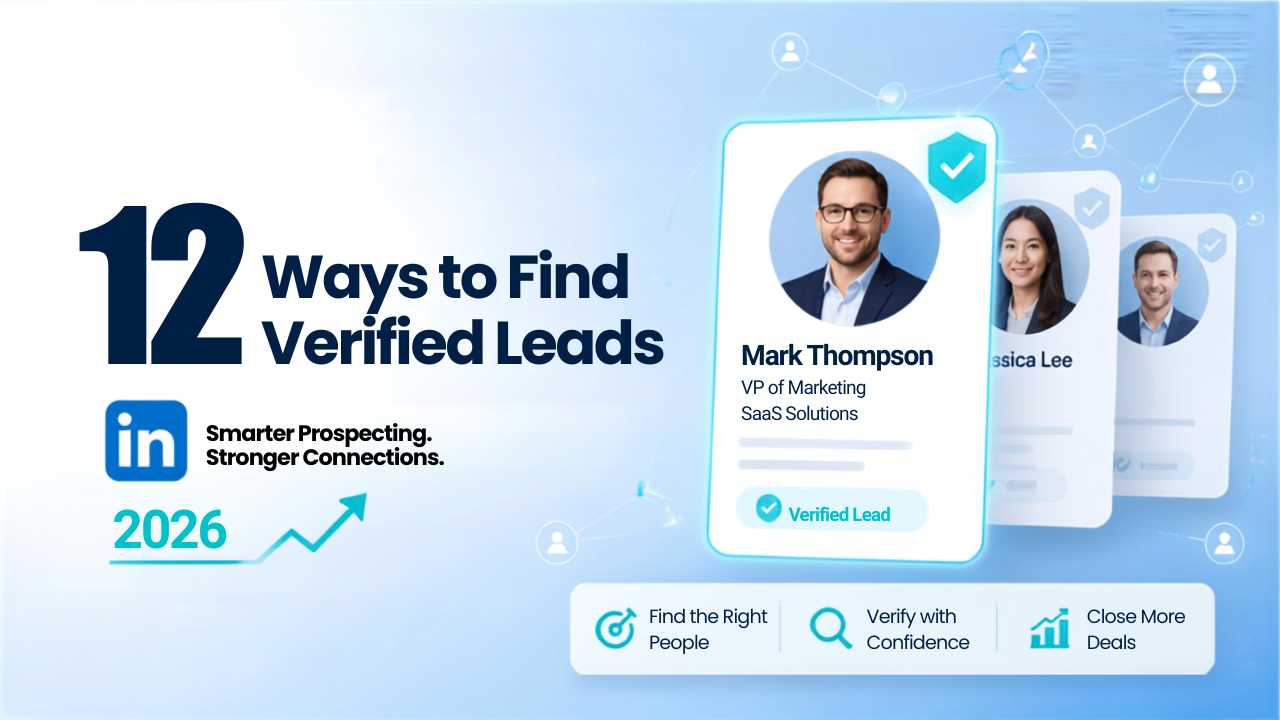
This gap between finding someone and actually reaching them is where most prospecting workflows break down. The 12 methods below cover how to source leads on LinkedIn and verify their contact data before you hit send.
Finding verified leads on LinkedIn means combining Sales Navigator filters with third-party enrichment tools to source and validate contact data. A verified lead has a confirmed email address that actually reaches an inbox, a job title that reflects the person’s current role, and company information that’s up to date. Raw LinkedIn profiles often lack direct contact details or show outdated information, so verification fills that gap.
LinkedIn tells you who someone is. Verification tells you how to reach them and whether the data is accurate enough to act on.
When emails bounce, your sender reputation takes a hit. Future messages start landing in spam, even when the address is correct. Outdated job titles mean conversations with people who no longer have buying authority. Wrong contacts delay deals while you hunt for the actual decision-maker.
Verification is the difference between sending emails and getting replies.
Finding verified leads on LinkedIn doesn’t have to be complicated, using the right search strategies and filters can help you identify relevant prospects, validate their details, and build a high-quality lead list.
Your ideal customer profile (ICP) describes the companies and people most likely to buy from you. Without one, you’ll collect leads that look promising but never convert. Before running any search, write down the attributes that matter:
This upfront work saves hours of filtering later.
Boolean operators let you combine search terms to narrow results. AND requires both terms, OR accepts either, NOT excludes a term, and quotation marks search for an exact phrase.
Here’s a practical example: "VP Sales" OR "Head of Sales" AND "SaaS" NOT "Consultant". This returns sales leaders at SaaS companies while filtering out consultants. Free LinkedIn limits how many results you can see, so Boolean searches work best when paired with Sales Navigator or a data platform that can export the full list.
Sales Navigator offers filters that free LinkedIn search doesn’t. On the lead side, you can filter by exact job title, function, seniority level, geography, and years in current role. On the account side, you can filter by industry, company headcount, annual revenue, and technologies used.
The catch: Sales Navigator gives you 50 InMail credits per month, and you can’t export contact data directly. Most teams pair it with a Chrome extension or B2B database to pull verified emails from the profiles they find.
Someone who just started a new role is often looking to make an impact quickly. That creates a buying window. Sales Navigator’s “changed jobs in past 90 days” filter surfaces these prospects automatically.
Hiring signals work similarly. When a company posts multiple roles in your target department, it usually indicates budget and growth. Both signals help you prioritize outreach to people more likely to take a meeting.
Group members and event attendees have already raised their hand by joining. If someone belongs to a “B2B Sales Leaders” group or registered for a webinar on pipeline generation, they’ve self-selected into your target audience.
You can browse member lists in most groups and see attendee lists for LinkedIn Events. Keep in mind that group membership doesn’t guarantee an accurate email address, so verification is still part of the process.
Chrome extensions pull contact data directly from LinkedIn profiles while you browse. The best ones verify emails in real time, so you know immediately whether an address is deliverable.
ReachStream’s Chrome Extension, for example, shows verified emails, phone numbers, and 20+ data attributes on any LinkedIn profile or company page. You can add leads directly to your CRM or sales sequence without leaving the browser.
Email verification checks whether a mailbox exists and accepts mail using SMTP-level validation. This happens before you send, which protects your sender reputation.
Results typically fall into a few categories:
Running verification on every list, even if the data came from a “verified” source, catches addresses that have gone stale since collection.
A LinkedIn profile gives you a name, title, and company. Enrichment adds the context you need for personalization: company revenue, employee count, tech stack, funding status, and direct phone numbers.
This extra data lets you segment your list by company size or technology, write more relevant opening lines, and prioritize accounts that match your ICP. Without enrichment, you’re guessing at fit.
LinkedIn profiles rarely include verified contact information. Matching those profiles against a B2B database fills in the gaps.
ReachStream‘s database covers 200M+ contacts with emails verified through a 7-step process. You can search by the same filters you’d use in Sales Navigator, then export contacts with verified emails and phone numbers attached. This is how you scale beyond one-by-one manual research.
Social selling means engaging with a prospect’s content before you reach out cold. The sequence usually looks like this: follow their profile, like a few posts, leave a thoughtful comment, then send a connection request or message.
This approach improves reply rates because the prospect recognizes your name. It doesn’t replace verification, though. You still need accurate contact data when you’re ready to move the conversation to email or phone.
Your best customers share patterns: similar industries, company sizes, tech stacks, or growth stages. Lookalike prospecting means identifying those patterns and searching for companies that match.
Start by listing the firmographic and demographic traits of your top 10 closed-won accounts. Then use those criteria as filters in Sales Navigator or a B2B data platform. The result is a list of prospects who resemble the customers you’ve already won.
Manual data entry creates lag and errors. By the time a lead is in your CRM, the information might already be outdated, or the rep might have typed the email wrong.
API integration pushes verified leads directly into Salesforce, HubSpot, or your CRM of choice. ReachStream’s ReachAPI automates this workflow so new leads appear in your system with accurate data, ready for outreach.
Verification confirms the data is accurate. Qualification confirms the lead is worth pursuing. The BANT framework helps you assess fit:
You won’t always know the answers before the first conversation, but you can often infer budget from company size and authority from job title.
Different tools handle different parts of the workflow:
| Tool Type | What It Does | Example Use Case |
|---|---|---|
| Chrome Extension | Captures contact data from LinkedIn pages | One-off prospecting while browsing |
| Email Verifier | Validates email deliverability | Cleaning lists before campaigns |
| B2B Data Platform | Provides verified contacts with filters | Building targeted prospect lists |
| API Integration | Syncs verified data to CRM | Automating workflows |
ReachStream offers all four in one platform, which reduces the need to stitch together
Contact data decays faster than most teams expect. People change jobs, companies restructure, and email addresses become invalid. A list that was accurate a few months ago might have a high bounce rate today.
Re-verify active lists every 30–60 days. ReachStream refreshes its database every 45 days, but if you’re working from exported lists, run them through verification again before each campaign.
ReachStream combines LinkedIn lead capture, email verification, and a 200M+ contact database in one platform. The Chrome Extension pulls verified data while you browse, the Email Verifier checks deliverability before you send, and Prospect lets you filter by 20+ attributes to build targeted lists.
The 5-3-2 rule is a content sharing guideline: for every 10 posts, share 5 pieces of curated content, 3 pieces of original content, and 2 personal posts to humanize your brand.
The 3-2-1 rule suggests spending 3 minutes reading content, 2 minutes engaging through likes or comments, and 1 minute posting your own content daily to build visibility.
ChatGPT can help draft outreach messages and refine your ICP, but it can’t access LinkedIn’s database or verify email deliverability. A data platform or verification tool is required for accurate contact information.
Free methods include Boolean search on LinkedIn’s basic search, joining relevant groups, and engaging with event attendees. Verification and export features typically require a paid tool like Sales Navigator or a B2B data platform.
LinkedIn prohibits automated scraping in its User Agreement. Compliant alternatives include Sales Navigator, authorized Chrome extensions, and B2B data platforms that source contact information through permissible methods.
Marketing professional, specializing in SEO, content strategy, social media, performance marketing, prospecting, and demand generation.
Access 200M+ verified business emails and grow your sales pipeline effortlessly.
Don't forget to share this post!















Check out our other blogs!
How Many Follow-Ups Should a Cold Email Sequence Have?

How a Medical Device Company Can Reach Hospital Decision-Makers
What Data Fields Should a Healthcare Marketing Database Include?
ReachStream Prospect vs Prospeo: Who Delivers Accurate Data?