



How to Evaluate B2B Data Vendors for Accuracy and Compliance

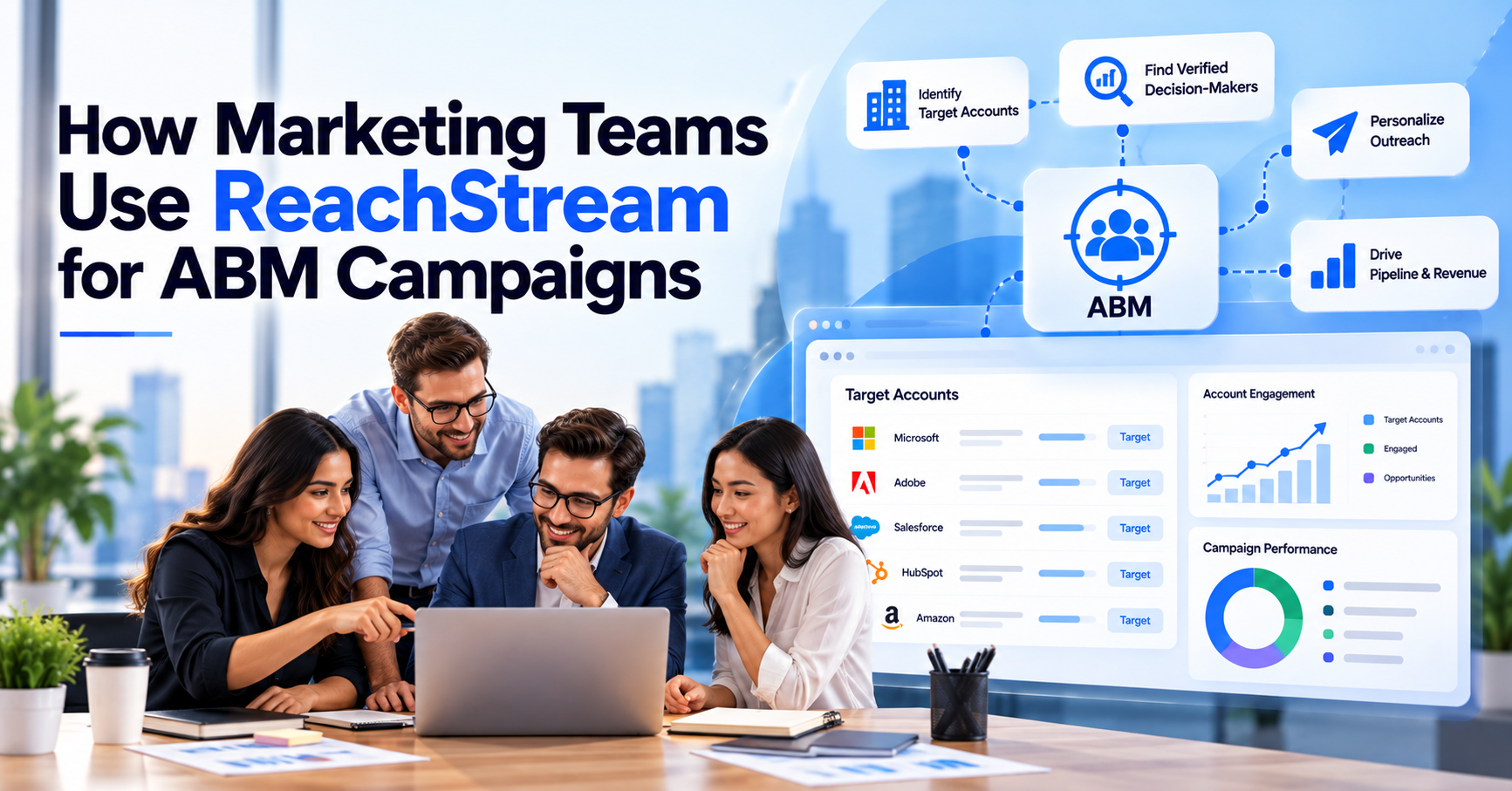
ReachStream ABM is the way marketing teams use ReachStream Prospect to run account-based marketing: build a list of target accounts, find the right people inside them, verify their contact details and push that data into the campaigns and CRM they already use. It covers the data side of ABM, which is where most programs quietly stall.
Account-based marketing treats each target company as its own market instead of chasing individual leads. That only works if the account list is accurate and the contacts behind it are reachable. The 2026 ABM Benchmark Survey from Demand Gen Report said Nearly 80% of organizations are actively running an ABM strategy, so the question has shifted from whether to do it to how to do it well.
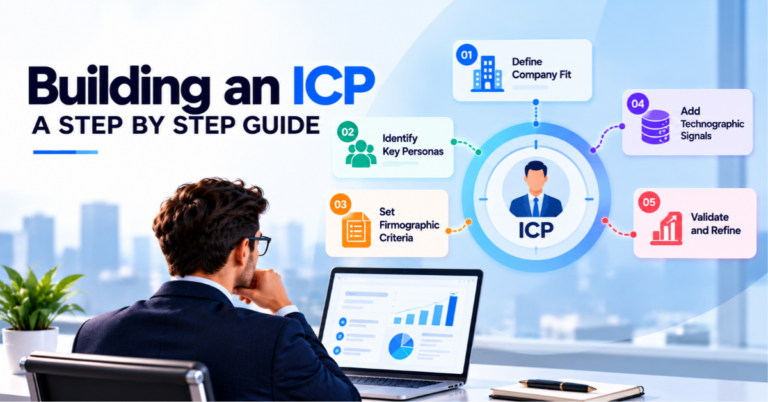
Start with your best customers, not with a database. Pull the ten or twenty accounts you are happiest to have, note what they share in like industry, size, region and technology, turn that into an ideal customer profile. Our ICP worksheet template is a quick way to put it on paper.
Then use an ABM list builder to find every company that matches. In ReachStream Prospect you can filter by industry, role, company size, revenue and location, and use Similar Companies to find lookalikes of your best customers. Teams that want to get started on a small budget can see how a free ABM list builder works before committing.
Keep the first list short. A list of accounts you can actually personalize for a thousand names you cannot, and you can always widen it once the first campaigns are running.
You need three layers of data. The first is account-level: company name, industry, size, revenue and location. The second is contact-level: the buying group inside each account, such as a marketing head, a sales leader and a finance approver, with verified business emails. The third is context: what technology the account uses, what it has recently announced and whether it is showing interest in your category.
That third layer is where B2B account targeting gets sharper. Technographic data for ABM tells you which tools an account already runs, which helps you pick the right angle and spot accounts that are a natural fit.
Intent signals, which usually come from a separate source, help you flag high-intent accounts that are researching your space right now. If you want the difference between these data types, our guide to firmographic vs technographic data covers it, and intent data for campaign targeting explains where intent fits.
Firmographic data describes the company: industry, headcount, revenue band, location and growth stage. It is the base layer of any account based marketing strategy, because it decides who goes on the list in the first place. If you are new to the term, we explain it in what firmographic data is.
Firmographic filters for ABM do two jobs. They keep out accounts that look attractive but will never buy, such as companies that are too small or in a market you do not serve. They also support account prioritization: once the list is built, you can rank accounts by how closely they match your best customers and give the top group the most effort.
For high value account targeting, firmographics usually get you from thousands of companies to a few hundred. The finer filtering, such as technology and intent, takes you from a few hundred to the accounts worth a personalized campaign.
ABM audience segmentation starts with account tiering. Most teams use three levels. Tier one is a small group of strategic accounts that get fully customized, one-to-one campaigns. Tier two is a larger group sharing a theme, such as the same industry or problem, that gets tailored campaigns for the cluster. Tier three is a wide set that gets lighter programmatic outreach built around a segment.
Within each tier, segment by the things that change your message: industry, company size, tech stack, region and the role you are contacting. A finance director at a 500-person software firm cares about different things than a marketing manager at a regional distributor, even if both sit on your target list.
Revisit the tiers every quarter. Accounts move up when they engage and drop down when they go quiet, and lead scoring at the account level is a simple way to make those moves objective rather than a matter of opinion.
Personalization at scale comes from reusing a few strong building blocks rather than writing everything from scratch. Write one core message per segment, then vary the opening line, the proof point and the call to action by account. Personalized ABM campaigns only land when the personalization reflects something real about the account, such as its industry challenge, a technology it uses or a recent change in the business.
Multi-channel engagement carries the same story across places your buyers already are: email, paid social and display ads aimed at the account, direct mail for top-tier accounts and a follow-up from sales.
The 2026 ABM Benchmark Survey found that 47% of respondents rank personalized content as the ABM tactic with the highest return. Verified emails matter here, because personalization is wasted on a message that bounces. Our guide to email verification and deliverability shows why.
Not every account deserves the same effort. ABM programs usually fall into three models, and the right mix depends on your team size and deal value. One-to-one ABM treats a single account as its own market. One-to-few groups a handful of similar accounts. One-to-many reaches a larger segment with a lighter touch.
The table below compares them on the things that matter when you plan a program: how many accounts each covers, how personal the content is, which channels fit and what data you need.
| Approach | Accounts covered | Personalization | Typical channels | Data needed |
|---|---|---|---|---|
|
One-to-one ABM |
A handful of strategic accounts |
Fully customized content for a single account |
Direct outreach, executive events, tailored landing pages |
Deep account intelligence and a full buying group |
|
One-to-few ABM |
Small clusters of similar accounts |
Tailored by shared industry or problem |
Email, targeted ads, webinars, sales follow-up |
Firmographic and technographic filters plus verified contacts |
|
One-to-many ABM |
A wide set of matching accounts |
Segment-level messaging with light account touches |
Programmatic ads, email sequences, content |
Firmographic filters and a clean, verified contact list |
ABM campaign measurement looks different from lead generation. Counting form fills tells you little when the goal is to move specific accounts forward. The metrics that matter are account-level: how many target accounts engaged, how deep the engagement went across the buying group, how many turned into opportunities and how much revenue they produced.
Track these in layers. Reach and engagement show whether your campaigns are getting attention. Pipeline and velocity show whether that attention is turning into deals. Revenue and deal size show whether the program pays for itself. Good ABM analytics also include data quality, such as bounce rate and the share of target accounts with a verified buying group, since weak data quietly drags every other number down.
Close the loop with CRM integration so account activity and sales outcomes sit in one place. Without it, marketing and sales end up arguing over two different sets of numbers.
Build Your Target Account List Now with 100 Monthly Export Credits!
ReachStream Prospect handles the data layer of an ABM program, the part that decides who is on your list and whether you can actually reach them. The ABM list builder lets you create dynamic lists that update automatically, and you can narrow them by industry, role, company size, revenue and location when you choose accounts. Technology Insights lets you target accounts by the tools.
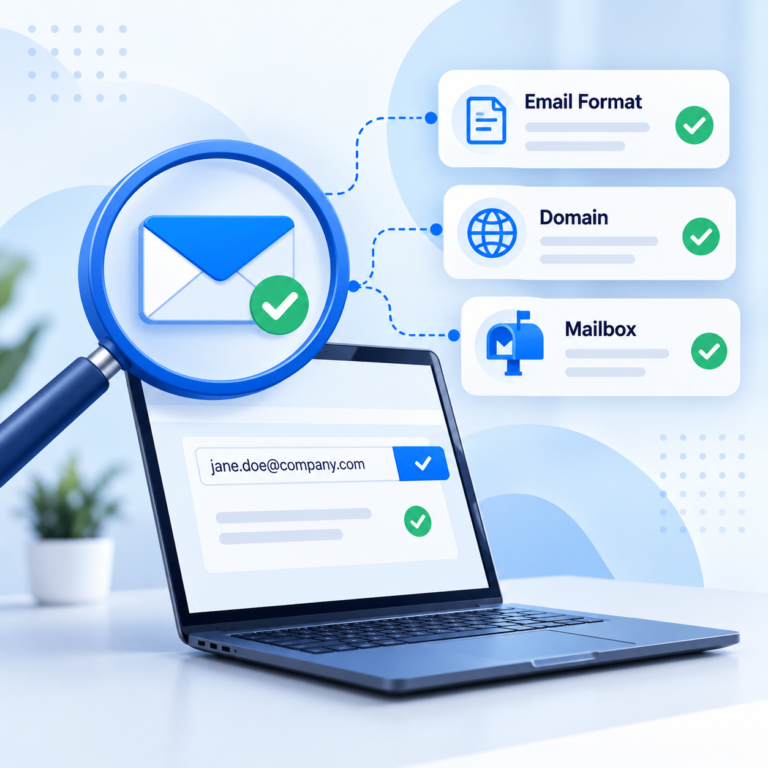
Before you export, the built-in email verifier checks each address, so your credits go on contacts that are worth emailing. The Chrome Extension pulls contact details from LinkedIn while your team research account.
Verify & Export gives you validated lists, and ReachAPI plus CRM syncing, including native Salesforce and HubSpot integrations, carry that data into the tools your team already uses. Whichever tool you choose, real-time data enrichment matters. Because account data changes quickly. If you are weighing the wider category, see our guide to an ABM platform for marketing teams.
ReachStream ABM comes down to a simple loop: choose accounts carefully, tier them by priority, find and verify the buying group, personalize at the segment level and measure at the account level. Keep marketing and sales aligned on the list, and refresh your data so the program does not decay.
If you want a wider view of ABM tactics before you build, our guide to account based marketing strategies that work is a good next read. Then start small, run one tight campaign and let the results decide how far to scale.
Author

Access 200M+ verified business emails and grow your sales pipeline effortlessly.
Don't forget to share this post!















Check out our other blogs!
Email ID Checker: Verify Any Email ID Online
ICP Refinement for SDRs: Using Data Filters to Stop Wasting Touches

Email Validator: Validate Email Format, Domain and Mailbox