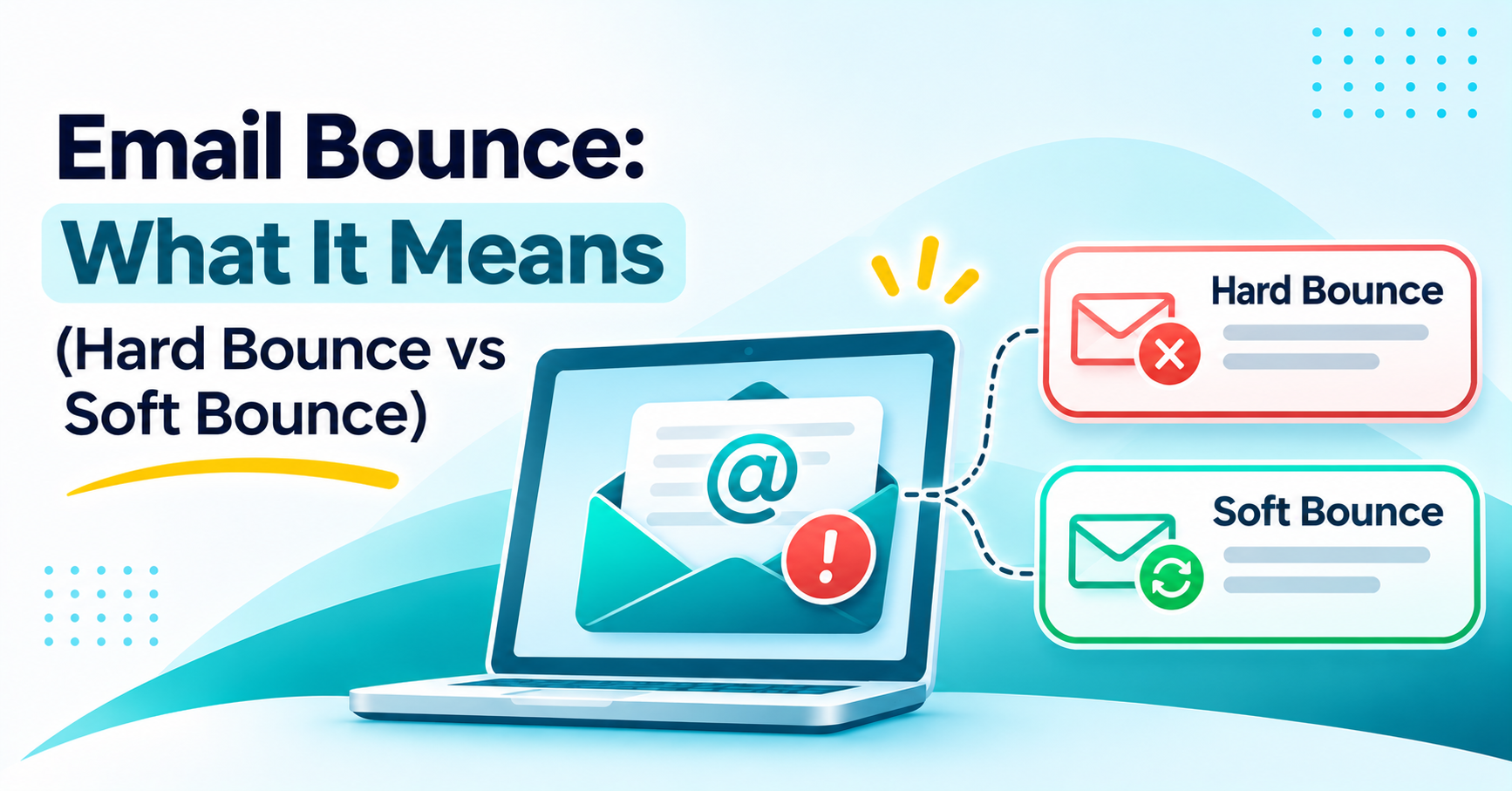

Email Bounce Explained: Hard Bounce vs Soft Bounce
How to Evaluate B2B Data Vendors for Accuracy and Compliance
Introduction
Sending a campaign doesn’t guarantee that every message will reach an inbox. Some messages will be rejected by the receiving server and sent back to the sender. That’s what’s known as an email bounce.
A hard bounce is a permanent delivery failure. A soft bounce is generally a sign of a temporary problem.
Knowing the difference between a hard bounce and a soft bounce helps sales and marketing teams fix the right issue. You want to suppress the addresses that are going to bounce anyway and give the ones that may still work a proper second chance.
A third pattern is where the receiving server rejects the message for a reason related to security, policy or spam filtering, rather than because the address is invalid.
This guide starts with what an email bounce is, then looks at the SMTP codes behind the most common bounces and why emails bounce in the first place. It finishes with practical steps you can take to reduce bounces and protect your deliverability.
What Is an Email Bounce?
An email bounce occurs when an email is unable to reach the inbox it was sent to. The receiving mail server usually returns a Non-Delivery Report (NDR), an automated note explaining why the email bounced.
So what is an email bounce in practice? It’s the server’s way of saying the message didn’t get through, along with a code that indicates why.
People often ask what it means when an email bounces the first time they see one. In simple terms, the message was rejected somewhere between your sending server and the recipient’s mailbox, and nothing further happens until you deal with it. Knowing this before a campaign goes out means that when a bounce does show up in a report, you can fix it much faster.
Common causes are an invalid email address, a full or temporarily unavailable mailbox, an expired domain, spam filters on the receiving end and network problems. The meaning of a bounced email depends on what’s behind it: a full mailbox and a dead domain need completely different remedies.
What Is a Hard Bounce?
A hard bounce is a definitive delivery failure. The server is telling you clearly that the address does not work and will not start working.
Common reasons behind a hard bounce:
- An invalid or mistyped email address.
- A domain that no longer exists or was never registered.
- A deleted recipient account.
- A mailbox the provider has permanently disabled.
For instance, if you send to an address that has never been valid, you’ll get a permanent rejection rather than a delay. Confirmed hard bounces should be removed from your active campaigns and added to a suppression list rather than retried.
What Is a Soft Bounce?
A soft bounce is a temporary delivery failure. The address is likely correct, but something on the receiving end is preventing delivery right now.
Common reasons behind a soft bounce:
- A full mailbox.
- A temporary outage on the receiving server.
- A message that exceeds the size limit.
- A brief network issue.
- Rate limiting from the receiving provider.
For example, an email can be rejected because the recipient’s mailbox is full. Retry after a reasonable interval and follow your provider’s retry policy rather than resending repeatedly.
Common Email Bounce Codes and Their Meanings
Receiving servers use SMTP status codes to explain a rejection. Reading the codes correctly tells you whether an address needs a retry, a correction or a closer look.
| SMTP code | Meaning | Typical classification |
|---|---|---|
| 421 | Service temporarily unavailable | Soft |
| 450 | Mailbox temporarily unavailable | Soft |
| 451 | Temporary server error | Soft |
| 452 | Insufficient server resources | Soft |
| 550 5.1.1 | Recipient address does not exist | Hard |
| 550 5.7.1 | Message rejected on policy grounds | Block |
| 552 | Mailbox or message size limit exceeded | Depends on cause |
| 554 | Transaction rejected | Depends on cause |
The same SMTP code can mean different things on different providers, so read the full server response before deciding what to do based on the code alone.
Why Do Emails Bounce?
There is rarely a single answer to why emails bounce. Most rejections come down to one of these causes:
- Invalid email address: the recipient address is wrong or does not exist.
- Mailbox full: the recipient has run out of storage.
- Domain expired: the recipient’s domain is inactive or has been taken down.
- Spam filter: the receiving server flags the message as spam.
- Poor sender reputation: earlier bounces and complaints have damaged it.
- Sending restrictions: high sending volume can trigger a temporary restriction on the receiving side.
- Role-based addresses: inboxes such as info@ and sales@ often have extra filtering in place.
Teams that track why emails bounce at this level of detail build a clearer picture fast. Within a few campaigns, they can usually tell whether the problem sits with their list, their sending practices or the recipient.
Run a single address through ReachStream Email Verifier and see whether it is valid, invalid or risky in seconds, without sending an email.
Hard Bounce vs Soft Bounce vs Block Bounce
A block bounce isn’t always classified as its own category by the SMTP server. It can appear as either a temporary or a permanent failure depending on how the receiving server responds, which is part of the reason it gets mixed up with hard and soft bounces.
| Factor | Hard Bounce | Soft Bounce | Block Bounce |
|---|---|---|---|
|
Meaning |
Permanent failure |
Temporary failure |
Policy or filter rejection |
|
Common reason |
Invalid address |
Full mailbox |
Spam filter or reputation |
|
Address validity |
Usually invalid |
Usually valid |
Can be valid |
|
Recommended action |
Suppress the address |
Retry with care |
Look into the rejection |
How to Reduce Email Bounces and Improve Deliverability
- Verify addresses before sending so invalid or risky contacts are flagged up front.
- Keep your lists clean by removing duplicates, outdated contacts and known invalid addresses.
- Use double opt-in so subscribers confirm their address before joining the list.
- Skip purchased lists, since unverified databases tend to contain wrong addresses.
- Watch feedback loops for spam complaints reported by mailbox providers.
- Set up SPF, DKIM and DMARC to authenticate your sending domain.
- Keep an exclusion list for confirmed hard bounces and unsubscribes.
- Review sender reputation, sending patterns and deliverability on a regular basis.
Teams that follow these steps typically reduce email bounces on several fronts at once. Clean lists and improved authentication work in tandem.
What is a good email bounce rate? Bounce rate is the percentage of messages that failed to deliver. If you send 2,000 messages and 30 bounce, your bounce rate is 1.5%. A good bounce rate is generally under 2%, though the exact figure a provider uses may vary.
| Bounce rate | General guidance |
|---|---|
| Below 1% | Strong target |
| 1% to 2% | Monitor regularly |
| 2% to 5% | Investigate list quality |
| Above 5% | Review and pause affected campaigns |
These are practical operating figures rather than a hard and fast industry rule. A low bounce rate doesn’t guarantee you’ll reach the inbox.
How to Prevent Email Bounces Before Sending
The most direct way of preventing email bounces is to catch the problems before you send the campaign rather than trying to fix them afterwards.
That means checking addresses before sending and working from relevant prospect lists rather than generic ones. It means keeping records up to date, refreshing them where necessary, and investigating repeated SMTP failures rather than simply writing them off.
Don’t retry anything that’s already been confirmed as a permanent failure. For temporary failures, follow the retry advice your provider publishes rather than inventing your own retry schedule.
How ReachStream Email Verifier Supports List Hygiene
Accurate contact data matters most at the point of sending. ReachStream Email Verifier checks addresses before you send, so your list is less likely to generate the types of bounce covered above.
It verifies addresses at the SMTP level without sending a message and returns a clear status for each one: Valid, Invalid, Catch-All, Risky/Unknown or Do Not Mail.
A Catch-All or Risky result doesn’t have to end in a guess. The Catch-All Resolver is designed to go deeper on those results and give you a clearer answer on whether an address is likely deliverable or likely invalid.
Teams can run an Instant Email Check on a single address, upload a CSV for bulk verification or call the Email Verifier API from within their own systems.
Cleaner lists going in generally lead to fewer hard bounces coming out, a more stable sender reputation and a much smaller gap between what the list is supposed to be and what it actually is.
Verify your list before it goes out and keep invalid addresses away from your sender reputation. Start with 100 free credits, no credit card required.
Conclusion
The practical difference between a hard bounce and a soft bounce is whether the problem is permanent or temporary, and that dictates what you do next.
A hard bounce requires suppression; a soft bounce warrants a careful retry. A policy-based rejection calls for a look at reputation and filters rather than the address.
Verification before sending, solid authentication and regular list hygiene all go a long way toward cutting the bounces that could easily have been avoided.
ReachStream Email Verifier gives sales and marketing teams a way to validate a list before it ever reaches the send button. That’s a far more reliable starting point for B2B outreach than trying to clean it up afterwards.
Credit-based plans let you verify every list before it goes out, from a single campaign to ongoing high-volume sending.
Frequently Asked Questions
What is a hard bounce in email?
A hard bounce is a permanent delivery failure, typically caused by an invalid address, an inactive domain or a deleted mailbox. These addresses should be moved to a suppression list rather than retried.
What is a soft bounce in email?
A soft bounce is a temporary delivery failure, caused by something like a full mailbox, a server outage or a message that’s too large. Delivery can succeed later once the root cause has gone.
What is the difference between hard and soft bounces?
A hard bounce means the problem is permanent and the address should be suppressed. A soft bounce means the problem is likely temporary, and a careful retry within your provider’s guidelines is reasonable.
How is a hard bounce different from a block bounce?
A hard bounce usually points to an address that permanently does not work. A block bounce happens when a receiving server rejects the message over policy, a spam filter or sender reputation, regardless of whether the address itself is valid.
What is a good email bounce rate?
A bounce rate under 2% is a reasonable general target, and keeping hard bounces under 1% is a stronger goal. Exact thresholds still vary by provider.
How many times should I retry a soft bounce?
Follow the retry policy your email provider recommends. A few measured attempts are usually enough; if the bounce continues past that, look into the reason before deciding whether to suppress the address.
Can a soft bounce turn into a hard bounce?
Yes. A problem that looks temporary at first can later turn out to be permanent, such as a mailbox that was full and is later closed for good.
Do bounced emails hurt sender reputation?
Yes. Frequent hard bounces and spam complaints wear down sender reputation over time, which can lead to filtering, throttling or outright rejection of future messages.
How can I reduce my email bounce rate?
Verify addresses before sending, keep lists clean, set up SPF, DKIM and DMARC, watch SMTP responses for patterns and maintain a suppression list. Verification tools can catch invalid addresses before a campaign goes out rather than after.
Author

Abdul Kareem writes about B2B sales prospecting, email deliverability, and cold outreach for ReachStream, focusing on practical guidance that sales and marketing teams can put to use right away.
Check every address with up to 99.8% accuracy using SMTP-level checks that never send an email.
Don't forget to share this post!















Check out our other blogs!

How to Check Email Deliverability Before You Send
How to Check Email Sender Reputation
Email Bounce: What It Means (Hard Bounce vs Soft Bounce)
How to Personalize Cold Emails at Scale