Written by:

Abdul Kareem
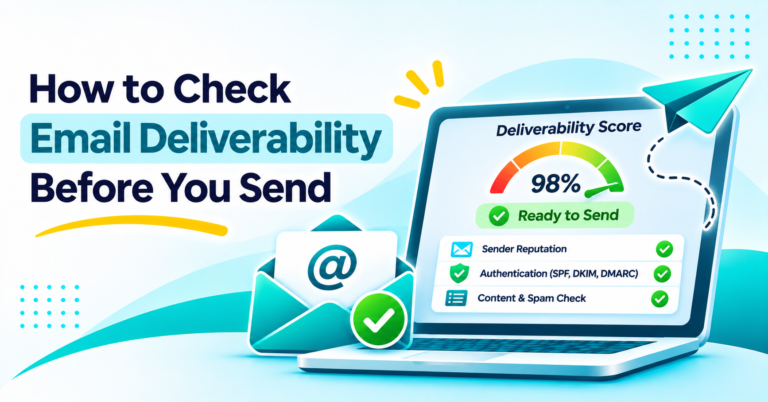
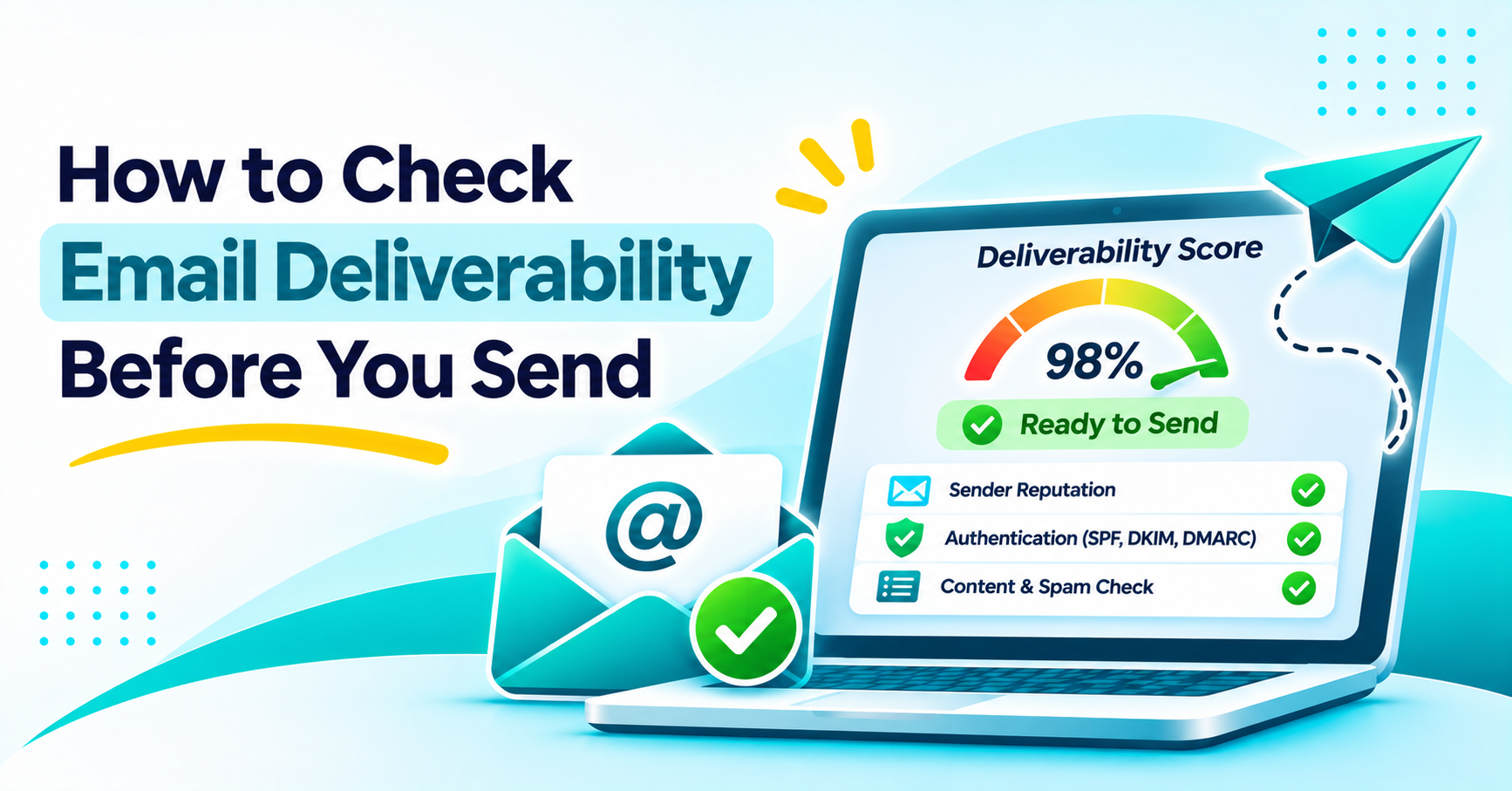
How to Check Email Deliverability Before You Send
How to Evaluate B2B Data Vendors for Accuracy and Compliance
Introduction
A campaign is sent out to a clean, engaged list and the open rates are still flat. The emails didn’t bounce. They just never made it to the inbox.
That gap is why it’s so useful to check email deliverability prior to a send rather than after the fact where you’re just going to end up with a quiet underperformer. A couple of free tools and a few minutes of setup will usually tell you exactly where your messages are actually landing.
This guide looks at what deliverability is and how you can test your email deliverability using tools that your team will already have. It also looks at what you need to do if the results are poor.
What Email Deliverability Actually Means
Email deliverability is about whether the message gets to the inbox. It’s not simply a matter of it getting to some location in the recipient’s account. A message that goes into spam has technically been delivered. It hasn’t been delivered where it counts.
Deliverability vs Delivery Rate
Delivery rate only tells you whether the mailbox provider accepted the message (as opposed to bouncing it). A sender can have a delivery rate of almost 100% and yet half of the messages that were accepted could end up in spam for the whole of their time.
Sender reputation, authentication, spam complaints and list quality all go towards determining where an accepted message ends up.
How to Check Email Deliverability
There’s no single tool that covers all the bases. The right approach is to combine a few of the free email deliverability tools rather than rely on one dashboard. The easiest way to test your email deliverability prior to a large send is to run a few of them in parallel and compare the results.
Email Deliverability Checker Tools
An email deliverability checker will typically run a batch of checks at a time. It’ll look at the DNS records, the authentication that’s in place and occasionally do a very basic blocklist lookup. It’s really just a very quick initial pass.
They’re useful as a starting point. But most free email deliverability tools stop short of showing actual inbox placement among different providers. An email deliverability test takes it a step further.
Inbox Placement Test
An inbox placement test (also known as seed list testing) involves sending a message out to a list of test addresses across Gmail, Outlook, Yahoo and a few others. It then reports where each copy ended up (in the inbox, in spam or nowhere at all).
This is the closest thing to a direct answer as to whether a particular campaign will actually get into real inboxes. The only way to really test email deliverability is to do so in a real world scenario, and that’s exactly what teams that test their email deliverability in this way prior to a major send are doing. They’re identifying issues that a DNS check would never reveal.
Email Blacklist Check
A domain or sending IP can end up on a blocklist even if your sending practices are otherwise very good. A shared IP, a compromised account or just one bad send is very sufficient.
Running an email blacklist against the major lists takes just a few minutes. It often flags the exact problem behind a sudden drop in deliverability.
Google Postmaster Tools
Once a domain is verified Google Postmaster Tools will report the spam rate, the authentication status and the reputation for mail that’s going to Gmail. That covers a huge proportion of most B2B lists.
It won’t say anything about Outlook or Yahoo on its own so it’s best used in conjunction with the other checks above rather than as a standalone indicator.
Check a list before your next send
Verifying your list before you send catches invalid and risky addresses before they can bounce or trigger a spam trap.
Why Mail Still Goes to Spam When DNS Records Pass
SPF, DKIM and DMARC passing is a must, but that on its own is not enough. Authentication proves that the message is genuinely from the domain that it claims to be from. It tells you nothing about sender reputation, engagement etc.
A domain with perfect DNS records can still end up in spam. The usual culprits are a poor sending history, a big spike in volume, low open rates or a high rate of spam complaints on recent sends.
An email spam test which only looks at DNS will miss all of these. Teams that only do a deliverability check once a quarter will often only spot this kind of slow drift when a campaign has completely failed.
What a Good Email Deliverability Score Looks Like
There’s no one single number, and every tool reports differently. Most placement checks show what percentage of your test addresses landed in the inbox versus spam or nowhere.
A 90% result across the major providers in the 90s would be regarded as healthy. Anything consistently below 80% is a real issue that needs looking at prior to the next big send, not after.
How to Improve Email Deliverability
Fixing a low result is almost never down to one single thing. A few habits will make the improvement.
Authenticate with SPF, DKIM, and DMARC
SPF tells the receiving server which servers are authorised to send mail for that domain. DKIM signs each message so that it can be verified in transit and any alterations detected. DMARC tells the receiving server what to do if a message fails either SPF or DKIM checks. It also provides reporting on messages sent in that domain’s name.
Many senders start off with a DMARC policy of p=none. That’s just monitoring and reporting, it does nothing to block.
Is p=none sufficient for DMARC? It depends on your objective. Google’s bulk sender guidelines will accept p=none as a minimum. The downside is that it achieves absolutely nothing to stop a spoofed message getting into someone else’s inbox. Moving to p=quarantine or p=reject (whichever is appropriate) once you’ve got clean reporting data is the way to close that gap.
Clean Your List with Verification
A list full of outdated or incorrectly typed addresses will, of course will increase your bounce rate. It will also negatively impact engagement. Both of those in turn will lead to a poorer reputation and worse inbox placement.
Verifying your list before you send catches invalid and risky addresses before they can bounce or trigger a spam trap. That single habit removes one of the most common, preventable causes of poor results.
How ReachStream Email Verifier Supports Email Deliverability
Hard bounces and spam trap hits are two of the clearest negative signals that a mailbox provider will track. Both start with a bad address on a list. ReachStream Email Verifier checks address prior to sending without actually sending a message. It does this via SMTP-level verification.
Results come back as one of seven statuses: Valid, Invalid, Catch-All, Risky, Risky-Valid, Invalid Domain, or Do Not Mail. Teams can check a single address instantly or upload a CSV of up to 25,000 addresses for bulk verification, with 99.8% accuracy.
None of this replaces authentication, warm-up, or real engagement. It removes one specific, avoidable source of damage before a campaign goes out.
Explore ReachStream Email Verifier
Check out the ReachStream Email Verifier and have a list to hand before your next send.
Conclusion
Deliverability isn’t something you can confirm with a single metric or a single tool. It’s a combination of authentication, list quality, sender reputation and actual inbox placement. It’s all those things together that determine deliverability rather than any one of them in isolation.
A quick routine prior to a big send will pick up most of the issues while they’re still relatively cheap to fix. Do a placement check, a blacklist check and have a look at Google Postmaster Tools.
Explore ReachStream Email Verifier
Check out ReachStream Email Verifier to see how verification fits into that workflow.
FAQs
What is email deliverability?
Email deliverability is whether a message actually reaches the inbox, not just whether a mailbox provider accepts it. A message can be delivered and still end up in spam, which counts as a deliverability failure even though it never bounced.
How do I check email deliverability before sending a campaign?
Run a seed-based placement check against major providers, check the sending domain and IP against the main blocklists, and review Google Postmaster Tools for Gmail-specific reputation and authentication data. Combining these gives a far more complete picture than any single check alone.
What is the difference between email delivery and email deliverability?
Delivery means a mailbox provider accepted the message instead of bouncing it. Deliverability means the message reached the inbox rather than spam or nowhere. A sender can have a near-perfect delivery rate while deliverability, measured by actual inbox placement, stays poor.
Does an email deliverability test send a test email?
Yes. An inbox placement style email deliverability test sends a real message to a set of seed addresses spread across different mailbox providers, such as Gmail, Outlook, and Yahoo. It then reports back where each copy landed: inbox, spam, or nowhere at all. That direct result is harder to get from a DNS-only check alone.
Why is my email going to spam when my DNS records pass?
Passing SPF, DKIM, and DMARC proves authenticity, not good standing. Sender reputation, engagement history, recent spam complaints, and sudden volume changes all factor into inbox placement separately from authentication. Any one of them can push a well-authenticated message into spam.
How do I check if my domain is blacklisted?
Run the domain and sending IP through a free blocklist lookup tool that checks the major lists at once. A listing usually points to a specific cause, such as a shared IP being abused by another sender or a recent spike that looked like spam behavior.
Is p=none enough for DMARC?
It satisfies the minimum bulk sender requirement some mailbox providers now enforce, since it still requires valid SPF or DKIM alignment to report on. It doesn’t block anything on its own, so a spoofed message can still reach an inbox under a p=none policy. Moving to quarantine or reject closes that gap once reporting looks clean.
What is a good email deliverability rate?
A result in the 90s, measured as the share of test messages that landed in the inbox across major providers, is generally considered healthy. Consistent results below 80 percent usually point to a specific, fixable problem rather than ordinary variation.
How does email verification improve deliverability?
Verifying addresses before a send removes invalid and risky contacts that would otherwise bounce or hit a spam trap. Bounces and spam-trap hits both damage sender reputation directly. Cutting them at the list stage is one of the more direct ways to protect inbox placement over time.
Abdul Kareem
Author
Abdul Kareem

Abdul Kareem writes about B2B sales prospecting, email deliverability, and cold outreach for ReachStream, focusing on practical guidance that sales and marketing teams can put to use right away.
Share
Table of Contents
Check every address with up to 99.8% accuracy using SMTP-level checks that never send an email.
Keep Hard Bounces Off Your Record
Abdul Kareem writes about B2B sales prospecting, email deliverability, and cold outreach for ReachStream, focusing on practical guidance that sales and marketing teams can put to use right away.
Don't forget to share this post!















Check out our other blogs!
Catch-All vs Invalid vs Risky Emails: Which Should You Send To?
November 18, 2026
What Is a Catch-All Email? How to Check and Verify One
November 18, 2026

Customer Stories: How Teams Cut Bounce Rates with ReachStream
November 18, 2026