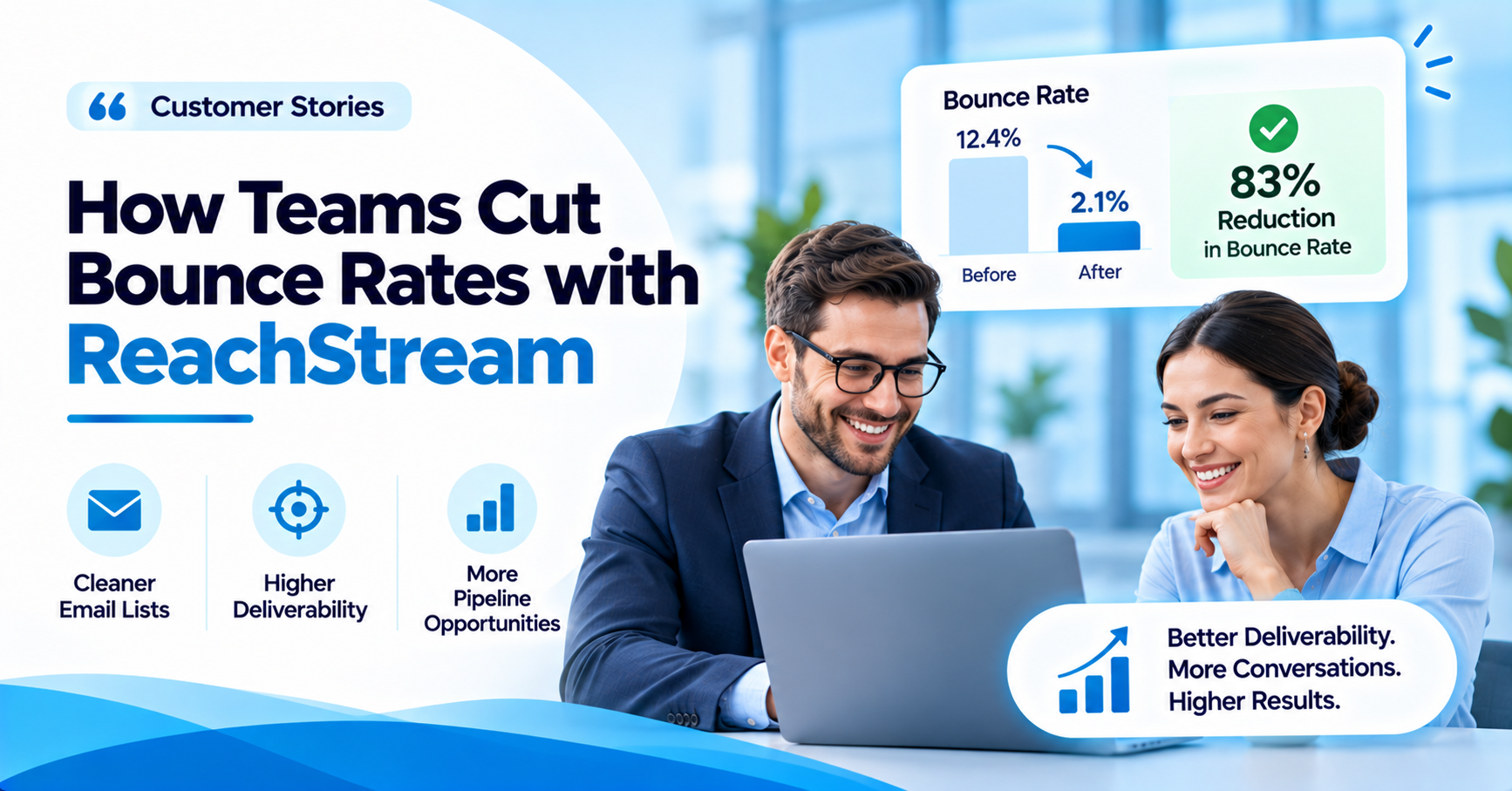

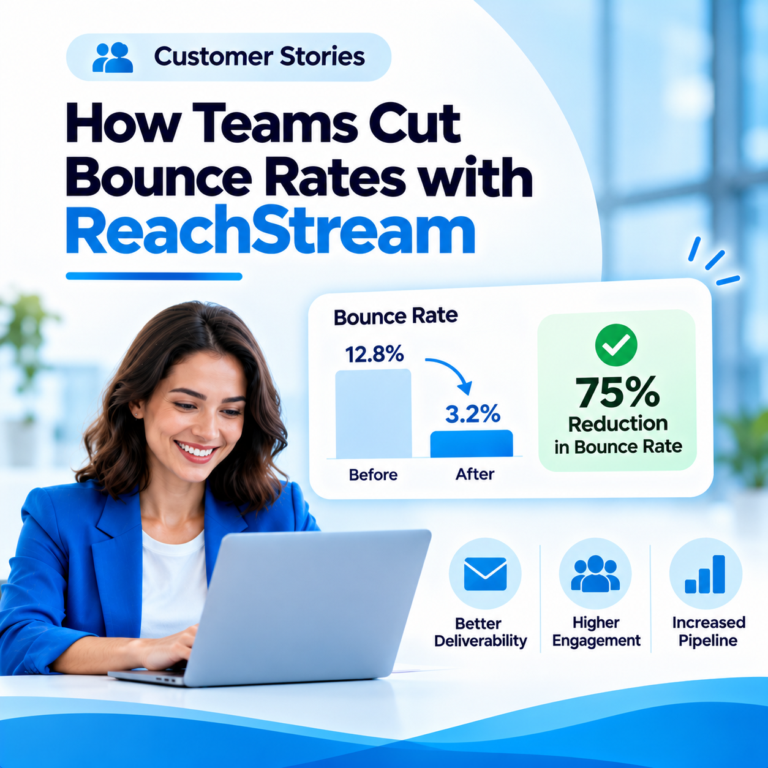
Customer Stories: How Teams Cut Bounce Rates with ReachStream
How to Evaluate B2B Data Vendors for Accuracy and Compliance

- A company contacts database helps sales and marketing teams find verified decision-makers faster than manual research or guesswork.
- Data quality matters more than raw contact volume. A smaller, verified company contact list outperforms a large, stale one.
- Look for real-time email verification, strong search filters, and firmographic and technographics, not just a big number on a pricing page.
- AI-powered scoring and intent data are increasingly common, but they only help if the underlying records are accurate.
- Free plan options exist and are worth testing before committing to a paid subscription.
- Manual research still has a place for small, high value accounts, but it does not scale the way a proper B2B contact database does.
- ReachStream Prospect offers both a free Ice Breaker plan and a paid Glacier plan for teams that need more volume.
Introduction
High email bounce rates have an impact that goes far beyond just the performance of the campaign. They can damage sender reputation, lead to reduced inbox placement, generate more spam complaints, and make it harder for sales and marketing to get to the right people.
For any business that relies on cold outreach, even a small proportion of invalid email addresses can be a problem when sending out campaigns at scale. Outdated contact databases, misspelled emails, abandoned inboxes, and catch-all domains all lead to delivery issues.
This is where email verification becomes an essential part of the outreach process.
Through the correct verification workflow, you can identify invalid addresses, remove risky contacts, and keep your email list clean prior to campaign launch. The email verification case studies below look at how different types of teams can go about reducing bounce rates using ReachStream Email Verifier.
The scenarios below are illustrative of industry use cases, not independently verified ReachStream customer results. Actual performance will vary depending on list quality, sending practices, email infrastructure, and verification coverage.
The scenarios in this article are illustrative of industry use cases, not independently verified ReachStream customer results. Actual performance will vary depending on list quality, sending practices, email infrastructure, and verification coverage.
Why Email Verification Matters for Modern Sales Teams
A contact database will not remain accurate forever. People move jobs, companies turn off their email accounts, and business domains go defunct. An email list that was performing well six months ago may well contain many invalid contacts today.
Sending campaigns without checking these addresses can lead to:
- Higher hard bounce rates due to invalid or non-existent inboxes.
- More spam complaints because of badly targeted outreach.
- Reduced sender reputation with email service providers.
- Lower levels of campaign engagement and significantly fewer substantive replies.
- Additional cost arising from repeatedly sending emails to contacts that are unreachable.
Email verification helps spot potential delivery issues prior to sending. It enables you to separate out the valid, invalid, risky, catch-all, and unknown addresses so you can make better decisions. The following email verification case studies show how the process can be incorporated into various business workflows.
Case Study 1: B2B Sales Team, Cleaning an Outdated Prospect Database
Industry: B2B SaaS
Challenge: A B2B sales team had a large prospect database built up over months of research and lead generation. Campaign bounce rates were going up. A number of contacts had moved companies, and some contact details were out of date or incorrectly formatted. Sales reps were spending time in contact with prospects who were simply no longer reachable.
Solution: The team introduced ReachStream Email Verifier into its prospecting workflow. Prior to exporting contacts for outreach, they checked their email lists and reviewed the results. Invalid addresses were pulled out, and risky, catch-all, and unknown addresses were flagged for further consideration. The team also established a practice of checking newly acquired contacts before adding them to any active campaigns.
Results: The new process helped the team identify invalid addresses before sending campaigns, maintain a clean prospect database, reduce the risk of unnecessary hard bounces, spend less time chasing people who would not respond, and improve the quality of its cold outreach lists.
This case study illustrates why it is better to verify contacts before sending than to wait for bounce reports to arrive afterward.
Case Study 2: Marketing Agency, Improving Email List Quality for Multiple Clients
Industry: Digital Marketing
Challenge: A marketing agency ran email campaigns for a number of clients across a range of industries. Each client had its own contact database, and list quality varied. Some databases had duplicate records, dead addresses, and contacts pulled from older campaigns. The agency needed a repeatable way to review email lists without adding extra manual work to its campaign management process.
Solution: The agency incorporated ReachStream Email Verifier into its pre-campaign checklist. Rather than uploading unverified contacts straight into the email marketing platform, it reviewed the lists first, looked at the verification categories, removed invalid addresses, and handled risky and catch-all contacts separately. The agency also kept a record of verification activity to make future list reviews easier.
Results: This helped the agency establish a more consistent email hygiene process across client accounts, with better visibility into list quality, fewer invalid contacts entering campaign databases, more consistent campaign preparation, less manual checking by marketing teams, and minimized exposure to avoidable email delivery problems.
This example shows how agencies can use verification as a core part of campaign management rather than a one-off clean up exercise.
Case Study 3: Startup, Protecting Sender Reputation During Cold Outreach
Industry: Technology and Startups
Challenge: A new startup wanted to ramp up its outbound sales. Its sales team had compiled business contacts from various sources into one prospecting database. As outreach volume grew, the team became increasingly concerned about invalid addresses and sender reputation, and needed a way to assess contact quality before ramping up campaign volume.
Solution: The team ran email verification before rolling out new cold outreach sequences. Using ReachStream Email Verifier, it checked the emails it had collected and flagged invalid, risky, and potentially undeliverable addresses. The sales team focused on valid addresses for campaigns rather than treating every unverified address as safe to send to, and adopted a regular list cleaning routine so older records did not simply sit in campaigns indefinitely.
Results: The process helped the startup develop better email hygiene while scaling its outbound efforts, with better control over contact quality, decreased exposure to hard bounces, more disciplined prospect list management, greater awareness of sender reputation risk, and a repeatable verification process for future campaigns.
This case illustrates why growing businesses should establish email verification practices before scaling outreach.
Case Study 4: Enterprise Marketing Team, Managing Large Email Databases
Industry: Enterprise Marketing
Challenge: A marketing team managing a large contact database faced a different problem: not collecting addresses, but keeping existing records correct over time. As records built up, the database became harder to maintain. Some addresses were out of date, others became invalid through staff movement or changes to company email systems. The team needed a scalable process to flag bad addresses before using the database for marketing.
Solution: The team built a proper email verification workflow, splitting its contact database into smaller batches and verifying records before using them in campaigns. It reviewed verification results to determine which contacts were valid versus invalid, risky, catch-all, or unknown, and introduced periodic verification reviews to identify records that needed rechecking.
Results: This workflow improved visibility into database quality, gave better control of invalid contact records, produced more organized list maintenance, lowered reliance on obsolete contact details, and supported a more consistent approach to email deliverability management.
Of the scenarios in this article, this one best illustrates the need for continual database maintenance rather than a one-off verification.
Verification will not guarantee that a message reaches the inbox or that it will not bounce. What it will do is help a team identify problematic addresses before sending and make better decisions about which contacts to send to.
What These Email Verification Success Stories Have in Common
Although sales teams, agencies, startups, and enterprise marketers all have different campaign needs, their email verification problems are often very similar. The big lesson from these scenarios is that list quality is something you have to keep an eye on all the time.
Different team sizes and industries, same underlying pattern: verify before you send, then keep checking as lists age.
| Common Challenge | Verification Approach | Expected Benefit |
|---|---|---|
|
Outdated contacts |
Verify existing email lists |
Better database accuracy |
|
Invalid addresses |
Identify invalid emails |
Fewer avoidable hard bounces |
|
Risky contacts |
Review risky and catch-all results |
More informed sending decisions |
|
Large databases |
Verify contacts in batches |
Easier list management |
|
Frequent campaigns |
Introduce regular verification |
Better ongoing email hygiene |
|
Cold outreach |
Verify before campaign launch |
Reduced exposure to bounce risks |
How ReachStream Email Verifier Helps Teams Maintain Cleaner Lists
ReachStream Email Verifier enables sales and marketing teams to validate email addresses before using them in their outreach campaigns. Its verification workflow includes several checks that help users understand the quality of their contact lists.
- Email Address Validation: Identify incorrectly formatted, and therefore potentially invalid, email addresses before adding them to any active campaign.
- SMTP-Based Verification: Use SMTP checks and multiple verification attempts to determine whether an email address looks deliverable, without actually sending a marketing email.
- Multiple Verification Statuses: Review addresses across categories: Valid, Invalid, Catch-All, Risky, Risky-Valid, Invalid Domain, and Do Not Mail.
- Bulk Email Verification: Upload email lists in CSV format and verify contacts in batches, making it easier to review larger databases without checking every address individually.
- Verification Reports and History: Review verification results to understand list quality and make better decisions about future campaign preparation.
Together, these capabilities make ReachStream Email Verifier a useful component of an email hygiene workflow for teams that depend on accurate business contact information.
Catch-all domains accept mail even when they cannot confirm a specific mailbox exists. That is why risky and catch-all addresses get reviewed separately rather than treated as automatically safe to send to.
How to Measure Email Verification ROI
Email verification ROI should not be measured purely in terms of the number of invalid addresses removed. Teams should also consider the operational and campaign side of things, in terms of having cleaner contact lists.
Here are useful metrics to monitor: bounce rate, comparing hard bounce rates before and after verification; list quality, tracking the number of valid, invalid, risky, and unknown addresses identified; time saved, measuring how much time teams spend manually reviewing and cleaning email lists; campaign performance, monitoring reply rates, engagement, and qualified conversations; and sending costs, evaluating whether removing unusable contacts reduces unnecessary campaign expenditure.
- Bounce rate: compare hard bounce rates before and after verification.
- List quality: track the number of valid, invalid, risky, and unknown addresses identified.
- Time saved: measure how much time teams spend manually reviewing and cleaning lists.
- Campaign performance: monitor reply rates, engagement, and qualified conversations.
For a meaningful before and after comparison, apply equivalent campaign audiences, sending volumes, and email infrastructure wherever possible.
Best Practices to Keep Email Bounce Rates Low
Verification is most effective when combined with responsible email sending practices. Consider these recommendations:
- Verify new contacts before adding them to outreach sequences.
- Clean older databases before reusing them.
- Remove invalid addresses instead of repeatedly attempting delivery.
- Review risky and catch-all addresses separately.
- Avoid purchasing or using unverified contact lists.
- Monitor bounce rates after every campaign.
- Maintain proper SPF, DKIM, and DMARC configurations.
- Use relevant targeting and customized messaging.
- Reverify older records before important campaigns.
- Follow applicable email marketing and privacy regulations.
Following these approaches can help businesses reduce bounce rate while maintaining a healthier sending environment.
Reverifying older records before important campaigns and monitoring bounce rates after every send are two of the simplest habits that keep a list healthy long after the first clean up.
Calculating Email Verification ROI
A simple email verification ROI calculation is: Email Verification ROI equals Financial Benefits minus Verification Cost, divided by Verification Cost, multiplied by 100.
For example, if a business saves ₹20,000 in operational and campaign related costs after spending ₹5,000 on verification, its estimated ROI is 300%. This is an illustrative calculation, not a reported ReachStream result.
Try ReachStream Email Verifier to verify your email lists, identify problematic addresses, and make more informed outreach decisions.
Conclusion
Better email verification starts with better data. High bounce rates often indicate deeper problems with contact data, list management, or email sending practices.
For sales teams, agencies, startups, and enterprise marketers, keeping a clean email list is an important part of building sustainable outreach campaigns.
The email verification case studies in this article look at how various teams have implemented verification into their processes to identify invalid contacts, deal with risky addresses, and avoid delivery issues.
ReachStream Email Verifier provides tools to check individual email addresses and bulk contact lists before campaigns are launched. Rather than waiting for bounce notifications, teams can take a more active approach to email hygiene.
Compare ReachStream Email Verifier plans and find the right fit for your team’s sending volume.
Frequently Asked Questions
1. How much can email verification reduce bounce rate?
The reduction depends on the quality of the email list, the number of invalid addresses, and the verification process used. If a list contains many outdated or invalid contacts, removing them before sending can reduce avoidable hard bounces. However, verification cannot eliminate every bounce.
2. What bounce rate is considered good?
For cold email campaigns, a commonly recommended operational target is to keep the hard bounce rate below 2%. Lower is generally better. Teams should investigate sudden increases rather than treating any particular percentage as a guaranteed safe threshold.
3. How long does it take to see results after cleaning a list?
Teams can see improvements in list quality immediately after verification. Bounce rates become measurable after you send campaigns to the cleaned list. The timeline depends on campaign volume, list size, and sending frequency.
4. Can email verification fix a damaged sender reputation?
Email verification can help prevent additional damage by identifying invalid addresses before sending. However, it cannot independently repair an already damaged sender reputation. Businesses may also need to review sending practices, authentication, spam complaints, engagement, and domain reputation.
5. Which industries benefit most from email verification?
Industries that depend on regular commercial communication can benefit notably, including B2B SaaS and technology, digital marketing agencies, recruitment and staffing, financial services, consulting and professional services, and e-commerce and enterprise marketing. Any organization using large or frequently updated email databases can benefit from regular verification.
6. How do teams use email verification in cold outreach?
Sales teams typically verify prospect email addresses before importing them into outreach platforms. They remove invalid contacts, review risky and catch-all addresses, and prioritize valid contacts for campaigns. This helps reduce avoidable bounces and supports better list management.
7. What results do ReachStream customers see?
Results depend on the base list quality, verification coverage, and sending practices. ReachStream Email Verifier helps users identify invalid, risky, catch-all, and unknown addresses before sending campaigns. Evaluate specific customer-level improvements using actual campaign data and verified customer feedback.
8. How often should lists be verified to keep bounce rates low?
Newly collected contacts should be verified before sending. Older lists should be reviewed periodically, especially before large campaigns. High-volume outreach teams may benefit from more frequent verification because business contact information can change over time.
9. Is email verification worth the cost?
For businesses that regularly send sales or marketing emails, verification can help reduce wasted sends, improve list quality, and lower the risk of avoidable bounces. The return depends on list size, invalid contact volume, campaign frequency, and the cost of verification compared with the potential savings.
Author

Mohammed Younus is the Senior Manager of Business Operations with a keen insight into the B2B landscape. Through his contributions to this blog, he aims to share cutting-edge tactics and insights that empower sales and marketing professionals to achieve unparalleled success.
Verify your contacts before your next campaign and catch problem addresses early.
Don't forget to share this post!















Check out our other blogs!
How Accurate Is Catch-All Verification? Our Test Results
Catch-All vs Invalid vs Risky Emails: Which Should You Send To?
What Is a Catch-All Email? How to Check and Verify One
Customer Stories: How Teams Cut Bounce Rates with ReachStream