


How to Evaluate B2B Data Vendors for Accuracy and Compliance

An email checker is a tool that tests whether an email address is likely to accept mail before you send anything to it. Instead of guessing, or finding out from a bounce notice days later, you run the address through a short series of checks and get back a status: valid, invalid, risky, or catch-all.
The idea is simple. Every email you send to a bad address costs you a little bit of sender reputation, and enough of them can get your domain flagged by mail providers. An email checker catches the obvious problems, a typo in the domain, a mailbox that no longer exists, before any of that happens.
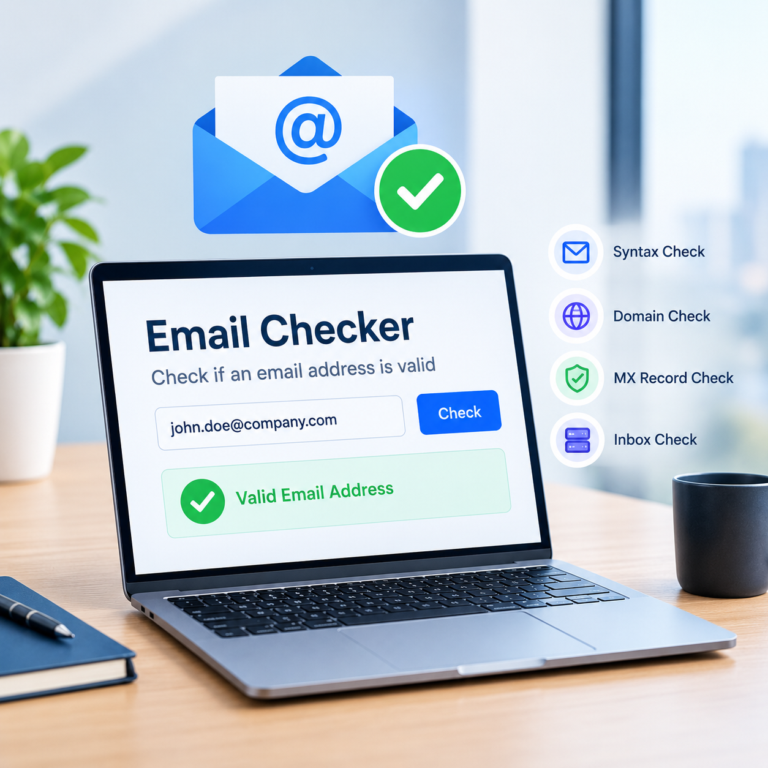
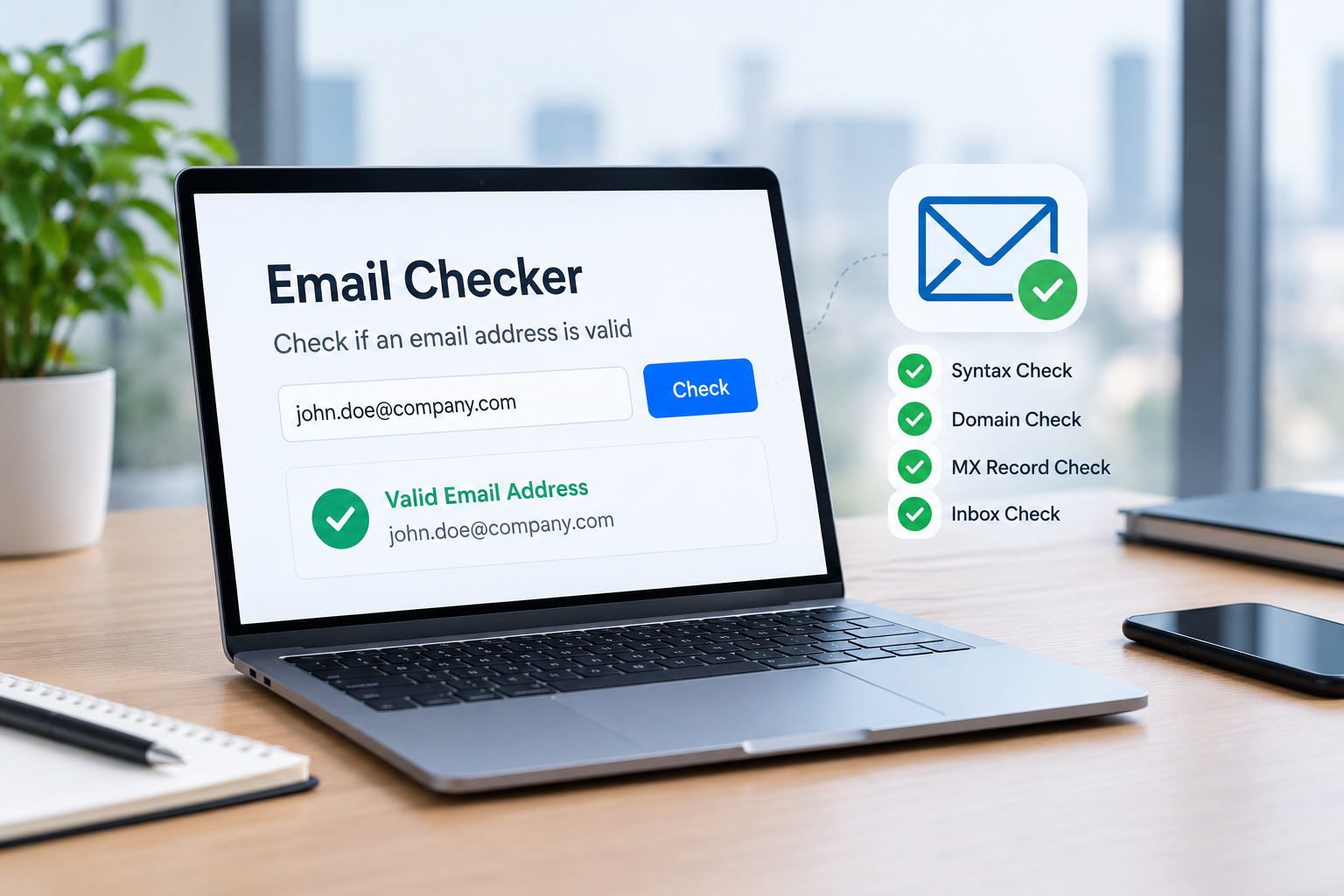
Most checkers run the same sequence under the hood: cheaper checks go first, and an address only reaches the costlier ones, like a live SMTP check, if it clears those.
Syntax check. The tool confirms the address follows standard email formatting, an @ symbol, a valid domain structure, no illegal characters, before doing anything else. This step catches typos instantly.
Domain and MX record check. Next, the checker looks up the domain’s MX (Mail Exchange) records to confirm the domain actually exists and is configured to receive mail. A domain with no MX records cannot accept email, no matter how the address is spelled.
SMTP verification. Where supported, the checker opens a conversation with the receiving mail server and asks whether a specific mailbox exists, using the RCPT TO command, without actually delivering a message. This is the step that tells you whether a mailbox is really there.
Valid means the mailbox exists and the domain accepts mail, so the address is safe to send to.
Invalid means the address is misspelled, the mailbox doesn’t exist, or the domain can’t receive mail at all.
Risky usually covers addresses that are technically reachable but carry extra risk, role-based inboxes like info@ or support@, disposable addresses meant to be thrown away, or mailboxes with a history of bouncing.
There’s also a fourth status worth knowing: catch-all, covered next.
A catch-all domain is configured to accept mail sent to any address at that domain, even ones that don’t correspond to a real mailbox. Because the server says yes to everything, an email checker can confirm the domain accepts mail but cannot confirm that one specific address actually belongs to someone.
Catch-all results aren’t a failure of the checker, they’re a limitation built into how some mail servers are set up. When you see a catch-all result, treat it as a middle-confidence address: worth sending to, but worth watching for bounces too.
A valid result reflects the address at the moment it was checked, not a permanent guarantee. Between the check and your send, a few things can change: the mailbox can fill up, get deleted, or move to a new domain. The receiving server can also apply greylisting, a temporary delay used to filter spam, that looks like a bounce but usually resolves on retry.
Email verification significantly reduces bounce risk, but it cannot promise inbox placement every time, because deliverability also depends on your sending reputation, your content, and the receiving server’s own filters on the day you send.
Once you understand the checks involved, trying one is the fastest way to see what a result actually looks like. You can check an email address for free and see a valid, invalid, risky, or catch-all result in a few seconds, no signup required for a single check.
Checking one address before you reply to a lead is a different job than cleaning a list of ten thousand contacts you haven’t emailed in a year. A single email checker handles the first case in a few seconds. For the second, you want a bulk email checker that can process a spreadsheet and return a status for every row, or an email checker API that checks addresses automatically as they come in through a signup form or CRM.
| Approach | Best for | Speed | Scalability | Best used for |
|---|---|---|---|---|
|
Single email check |
Checking one address before you hit send |
A few seconds |
Low, one address at a time |
Verifying a new signup or a reply before a 1:1 email |
|
Bulk email checker |
Cleaning an existing list before a campaign |
Minutes for a few thousand rows |
High, up to tens of thousands per batch |
Clearing invalid addresses from a purchased or older list |
|
Email checker API |
Checking addresses automatically in a signup form or CRM |
Under a second per request |
Very high, built for continuous automated checks |
Blocking invalid signups in real time or syncing with a CRM |
Most email checkers offer a free tier, but “free” rarely means unlimited. The usual pattern is credit-based: you get a set number of checks, often somewhere between 50 and a few hundred, that expire after a week or two, and once they’re gone you either pay per check or move to a paid plan.
Limits typically show up in three places: how many checks you get, how fast you can run them (free plans often cap API requests to just a few per minute), and how large a batch you can upload in one go. A free tier can look generous on paper but still fall short if your list is bigger than the batch cap or the credits run out partway through.
ReachStream’s free plan gives 100 credits valid for 30 days with no credit card required, and caps bulk uploads at 25,000 addresses per batch rather than limiting them by month. It also includes bulk checking, API access, and catch-all detection, the same verification layers used on paid plans, just within a smaller credit allowance.
Yes, in a measurable way. Removing invalid addresses before you send reduces hard bounces directly, since those addresses would have bounced every single time.
Flagging and reviewing risky addresses, role-based inboxes, known disposable domains, catches a second layer of risk that a simple spell-check would miss. Fewer bounces means mailbox providers see your domain as a more trustworthy sender, which protects your inbox placement for every email that follows, not just the one you’re checking.
What verification can’t do is guarantee inbox placement. Your content, sending volume, and the receiving server’s own filters still play a role on any given day.
An email checker won’t make every send land in the inbox, but it removes the easy mistakes, typos, dead mailboxes, and domains that can’t receive mail, before they cost you anything. Whether you’re checking one address before a reply or cleaning a list of thousands, the same core checks apply: syntax, domain, and SMTP, read through the lens of valid, invalid, risky, and catch-all results. Build a habit of checking before you send, re-checking older lists, and treating risky and catch-all results with a little extra care, and your bounce rate and sender reputation will both improve over time.
A valid result reflects the address at the moment it was checked. Mailboxes can fill up, get deleted, or move after that point, and some servers apply temporary delays called greylisting that can look like a bounce. Verification reduces bounce risk, it doesn’t eliminate it entirely.
Author

Access 200M+ verified business emails and grow your sales pipeline effortlessly.
Don't forget to share this post!















Check out our other blogs!
Email ID Checker: Verify Any Email ID Online

ICP Refinement for SDRs: Using Data Filters to Stop Wasting Touches


Email Validator: Validate Email Format, Domain and Mailbox