


How to Evaluate B2B Data Vendors for Accuracy and Compliance

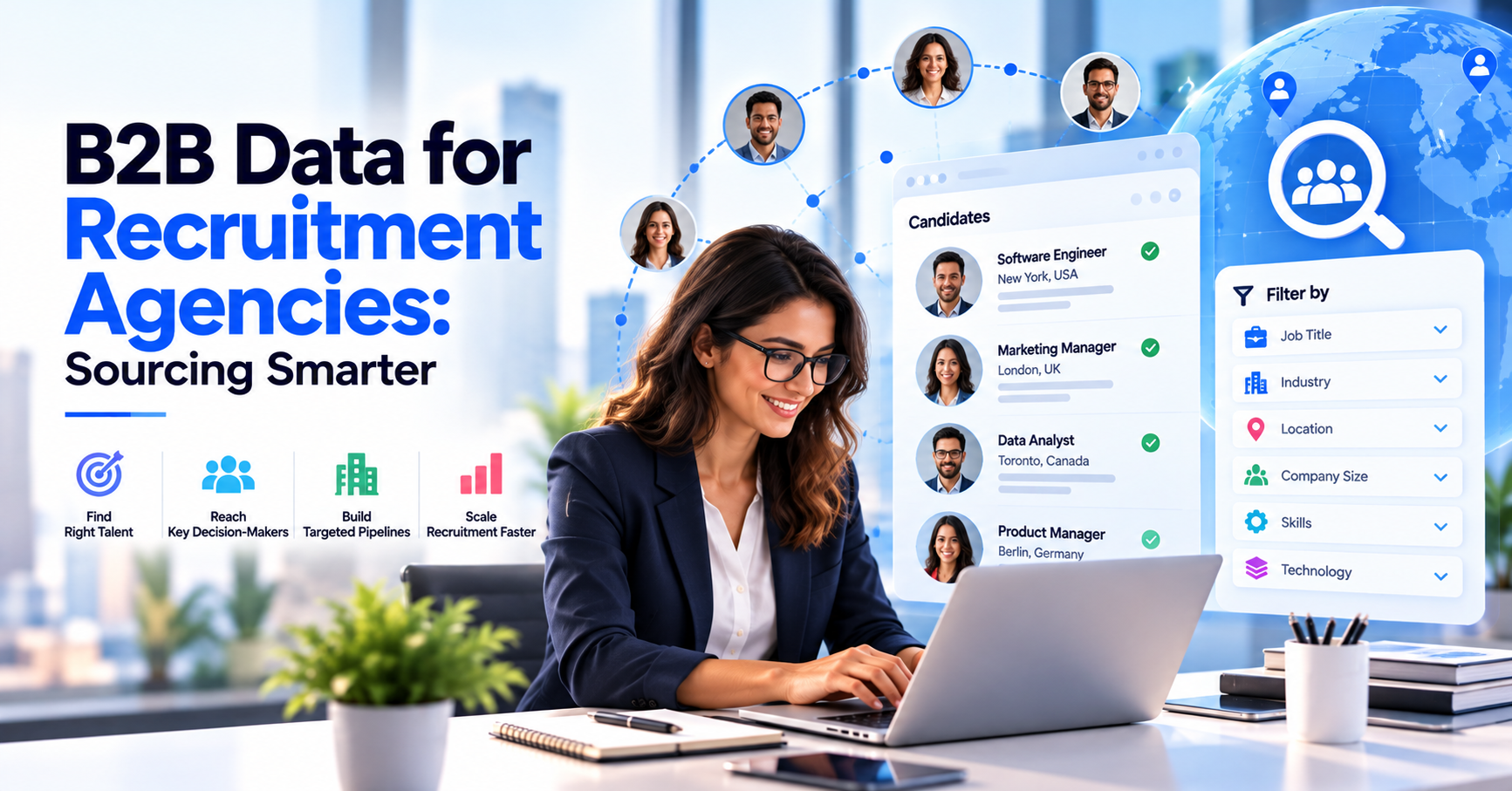
B2B data for recruitment agencies is the company and contact information a recruiter uses to find employers worth approaching, such as which companies are hiring, how big they are, who owns the hiring decision and how to reach that person with a verified business email. It is the client-side counterpart to candidate sourcing data, and it decides how quickly an agency can fill its own pipeline.
Most agencies know how to find candidates. Finding clients is where the work stalls. In a 2025 survey cited by Prospeo and attributed to Tracker RMS, 23% of staffing agencies named finding new clients as their biggest hurdle, up seven points from the year before. Better data does not fix that on its own, but it removes the slowest part of it: working out who to call.
To find hiring companies, start with hiring signals. A company advertising several roles in the same function, reposting the same job for weeks or growing a team quickly is telling you it has a recruiting problem. Job boards and career pages are the obvious places to look, and professional networks show headcount changes that point to employee growth.
Read the postings closely. Listings written in the voice of an agency, such as ‘our client’ or ‘recruiting on behalf of’, show a company already buys recruitment services. Career pages that list preferred recruitment partners, or say they do not accept unsolicited CVs, tell you the same thing from the other side. Funding rounds, a new head of talent or a new office are also good moments to reach out.
Signals tell you who to look at. They do not give you a name and an address to write to. That second step needs a B2B contact database, which is why many agencies pair signal monitoring with recruitment prospecting tools that supply employer data. If you want a wider view of where this data comes from, our guide to recruitment data sources is a useful companion.
Think in three layers. Company data for recruiters covers name, industry, location, company size and revenue band. Contact data covers the people inside it: job title, department, seniority, verified business email and, where a direct dial is available. Context covers the hiring signals that explain why now.
Which contact matters depends on how the firm buys. Hiring managers feel the pain of an open role and often start the conversation. HR contacts and talent acquisition leaders run the process and often hold the preferred supplier list. In larger employers, procurement or a vendor management team signs the agreement.
Good B2B contact data for recruiters, such as an employer contact database, lets you reach more than one of these in the same account, so the conversation does not depend on a single person replying.
Candidate sourcing data is a separate list with separate rules. Keep it apart from client data in your recruitment agency CRM data so that the wrong person never receives the wrong message.
Filters turn a huge database into a list you can actually work. Industry filters are the first cut, because most agencies specialise and win more easily where they already place candidates. Company size is the second: a 50-person firm and a 5,000-person firm buy differently, and the right size depends on your fee model and how many roles you can handle at once.
Job title filters then pick out the buyers. Search for the hiring leaders in the function you recruit for, plus HR contacts and talent acquisition leaders in the same companies. Location filters support territory targeting, so each consultant owns a clear patch and two people do not chase the same account.
Layer in employee growth where your research tools show it. A company adding people fast is a better bet than one with a flat headcount, because it is more likely to need outside help. Our ICP worksheet template helps you define these traits before you start filtering.
Building a list starts with your best clients, not with a database. Look at the ten employers you are happiest to work with and note what they have in common: sector, size, location and the roles they hire for. That becomes your ideal employer profile.
Next, search for companies that match it using industry filters, company size and territory targeting. Add decision-maker contacts for each one, ideally two or three per account. Run the list through email verification before anything is sent, then load it into your recruitment agency database or CRM with the source and date attached.
Keep the first list small. A focused list of a few hundred accounts, each with a clear reason to call, beats a few thousand names with no context. You can always widen it later. For a deeper look at building a verified list, see our guide to finding verified decision-makers.
People change jobs, companies restructure and email addresses go stale, and recruiters feel this more than most because their own market moves fast. Verified business emails protect two things: your sender reputation and your consultants’ time. A bounced message is wasted effort, and too many bounces push your domain towards the spam folder.
Verify in two places. Check addresses before you send, using an email verifier that tests whether the mailbox exists. Then re-check lists you have held for a while, because data that was accurate six months ago may not be today. Our guide on how to verify an email address explains the process step by step.
Verification also supports good record-keeping. When a contact bounces or opts out, record it once and make sure every tool that sends on your behalf respects it.
Most agencies use a mix of sources, and each has a different cost in time and accuracy. The table below compares the three most common: job boards and career pages, manual research on professional networks, and a B2B contact database.
No single source wins on every row. Job boards are strong on timing, networks are strong on context and a database is strong on reach and speed. Agencies that combine them tend to waste the least time.
| Source | Best for | Strength | Effort per lead | Watch out for |
|---|---|---|---|---|
|
Job boards and career pages |
Spotting companies that are hiring right now |
Strong timing and a clear reason to call |
High, because contacts must be found separately |
No contact details and a lot of manual checking |
|
Professional networks and manual research |
Researching a small set of priority accounts |
Rich context on people and teams |
High, with slow one-by-one searching |
Does not scale past a short list and goes stale quickly |
|
B2B contact database |
Building and refreshing lists at volume |
Fast reach to verified decision-makers across many accounts |
Low once filters are set up |
Quality varies by provider, so ask how data is sourced and verified |
It can be, as long as you follow the rules for each region. Buying or licensing B2B data is not illegal in itself, but how you use it is regulated. In the US, the CAN-SPAM Act covers commercial email to business recipients and works on an opt-out basis: you need accurate sender details, an honest subject line, a physical address and a working unsubscribe that you honor within 10 business days.
In the UK and EU, GDPR treats a business email that identifies a person as personal data. Most agencies rely on legitimate interest, which needs a documented assessment, and if you obtained the contact from a third party you generally need to tell them within a month and respect their right to object. Rules differ by country, and Germany is stricter than the UK.
Use a provider that can tell you where its data comes from and how it is refreshed. Our guide to whether buying B2B data is legal goes into more detail. This is general information, not legal advice, so check your own situation with a qualified lawyer.
ReachStream Prospect covers the client-data side of a recruitment agency’s workflow. You can filter contacts by role, industry, company, size, revenue and location, build dynamic lists that update automatically, and use Similar Companies to find employers that resemble your best clients.
The Chrome Extension pulls contact details from LinkedIn while you research, and the built-in email verifier checks addresses so credits are used on verified data.
ReachStream does not replace your own hiring-signal monitoring. Use job boards and career pages to spot who is hiring, then use a company contacts database to find and verify the right people. Verified lists can be exported and synced with your CRM through ReachAPI.
B2B data for recruitment agencies comes down to a short loop: spot employers that are hiring, add the right decision-makers, verify their emails, reach out with a reason that matches the signal, and log every result in your CRM. Do that consistently in one niche before you widen your net.
If you want to compare tools before you build, our guide to tech recruitment tools and our overview of sales intelligence tools are good next reads.
Compare ReachStream Plans and Choose the Right Fit for Your Prospecting Needs!
Log the hiring signal, owner and source on each account, attach verified decision-makers, and assign accounts by territory or specialism. Run a short multi-touch sequence, record outcomes the same day and review the pipeline monthly. Keeping candidate and client records separate keeps your recruitment agency CRM data clean.
Author

Access 200M+ verified business emails and grow your sales pipeline effortlessly.
Don't forget to share this post!















Check out our other blogs!
Email ID Checker: Verify Any Email ID Online
ICP Refinement for SDRs: Using Data Filters to Stop Wasting Touches

Email Validator: Validate Email Format, Domain and Mailbox