
Written by:

Abdul Kareem
How to Set Up an Automated Data Enrichment Workflow
How to Evaluate B2B Data Vendors for Accuracy and Compliance

TL;DR
- An automated data enrichment workflow detects new or incomplete CRM records, enriches them and writes clean data back.
- The best workflow trigger is CRM record creation, with scheduled batches for older records.
- Enrich the fields that change what reps do first: email, title, company, size and location.
- Waterfall enrichment queries providers in order and stops when the field is filled.
- Use deduplication, validation rules and overwrite rules to protect existing data.
- Webhooks and a lead enrichment API make real-time data enrichment possible in HubSpot and Salesforce.
- Set an enrichment cadence, log errors and review the workflow on a schedule.
What Is an Automated Data Enrichment Workflow?
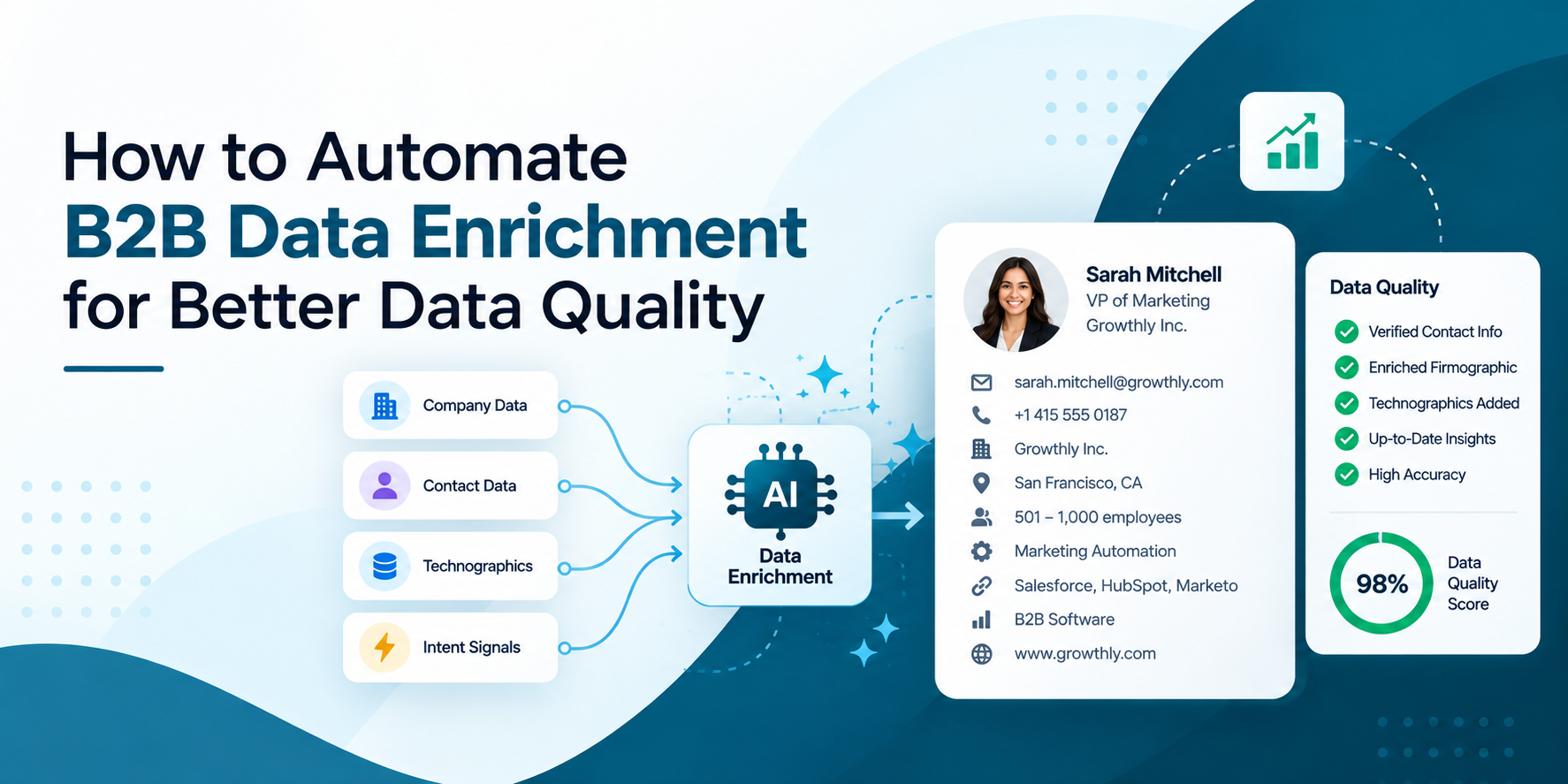
An automated data enrichment workflow is a set of rules that spots a new or incomplete CRM record, sends it to one or more data sources, validates what comes back and writes the clean result into the right fields without anyone copying and pasting. The core pieces are a workflow trigger, field mapping, validation rules, deduplication and error handling, and each one needs a decision before you switch anything on.
Done well, automated lead enrichment means a rep opens a new lead and finds the job title, company size and a verified email already in place. Done badly, it overwrites good data, creates duplicates and burns credits, and teams that automate data enrichment without clear rules often create more cleanup than they save.
What Should Trigger a Data Enrichment Workflow?
A workflow trigger is the event that starts enrichment, and choosing it well decides how much you spend and how fresh your data stays. The most useful one is CRM record creation: when a lead arrives from a form, a product signup, an import or a manual entry, the workflow fires and enriches it within moments. That is how you enrich new CRM records before a rep ever opens them.
Other data enrichment triggers include a change to a key field, such as a new company domain, a lead moving to a new lifecycle stage, a scheduled batch for older records and a manual button for one-off requests. Add conditional logic so the workflow runs only when it should: skip records that already have the key fields, require at least one identifier such as an email or company domain and leave out contacts you have marked do-not-contact.
In HubSpot the trigger is usually the enrollment rule of a workflow, such as Contact created. In Salesforce it is typically a record-triggered flow or an integration partner that reacts to record creation. Our guide to connecting a lead database to your CRM covers the wider setup.
Which Fields Should Be Enriched First?
A CRM enrichment workflow works best when it starts with the fields that change what a rep does next. For most B2B teams that means a verified work email, job title and seniority, company name and domain, industry, company size and location. Those fields drive routing, scoring and personalization, so they deliver value first.
Next come fields that sharpen targeting, such as revenue band, technology stack, phone number and LinkedIn profile. Add them once the basics are reliable, because every extra field adds mapping work and more chances for conflicts.
Decide the source of truth for each field before you automate. Anything a rep typed by hand should usually win over enrichment, while blank fields and stale values can be filled or refreshed. Our guide to improving CRM records with enrichment lists which fields matter most for each team.
What Is Waterfall Enrichment?
A waterfall enrichment workflow sends a record through several data providers in a fixed order. If the first provider returns the field you need, the record stops there. If it returns nothing, or a result below your confidence threshold, the record moves to the next provider. The idea is that no single source covers every region, role and field, so you combine several.
Order the providers by your own market, not by a general ranking, and let each step run only when the field is still empty. A typical sequence checks your CRM first, normalizes the company domain, queries a primary source for core fields, calls a specialist for missing emails or phones, verifies the result and writes it back tagged with its source. Fallback providers then only handle records that earlier ones missed, which keeps costs down.
Treat the benefits as something to measure, not assume. Vendor guides describe higher match rates from blending sources, but those figures are not independently verified, so compare match rate and cost per usable contact on your own sample before you commit to a multi-provider setup.
How Do You Prevent Duplicate Records and Overwrites?
Prevention starts before enrichment runs. Check the CRM first, so you do not pay to enrich a record that already has usable data, and match on stable identifiers such as email or company domain. When a returned record already exists, choose a rule per data type: skip it, update in place, merge, or flag it for review. Partial matches on name alone are the usual source of duplicates.
Validation rules protect field quality. Reject malformed emails, standardize job titles, countries and company names, and verify emails before they land in a sequence. Our guide to business email verification explains why this step matters for deliverability.
Then set overwrite rules, the part of data governance that most teams skip. Never overwrite values a rep entered by hand, let enrichment fill blanks and update fields older than a set number of days, and flag conflicts on identity fields like name and email. Timestamp each enriched field and record its source, so you can audit changes later. These steps also make automated CRM data cleansing safer, because the workflow follows rules instead of guessing.
How Do Real-Time Enrichment, APIs and Webhooks Work Together?
Real-time data enrichment fires the moment a record is created, so the lead is complete before routing and follow-up. Webhooks make that possible: the CRM sends an event to another system when something changes, and a lead enrichment API returns the extra fields in response. The data provider’s API integration then writes the values back through your field mapping.
HubSpot supports this pattern directly. A vendor guide for a HubSpot enrichment workflow describes building a workflow that enrolls contacts on creation, adds a webhook action that calls the enrichment API using an email, LinkedIn URL or name plus domain, tests the response, maps returned properties to contact fields and then writes them with an edit-record step.
HubSpot enrichment of this kind needs a plan with workflows, an API key and available credits.Salesforce enrichment is often delivered through AppExchange partners or flows that call an API on record creation. Whichever CRM you use, limit calls to what the rate limits allow, test on a small batch first. Our guide to API-driven enrichment workflows shows the pattern in more detail.
Enrich your CRM with verified contacts
Filter by role, industry and location, then export verified contacts.
Which Enrichment Approach Fits Your Team?
The table below compares three common approaches by how they work, who they suit and what to watch for. Most mature teams combine them: real-time for new records, batch for the existing database and a waterfall where coverage matters.
Pick based on volume, budget and how quickly reps need the data.
| Approach | How it works | Best for | Watch out for | Typical cadence |
|---|---|---|---|---|
|
Real-time via webhook or API |
A CRM event calls an enrichment API and writes back within seconds |
New leads that need fast routing and follow-up |
Rate limits, missing identifiers and call costs |
On record creation |
|
Scheduled batch |
A job enriches or refreshes existing records in bulk |
Large databases and routine cleanup |
Overwriting good data and stale results between runs |
Monthly, or every 90 to 180 days for older records |
|
Waterfall enrichment |
Providers are queried in order until the field is filled |
Teams that need wider coverage across regions and roles |
Higher setup effort and mixed data quality |
On creation and in batch |
How Do You Automate CRM Enrichment Step by Step?
- Define the goal and fields: Decide which fields matter, which records qualify and what a successful enrichment looks like.
- Pick the workflow trigger: Start with CRM record creation and add a scheduled batch for existing records.
- Map the fields: Link each returned value to a CRM field and set overwrite rules.
- Add validation and deduplication: Verify emails, standardize formats and check for existing records first.
- Build error handling: Log failures, retry where it is safe and flag records that stay empty.
- Test, launch and monitor: Run a small batch, check results, then review logs weekly.
How Often Should CRM Records Be Refreshed?
There is no universal number, so set an enrichment cadence by how fast each record type changes. People change jobs regularly, and the US Bureau of Labor Statistics reported median tenure with a current employer of 3.9 years in January 2024, so even accurate records go stale over time.
A common practitioner pattern is real-time enrichment for new records, a monthly batch for active accounts and contacts, and a full re-enrichment of older records every 90 to 180 days. Record a last-enriched date on each contact so you can find stale ones and alert on records that have not been refreshed. Treat these intervals as a starting point and adjust them to your sales cycle and credit budget.
Keep the routine going with regular cleanup. Our guide to B2B database hygiene covers a simple schedule, and B2B data accuracy explains how to check results.
Which Tools Integrate with Data Enrichment Workflows?
- CRM workflow builders: HubSpot Workflows can fire on contact creation and call a webhook, and Salesforce offers flows for record-triggered logic.
- Data provider APIs: Most data enrichment integrations run through a lead enrichment API that returns fields on request and feeds your field mapping.
- Workflow platforms: Tools such as Clay and Openprise are used for custom logic, including multi-step enrichment.
- Email verification: A verification step before write-back keeps bad addresses out of sequences.
- Monitoring: Workflow history and error logs show failed calls and unmapped fields.
- Governance controls: Source tags, timestamps and permissions make changes auditable.
Where Does ReachStream Fit in an Enrichment Workflow?
ReachStream can serve as the data source in an enrichment workflow. Its enrichment adds emails, phone numbers and company details to records you already hold, its built-in email verifier checks addresses before you use credits and its lists can sync to your CRM through native Salesforce and HubSpot integrations.
Reach API for connecting contacts to CRMs and outbound tools, so confirm the endpoints and limits with the team before you design around them.
Test on a small batch of your own records first, and see ReachStream Prospect for details. Our guides to ReachStream for data enrichment and B2B data enrichment cover the basics, and our CRM-compatible B2B data platforms guide covers integration depth.
Start with 100 free export credits a month
No credit card needed. Test enrichment on a small batch first.
Automated Data Enrichment Workflow: The Short Version
The short version: pick a clear workflow trigger such as CRM record creation, enrich the fields that change what reps do, add validation rules, deduplication and error handling, protect rep-entered data with overwrite rules and set an enrichment cadence that matches how fast your records change. Start small and measure before you scale.
For your next read, see our guide to what data enrichment is and our step-by-step enrichment demo.
Find a plan that fits your outreach volume
Enrich Your B2B Data Smarter, Compare ReachStream Plans and Find Your Best Fit.
Frequently Asked Questions
1. What is an automated data enrichment workflow?
It is a set of rules that detects a new or incomplete CRM record, sends it to one or more data sources, validates the result and writes it back to the right fields automatically. It uses triggers, field mapping, deduplication, validation rules and error handling.
2. How do you automate CRM enrichment?
Choose a trigger such as record creation, map returned data to CRM fields, add validation and deduplication, set overwrite rules and handle errors. Test on a small batch, then add a scheduled batch for existing records and monitor the logs.
3. What should trigger a data enrichment workflow?
The most useful trigger is CRM record creation, so new leads are enriched before reps see them. Other triggers include key field changes, lifecycle stage changes, scheduled batches and manual requests, with conditional logic to skip records that are already complete.
4. Which fields should be enriched first?
Start with the fields that change what a rep does next: verified work email, job title and seniority, company name and domain, industry, size and location. Add revenue, technology stack and phone once those are reliable.
5. What is waterfall enrichment?
Waterfall enrichment sends a record through several data providers in a set order, moving to the next only when the field is still empty or confidence is low. It improves coverage while keeping cost down, but you should test match rates on your own sample.
6. How do you prevent duplicate records?
Check the CRM first, match on stable identifiers such as email or company domain, and choose a rule per data type: skip, update, merge or flag. Avoid matching on name alone, and never let enrichment overwrite values reps entered by hand.
7. How often should CRM records be refreshed?
It depends on how fast your data changes. A common practitioner pattern is real-time enrichment for new records, a monthly batch for active records and a full refresh every 90 to 180 days, with a last-enriched date on each contact.
8. Which tools integrate with data enrichment workflows?
HubSpot Workflows and Salesforce flows can trigger enrichment, and webhooks and APIs connect data providers. Workflow platforms such as Clay and Openprise support custom logic, and email verifiers and monitoring tools keep the data clean and the workflow visible.
Abdul Kareem
Author
Abdul Kareem

Abdul Kareem writes about B2B sales prospecting, email deliverability, and cold outreach for ReachStream, focusing on practical guidance that sales and marketing teams can put to use right away.
Share
Table of Contents
Access 500M+ verified business emails and grow your sales pipeline effortlessly.
Power Your Sales
with Targeted Data
Abdul Kareem writes about B2B sales prospecting, email deliverability, and cold outreach for ReachStream, focusing on practical guidance that sales and marketing teams can put to use right away.
Don't forget to share this post!















Check out our other blogs!

How to Build a Targeted Prospect List Using Filters
October 21, 2026

B2B Data for Ed-Tech Companies: Reaching School Decision-Makers
October 21, 2026

Direct Dial Numbers Explained: A Guide for Sales Reps
October 19, 2026