


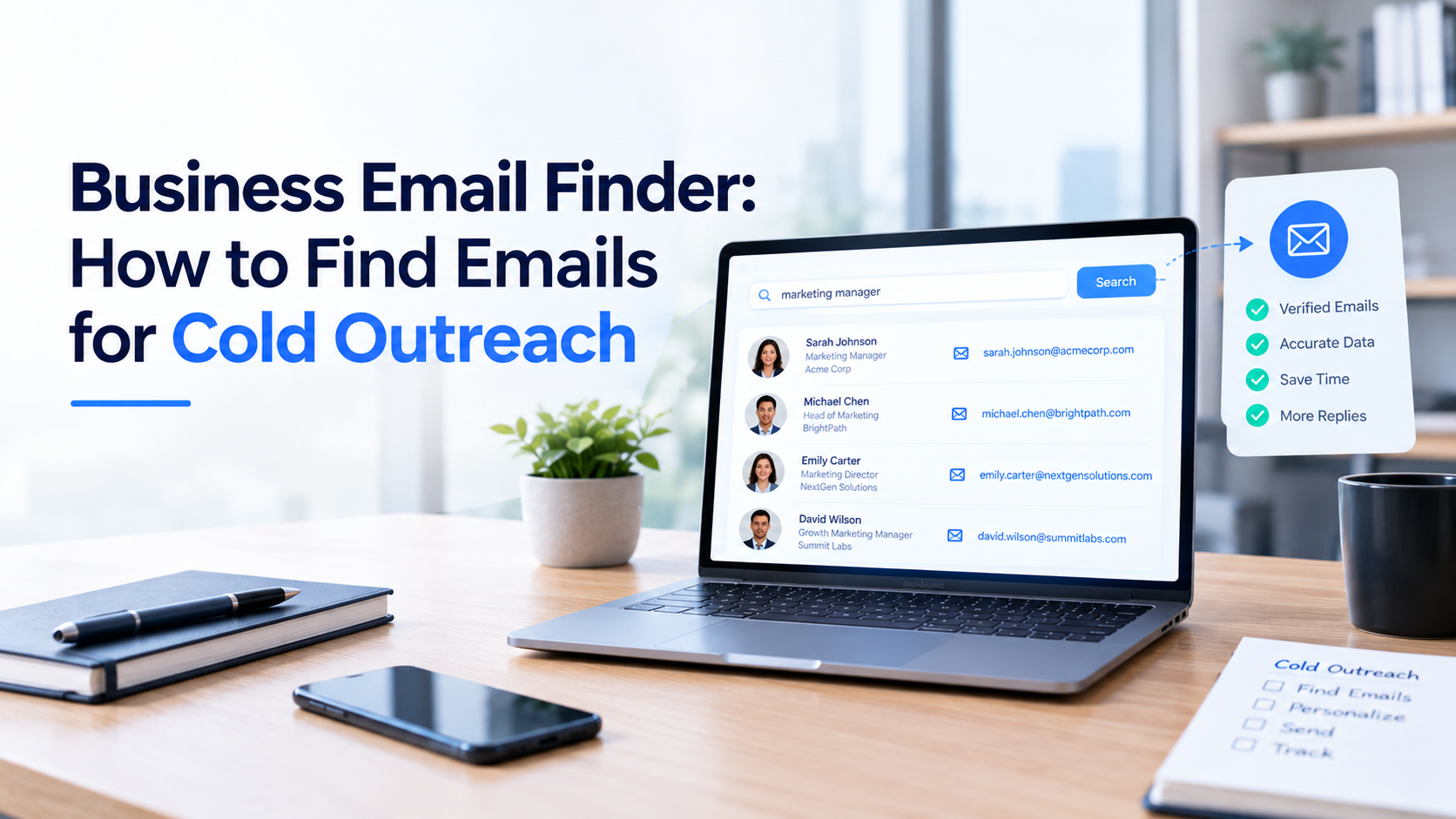

How to Evaluate B2B Data Vendors for Accuracy and Compliance

The quickest way to find a business email address is to work from the company domain. Confirm who the person is and where they work, check the places a company publishes contact details, look at their professional profiles, and then run any address you land on through email verification before it goes near a campaign.
A business email address is the work email a person uses at their employer, usually ending in the company’s own domain. A direct business email belongs to one named person, while a shared inbox like info@ or sales@ goes to a team. For cold outreach, a direct business email tends to reach the right person faster, though a shared inbox is sometimes the only public option.
This guide shows how to find business email addresses with methods that hold up, where each one falls short, and how to keep your list clean so messages keep reaching the inbox. It stays with professional contacts only.
An email finder is software that looks up a work email address from a name and a company, using a database, public sources, pattern matching, or a mix.
Email verification is the separate check that confirms an address is formatted correctly, sits on a live domain, and can receive mail.
Contact data enrichment means adding missing details, such as a job title or a verified email, to a record you already hold.
LinkedIn is the best place to confirm who someone is: their current title, their team, and how long they have been in the role. Some people list a contact email on their profile, and using that for professional outreach is reasonable. Most people do not, and that is their choice.
To find email addresses from LinkedIn in a legitimate way, use the profile to confirm the person and the company, then move on to the company domain and a verification step. Working around privacy settings, or using tools that pull hidden contact details, is a different matter and not worth the risk.
If you are wondering how to find someone’s work email when nothing is published, the company domain is the next stop. Most companies stick to one format, such as first.last@, firstinitial+lastname@, or first@. Once you have spotted the format from one published address, you can work out a likely address for a colleague. An email pattern finder automates this by testing the common formats for you.
Treat the result as a lead, not an answer. Common names, nicknames, and employees who share a name all break patterns, and some domains accept mail to any address, which makes a quick check unreliable. Always verify before you send.
Conference speaker pages, webinar listings, podcast show notes, and industry directories often include a professional contact on purpose. So do messages you have already received: an email signature, a reply, or an out-of-office note can confirm the format a company uses. If a person has never published a contact and you cannot confirm one, a LinkedIn message or an introduction from a mutual contact is a better first touch than a guess.
Manual research gives you control. You see where each address came from, and you can judge whether the contact makes sense for your offer. The cost is time, and it adds up quickly once a list grows past a few dozen people.
A B2B email finder removes most of that legwork. You enter a name and a company, or search by role and industry, and it returns candidate addresses. Some work as a business email lookup for one contact at a time, while others act as a database for building lists in bulk. An email finder tool for sales prospecting makes the most sense when you need volume and consistency, and when you can pair it with verification.
If you want to find a business email address at scale, that pairing matters more than any single feature. Our separate guide on B2B contact data platforms goes deeper on how the options compare.
Plenty of teams end up using both approaches: manual research for key accounts, a tool for the rest, and contact data enrichment to fill gaps in records they already have.
| Method | Best for | Effort per contact | Accuracy risk | Works at volume? |
|---|---|---|---|---|
|
Manual research |
Key accounts and short lists |
Several minutes, often more |
Low, if you verify the address |
No, it slows down fast |
|
Published contact pages |
Companies that list a direct contact on purpose |
A minute or two |
Low, but check the address is current |
No, one account at a time |
|
Pattern guess plus verification |
Filling gaps when a domain pattern is clear |
A minute or two |
Medium, depends on the verification step |
Partly, with a bulk verifier |
|
Email finder (single lookup) |
Quick checks on one named contact |
Seconds |
Varies by provider, so test a sample |
Limited, depends on credits |
|
Email database search |
Building lists across many accounts |
Seconds once filters are set |
Varies by provider, so test a sample |
Yes, if data is refreshed and verified |
An email finder for cold outreach is only as good as the verified business email addresses it returns, so the differences that matter sit in the details. Ask where the data comes from and how often it is refreshed. Check whether verification is built into the search or sold separately, and what happens to your credits when an address turns out to be invalid. Look at how results export to your CRM or sequencer, how the tool handles opt-outs and data removal requests.
ReachStream Prospect is one example. It is designed to give sales teams a searchable database of 500M+ contacts across 50M+ companies, including 100M+ direct dials, and a free plan is available so you can test accuracy on your own target accounts before paying. AI Conversational Search is designed to let you describe who you want in plain language. As with any tool, run a sample you can check yourself first, and keep an eye on data accuracy over time.
Often yes, but not without rules. The FTC’s CAN-SPAM guidance states that the law makes no exception for business-to-business email. Each email that breaks the rules can carry a penalty of up to $53,088. The basics are straightforward: use accurate sender details and honest subject lines, include a physical postal address, explain clearly how to opt out, and honor opt-outs within 10 business days.
Other regions work differently. In the UK, for example, the rules treat email to company subscribers differently from email to sole traders and some partnerships, and a work address that identifies a named person is generally treated as personal data that needs a lawful basis, such as legitimate interests.
Laws change and depend on where your recipient is based, so check current guidance from the relevant regulator or ask a lawyer before you build a campaign. This article is general information, not legal advice.
To find a business email address that works, combine a little manual research with a clear process: confirm the person, find the company domain, look for a published address or a likely pattern, and verify before you send. Tools can speed up the middle of that process, but verification and clean list habits are what protect your sender reputation.
Keep the focus on professional contacts, keep your records tidy, and stay within the rules that apply to your recipients. A smaller list of verified business email addresses tends to serve you better than a large one nobody has checked.
Target a narrow, relevant audience, verify every address, and keep a suppression list for bounces and opt-outs. Authenticate your sending domain, track bounce and complaint rates, and refresh older contacts before reusing them. Follow the rules where your recipients live.
It can be, but it depends on where the recipient is based and who they are. In the US, CAN-SPAM applies to business email and requires an opt-out, a physical address, and honest sender details.
Author

Search 450M+ contacts and find verified business emails to support your sales pipeline.
Don't forget to share this post!















Check out our other blogs!
What Is B2B Data and Why It Matters for Modern Sales Teams
A Buyer’s Checklist for Evaluating B2B Data Providers
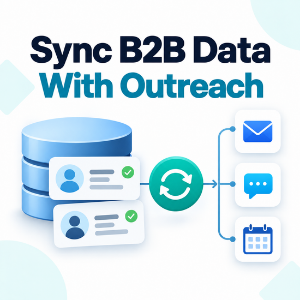
How to Sync B2B Data with Your Outreach Sequences