



How to Evaluate B2B Data Vendors for Accuracy and Compliance

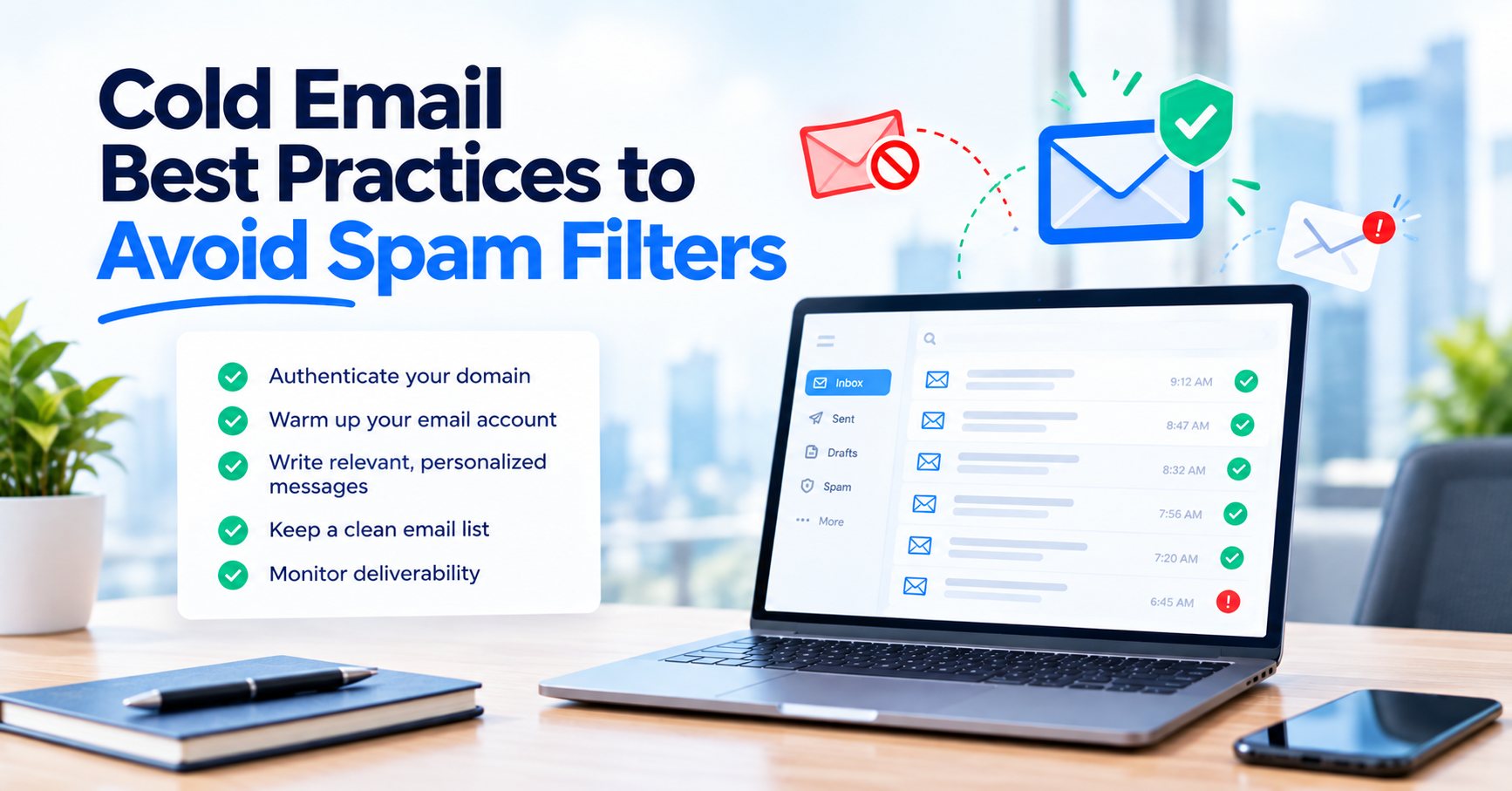
It’s easy to get caught up in crafting the perfect subject line or opening line for your cold emails. But if you find your cold emails landing in the spam folder, the real issue often goes much deeper. To put email spam filters explained simply: they consider much more than just your wording.
In truth, whether your cold email makes it to the inbox or gets filtered as spam comes down to factors like your domain setup, which sending platform you use, your copy, and technical details such as SPF, DKIM, and DMARC authentication. If you want to avoid spam filters, you need to investigate each of these areas one by one, not just guess. Reviewing cold email outreach benchmarks first can help you see whether your numbers are actually off before you start troubleshooting.
If your cold emails start landing in the spam folder, don’t panic or overhaul your whole setup all at once. Instead, begin with an email blacklist check, look over your SPF, DKIM, and DMARC records, and test your copy on its own. Only fix what’s actually broken. Don’t make changes based on assumptions.
Imagine SPF, DKIM, and DMARC as the passport and ID for your cold emails. SPF lists which servers are allowed to send on your domain’s behalf. DKIM is like a tamper-proof seal that proves your message wasn’t altered in transit. DMARC ties the two together, telling mail providers what to do if something doesn’t match. Without this solid cold email domain setup, you’re almost certain to run into email spam filters.
Google and Yahoo have required all three for high-volume senders since February 2024, and Microsoft added similar rules for Outlook, Hotmail, and Live addresses in 2025.
Based on Google email sender requirements and Microsoft’s updated policies, if you send more than 5,000 cold emails per day to one provider, you must have SPF, DKIM, and DMARC all working, and your spam complaint rate needs to stay far below 0.3% (ideally under 0.1%). Even if you’re sending less, treat these standards as your minimum.
Most cold email senders don’t hit that 5,000-message mark per domain, but following the bulk sender requirements from the start protects your outreach as you grow, so you don’t have to scramble if your volume increases later.
One of the biggest mistakes people make is treating SPF, DKIM, and DMARC as a set-it-and-forget-it task you only do on launch day.
Your DNS records might not change by themselves, but everything around them can. Maybe you add a new sending tool and forget to update your SPF, a provider rotates your DKIM selector, or your DMARC policy falls out of sync as your sending sources change.
Since Google, Yahoo, and Microsoft have all updated their requirements (and made them stricter) in recent years, a DNS setup that worked last year might not pass today. Regularly reviewing your records helps you catch these changes before they hurt your inbox placement.
If your DNS setup looks good but your emails still end up in spam, check if your domain or IP address is on an email blacklist. This happens even with perfect authentication, like if you suddenly ramp up volume, hit a spam trap, or inherit a domain with a bad reputation. Staying ahead of this is a big part of how you protect your sender reputation over time.
Run blacklist checks and inbox placement tests regularly. These send test emails to major providers and tell you where they actually land, helping you figure out if the issue is with your domain or just your copy.
Try sending a simple, low-risk message alongside your real campaign copy as a placement test. If the simple version goes through but your campaign copy gets filtered, chances are your copy is the problem, not your technical setup.
If you try to send cold email from custom domain that’s brand new and immediately blast out high volumes, you’re almost guaranteed to end up in the spam folder. Email warm up for cold outreach isn’t optional. Providers check your domain’s age, watch for gradual ramp-up, and look for consistent sending, not just what’s in your email.
Give yourself at least three to four weeks to properly warm up a new sending domain. Start with small batches and gradually increase volume to build trust. Even older domains can get flagged if you suddenly spike your sending volume. It helps to know the warning signs your data is outdated, since a stale list tends to make warmup problems worse.
If a domain that used to land in inboxes suddenly starts going to spam, don’t overhaul everything at once.
Check your DNS first. Make sure SPF, DKIM, and DMARC are all still working and aligned. Then see if your domain or IP is on a blacklist. If those are clear, run an inbox placement test to find out whether the problem is with one provider or your overall setup.
Don’t jump to rewriting your copy until you’ve ruled out issues with your domain and account. Testing in this order saves you time and keeps you from “fixing” something that wasn’t actually broken.
Google, Yahoo, and Microsoft all use 5,000 messages a day as their cut-off for bulk senders, but they expect good authentication and reputation practices from every sender, not just the biggest. It’s much easier to build up to that standard from the start than to fix things later if your domain gets a bad reputation.
Verifying your list before sending is often skipped, but it’s a crucial step. Tools like ReachStream Email Verifier can check every address in real time and sort them into clear categories, so you know which contacts are safe to send to before they ever reach your domain. Curious about how real-time email verification works? It checks each address the moment you upload your list, rather than relying on old data.
A high bounce rate will destroy your sender reputation email before anyone even reads your copy. Run email verification before sending every campaign. This weeds out bad addresses and helps reduce spam complaints cold email can sometimes cause. Following solid email list hygiene best practices keeps this from becoming a recurring problem.
Experienced senders aim for bounce rates below 1–2% per campaign. ReachStream Email Verifier is made for this, offering 99.8% accuracy and handling up to 25,000 emails per batch, so you can check your list before any live campaign goes out.
| Deliverability Layer | What It Actually Checks | How Often to Test It | Warning Sign It's Failing | Where to Start |
|---|---|---|---|---|
|
Domain authentication |
SPF, DKIM, and DMARC alignment |
Monthly, or after any sending-tool change |
Authentication failures or sudden rejections |
Your DNS provider’s TXT records |
|
Domain and sending reputation |
Blacklist status, domain age, warmup progress, and volume |
Weekly for active outbound domains |
A blacklist listing or a volume spike you did not plan |
A blacklist lookup and your sending platform’s warmup settings |
|
Copy and list quality |
Bounce rate, spam complaint rate, personalization, and tracking |
Every campaign, before and during the send |
Bounce rates climbing, replies falling, or one provider underperforming |
List verification and a plain-copy placement test |
Spam filters are more advanced than ever. Sending the same copy to everyone is a quick way to see your inbox placement rate drop and your spam complaints rise. Make sure each email feels personal. Mention the recipient’s name, company, or something timely.
When you write copy that’s genuinely relevant, like referencing the recipient’s company or role, and skipping overused templates, you help keep engagement high. This alone won’t fix a broken DNS record, but paired with proper authentication, it’s often the difference between a campaign that gets results and one that doesn’t.
Be careful with your phrasing. Using words from the spam trigger words list, like “guaranteed results,” “free money,” or “act now,” can get your emails filtered, no matter how good your authentication is. Always review your copy for these triggers before hitting send.
Open tracking pixels and link tracking domains are common in most sending platforms, and they are not inherently a spam signal. That said, a tracking pixel adds an extra request that some filters weigh as part of a broader risk score, and a brand-new tracking domain with no sending history can occasionally raise flags on its own.
Rather than assuming tracking is the cause of a deliverability drop, test with it on and with it off using a small sample and compare placement. If turning tracking off measurably improves inbox placement for your specific setup, that is useful information. If it makes no difference, the real issue is probably elsewhere.
Placement is not uniform across providers. It is common for the same campaign, sent from the same domain, to land reliably in Google inboxes while landing inconsistently in Microsoft’s, or the other way around, because each provider weighs authentication, reputation, and engagement signals a little differently.
Running inbox placement tests that cover both Google Workspace and Microsoft 365 mailboxes, rather than just one, gives a more complete picture. If one provider is consistently worse, that is a strong signal to dig into that provider’s specific requirements rather than assuming your entire setup is broken.
Deliverability conditions change without warning, so a one-time check does not stay accurate for long. Where possible, schedule recurring or automated placement and blacklist checks rather than relying on someone remembering to run them manually before each campaign.
Authentication, domain reputation, and copy quality get most of the attention in deliverability conversations, but list quality is just as foundational. Sending to addresses that no longer exist or were never valid in the first place drives up your bounce rate directly, and a high bounce rate is one of the clearest negative signals a mailbox
provider can see.
For a closer look at how email verification improves deliverability, consider what ReachStream Email Verifier actually does. It is designed to help catch this before it becomes a deliverability problem, checking addresses in real time and sorting them into six statuses: Valid, Invalid, Risky, Catch-All, Unknown, and Do Not Mail, so you can decide which contacts are safe to include in a send.
It supports batch uploads of up to 25,000 emails and is built to ISO 27001:2022, SOC 2, GDPR, CCPA, PIPEDA, and DPDPA standards, with 100 free credits available to test it against your own list.
Run a real sample of your list through verification and compare the results against your current bounce rate. If you\u2019re weighing free vs. paid email verification, this is the easiest way to see the difference for yourself.
There’s no magic bullet to avoid spam filters. Deliverability is a mix of solid SPF DKIM DMARC cold email setup, good sender reputation email, a clean list, and personalized copy. Run regular email blacklist checks, monitor bounce rate, and always verify your list before sending a campaign. Treating email verification best practices as an ongoing habit, not a one-time task, is what keeps this working long term.
None of this guarantees every email lands in the inbox every time, but treating deliverability as an ongoing practice rather than a one-time setup is what actually helps a cold email program avoid spam filters and keep sending reliably over months, not just for the first week.
Check your next send list before it goes out, and see exactly which contacts are safe to reach.
Cold emails usually land in spam because of a problem in one of four areas: domain authentication, sending reputation, list quality, or copy. Missing or misconfigured SPF, DKIM, or DMARC records are the most common technical cause, while a poor sender reputation or a high bounce rate are the most common behavioral causes.
SPF lists which mail servers are allowed to send on behalf of your domain. DKIM adds a cryptographic signature that proves a message was not altered in transit. DMARC ties the two together and tells receiving providers what to do when a message fails one or both checks, and whether your policy is enforced or only monitored.
Check SPF, DKIM, and DMARC at least monthly, and immediately after adding or removing any sending tool, since a new include statement or a rotated DKIM selector can silently break authentication that was working before. Provider requirements have also changed more than once over the past two years, so a periodic review catches drift the setup itself will not announce.
A common warmup period is around three to four weeks, starting with a small volume and increasing it gradually rather than jumping straight to full sending volume. Spiking volume suddenly on a new or lightly-used domain is one of the more reliable ways to trigger spam filtering.
Open tracking is not inherently a spam trigger, but it is one factor some filters weigh among many. If you suspect tracking is affecting placement, test a small batch with tracking on and a matching batch with tracking off, and compare results, rather than assuming either way without checking.
Check domain and IP blacklist status weekly if you are sending high volume, and immediately if you notice a sudden drop in replies or inbox placement. Being blacklisted is one of the few issues that can block delivery outright even when your DNS records are fully correct.
Yes, it is common for the same campaign to place differently across providers, since each one weighs authentication, reputation, and engagement signals somewhat differently. Running inbox placement tests across both Google and Microsoft mailboxes, rather than only one, gives a more accurate picture of where a campaign is actually landing.
Yes. Verifying addresses before you send removes invalid and risky contacts that would otherwise bounce, and a lower bounce rate is one of the clearest signals mailbox providers use to judge sender reputation. ReachStream Email Verifier checks each address in real time and sorts results into six statuses so you can decide which contacts are safe to include. If you’re new to this, our guide on how to verify an email address walks through the basics.
Author

Access 200M+ verified business emails and grow your sales pipeline effortlessly.
Don't forget to share this post!















Check out our other blogs!
What Is B2B Data and Why It Matters for Modern Sales Teams
A Buyer’s Checklist for Evaluating B2B Data Providers

How to Sync B2B Data with Your Outreach Sequences