

How to Evaluate B2B Data Vendors for Accuracy and Compliance
You found the company. You know they fit your ICP. But the email you sent bounced, and the person who replied turns out to be an intern with no buying authority. That’s the cost of skipping the decision maker identification step.
This guide covers how to identify the right contacts by industry, map the buying committee, and verify their contact information before you reach out.
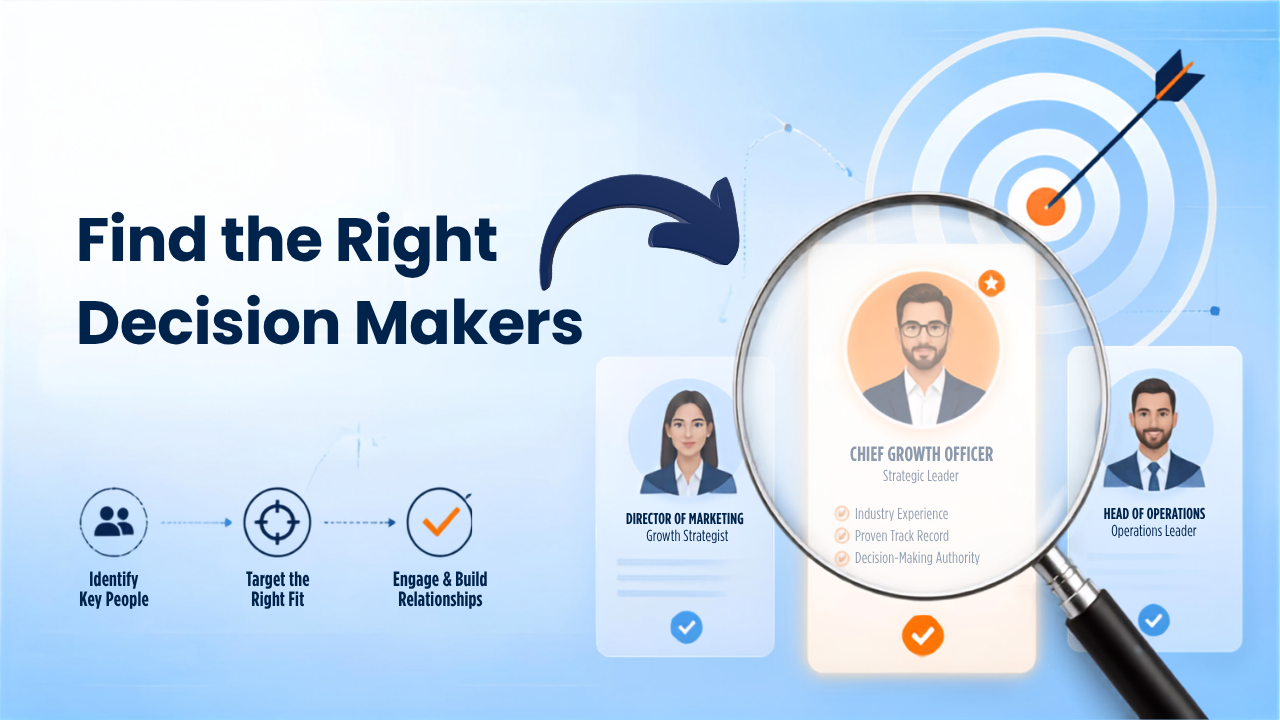
Finding the right business decision makers involves researching organizational structures, using sales intelligence tools, and identifying key roles like C-suite executives, department heads, and procurement managers. A decision maker is the person with authority to approve a purchase, sign a contract, or allocate budget.
In B2B sales, though, this is rarely one individual. Most purchases involve a group of stakeholders who influence the outcome. The specific decision maker varies by company size, industry, and what’s being purchased.
A buying committee is the group of people involved in evaluating and approving a B2B purchase. You might find the perfect contact, spend weeks building a relationship, and then discover they can’t actually move the deal forward. Understanding who sits on this committee helps you avoid that situation.
The economic buyer controls the budget and gives final approval. This person is typically a C-suite executive or VP who cares most about ROI, risk, and strategic fit. They often enter the conversation late but have the final say.
Your champion is the internal advocate who wants your solution and helps push it through the organization. They often initiate the conversation and provide intel on internal dynamics. Without a champion, deals tend to stall.
The technical buyer evaluates whether your product integrates with existing systems. In SaaS purchases, this is often someone in IT or engineering who will ask detailed questions about security, APIs, and implementation.
End users are the people who will work with your product daily. Their feedback shapes the buying decision, even though they rarely sign contracts themselves. If end users push back, the deal can fall apart.
Gatekeepers control access to decision makers. Executive assistants, office managers, and procurement leads often fill this role. Getting past them requires relevance and respect for their time.
Identifying all members of the buying committee matters because reaching only one person often stalls deals. When your champion leaves or gets overruled, the opportunity disappears with them.
The same job title can carry different authority depending on the industry. A Director of Operations at a 50-person SaaS company might approve purchases independently, while the same title at a hospital might require sign-off from compliance and finance.
Industry | Primary Decision Maker Titles | Typical Buying Committee Size |
SaaS and technology | CTO, VP Engineering, IT Director | 3–5 people |
Healthcare | Department Head, Compliance Officer, CFO | 5–8 people |
Financial services | CFO, COO, Risk Officer | 4–6 people |
Manufacturing | Plant Manager, Operations Director | 3–5 people |
Retail and e-commerce | VP E-commerce, CMO, Merchandising Lead | 2–4 people |
CTOs, VPs of Engineering, and IT Directors often lead purchases. Technical evaluation carries more weight here than in other industries, so expect detailed security and integration questions early in the process.
Compliance officers and department heads share authority. Regulatory requirements extend sales cycles, and purchasing decisions often require committee approval across multiple departments.
Risk and compliance roles have outsized influence. CFOs and COOs are common economic buyers, but deals can stall if risk teams raise concerns about data handling or vendor stability.
Plant managers and operations directors often drive purchases. Decisions can be decentralized across facilities, so you might sell to multiple locations within the same company.
VPs of E-commerce, CMOs, and merchandising leads are common targets. Decision-making tends to move faster than in regulated industries because fewer compliance hurdles exist.
An ideal customer profile (ICP) defines the company attributes worth targeting before you search for individual contacts. Without a clear ICP, you waste time prospecting companies that will never buy.
Your ICP typically includes:
Building your ICP first prevents the common mistake of pulling thousands of contacts that look good on paper but represent poor-fit accounts.
This is where research turns into action. The fastest method is using a B2B contact database with industry filters, then layering in additional verification steps.
Start with your ICP criteria. Apply industry codes, employee count, revenue, and location filters in your prospecting tool to narrow the universe of companies worth pursuing.
Use the industry-specific insights from earlier to identify which titles to target. List two to four roles per account so you’re not dependent on a single contact.
Use title, department, and seniority filters to narrow contacts within your target companies. Platforms like ReachStream offer filters for job function and management level across 400+ industries.
Verify that contacts are still in their roles. LinkedIn shows recent job changes and activity that databases may not capture immediately.
Fill in missing fields like direct phone numbers and email addresses. Data enrichment adds context like company funding, tech stack, and org chart information.
Run email addresses through a verification tool to remove invalid, catch-all, or risky addresses. This protects your sender reputation and improves deliverability.
Tip: A bounce rate above 2% can damage your domain reputation and land future emails in spam folders. Verifying emails before sending is worth the extra step.
Most teams use a combination of tools rather than relying on a single platform. Here’s how the main categories compare:
Tool Type | Best For | Limitations |
B2B contact databases | Building targeted lists with filters | Data accuracy varies by provider |
LinkedIn and Sales Navigator | Confirming roles and viewing activity | No direct access to verified emails |
Chrome extensions | Capturing data while browsing | Requires manual profile visits |
Email verification tools | Cleaning lists before outreach | Does not find new contacts |
B2B contact databases provide searchable contact and company records with filters for industry, title, seniority, and location. ReachStream Prospect covers 200M+ contacts across multiple industries and includes built-in verification.
LinkedIn is useful for confirming roles and viewing recent activity. Sales Navigator adds advanced search filters and lead recommendations, though it doesn’t provide verified email addresses directly.
Chrome extensions pull verified contact data from LinkedIn profiles without leaving the browser. The ReachStream Chrome Extension captures email, phone, and company data directly from profiles and adds leads to your CRM.
Verification tools validate email addresses before sending. Look for tools that check at the SMTP level and flag catch-all domains, which accept all emails but may not deliver to real inboxes.
Finding a contact name is only half the job. You also need verified contact details that actually reach the person. Here are the main methods:
Data accuracy matters because bounced emails hurt sender reputation and wrong phone numbers waste sales time. A platform with built-in verification reduces the risk of contacting outdated or invalid records.
Verification removes invalid addresses before outreach. The process checks whether an email address exists, accepts mail, and is safe to contact.
Most verification tools classify emails into four categories:
Cleaning your list before sending improves deliverability and protects your domain reputation. Even a small percentage of hard bounces can trigger spam filters.
Contact data decays as people change jobs, get promoted, or leave companies. Your list can become outdated within a few months, especially at the director level and above where turnover is common.
Re-verify lists at least quarterly. Monitor for job changes using tools that track role updates. ReachStream refreshes data every 45 days and tracks job changes to help keep records accurate.
Timing affects response rates. Reaching decision makers when they have budget or an active need increases conversion.
Companies that recently raised money often have budget to spend and pressure to grow quickly. A Series B announcement is a strong signal that new tools and vendors are being evaluated.
New executives often bring in new vendors. A new VP of Sales may be open to tools their predecessor never considered.
Adopting new software can create adjacent needs. A company switching CRMs may need data migration, integration, or training help.
Opening new offices or acquiring companies creates demand for new systems and services. Transitions like this often reset existing vendor relationships.
Finding the right contact is the first step. Reaching them requires a multi-channel approach:
Multi-channel sequences outperform single-channel outreach. A combination of email, phone, and LinkedIn touches over two to three weeks typically generates better response rates than email alone.
ReachStream helps you find decision makers in your target industry with filters for job title, seniority, department, and 400+ industries. The platform includes 200M+ verified contacts, built-in email verification, and a Chrome Extension that captures contact data directly from LinkedIn.
Start your free trial to build your first prospect list with no credit card required.
Use a B2B contact database with filters for job title, seniority, and department to search by company name and pull a list of relevant contacts in minutes.
The 3 C’s refer to Clarity (understanding the problem), Choice (evaluating options), and Commitment (making and acting on a decision).
The four common types are the analytical decision maker who relies on data, the directive decision maker who acts fast, the conceptual decision maker who considers long-term impact, and the behavioral decision maker who values team input.
Ask directly who is involved in the purchasing process and who gives final approval, then confirm their role in budget and contract signing.
Titles containing VP, Director, Head of, Chief, or Owner often indicate decision-making authority, though this varies by company size and industry.
Marketing professional, specializing in SEO, content strategy, social media, performance marketing, prospecting, and demand generation.
Access 200M+ verified business emails and grow your sales pipeline effortlessly.
Don't forget to share this post!















Check out our other blogs!
How Many Follow-Ups Should a Cold Email Sequence Have?

How a Medical Device Company Can Reach Hospital Decision-Makers
What Data Fields Should a Healthcare Marketing Database Include?
ReachStream Prospect vs Prospeo: Who Delivers Accurate Data?