


How to Evaluate B2B Data Vendors for Accuracy and Compliance

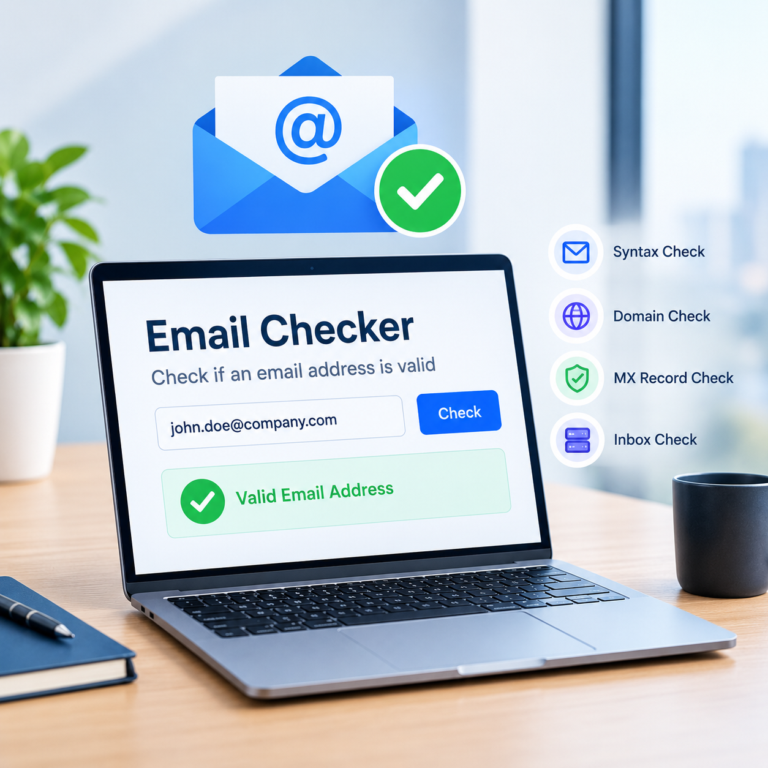
A free email verifier is a tool that checks whether an email address is formatted correctly and likely to accept mail, without charging you for the check. It looks at the address itself and the domain behind it, then returns a result such as valid, invalid, risky, or unknown.
Most people reach for one of these tools before sending an important email to a new contact, cleaning a short list before an outreach send, or double-checking an address a form flagged. The appeal is simple: it takes seconds, and it catches obvious mistakes before they turn into a bounce.
If you want to test this on an address of your own, ReachStream’s Free Email Verifier walks through the same steps directly on the page.
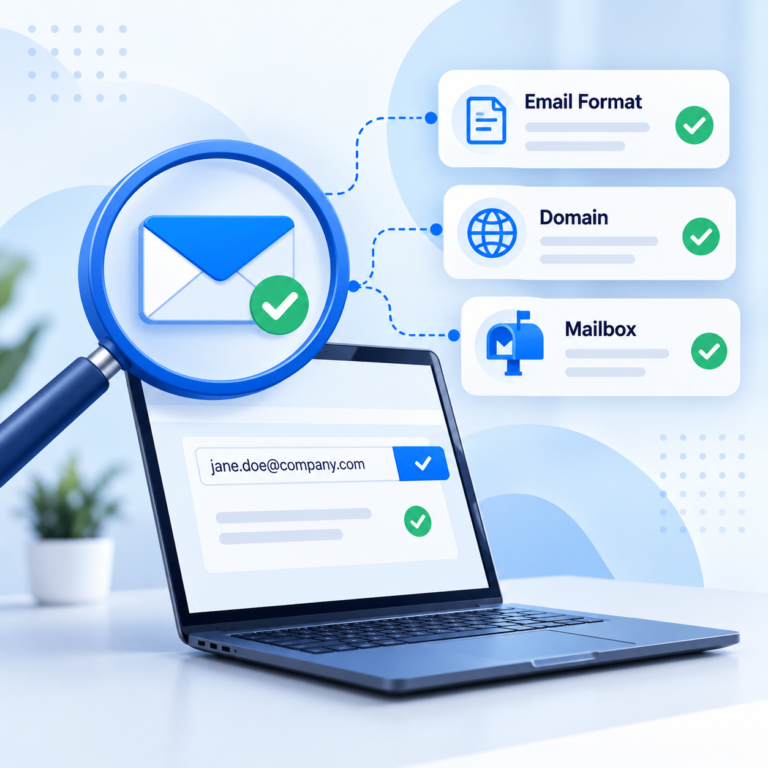
A verification check typically runs through a few layers, each catching a different kind of problem:
A catch-all domain is configured to accept mail sent to any address at that domain, even ones that don’t correspond to a real mailbox. When a verifier’s SMTP check hits a catch-all domain, the mail server effectively says “yes” to everything, so the tool can’t confirm whether that specific mailbox is real.
That’s why catch-all addresses often come back marked risky or unknown instead of a clean pass. It isn’t a flaw in the tool; it reflects a genuine limit of what an SMTP check can confirm from the outside.
Checking an email’s format only confirms the address is written correctly: the right shape, not necessarily a real destination. A deliverability check goes further and asks whether a receiving mail server actually has that mailbox.
An address can pass a format check and still bounce, because the domain might not exist, the mailbox might have been deleted, or the domain might be a catch-all that accepts everything. Free verifiers that only check syntax and MX records are answering the format question; the SMTP step is what gets closer to the deliverability question.
Free email verification plans vary by provider, but a few patterns show up repeatedly. Single checks are usually free, often with no credit card or signup needed, since they cost the provider very little to run. Bulk uploads, where you check a list of addresses at once, are often capped at a limited number of free credits per day or month. API access, which lets you plug verification into a signup form or a CRM, is typically a paid feature built for automated use.
If you’re verifying addresses before an outreach send, ReachStream’s email verifier is one option worth testing against your own list before you commit to a paid plan.
Free and paid email verification run the same basic checks. The differences mostly show up in scale and depth: how many addresses you can check at once, whether you get API access, how thoroughly catch-all domains are handled, and how much reporting detail comes back. The table below lines up common approaches side by side.
| Method | Best for | Time per check | Scalability | Accuracy risk |
|---|---|---|---|---|
|
Manual inbox test |
A single important email |
Several minutes |
Low, impractical for more than a few addresses |
Misses catch-all domains and disposable addresses |
|
Free online verifier |
Occasional single checks or small lists |
Seconds |
Low to medium, daily or monthly caps apply |
Catch-all domains often return risky or unknown |
|
Paid bulk or API verifier |
Large lists, signup forms, and CRM workflows |
Seconds at scale, via batch or API |
High, built for thousands of addresses |
Lower, with deeper SMTP and reputation checks |
|
MX-record-only checker |
A fast sanity check before a deeper verification pass |
Instant |
High, but shallow |
Confirms the domain accepts mail, not that the specific mailbox exists |
|
Verifier built into a contact/CRM platform |
Teams already pulling contacts from that platform |
Seconds, automatic at export |
Medium to high, tied to how much you use that platform |
Similar to a dedicated verifier, with less control over the deeper SMTP settings |
A free plan is usually enough for occasional checks: verifying a handful of new contacts, or cleaning a small list before an infrequent send. It tends to fall short once you’re verifying lists regularly, need to plug verification directly into a signup form or CRM through an API, or consistently run into daily or monthly caps. At that point, a paid plan with bulk upload, API access, and deeper reporting usually saves more time than it costs.
Treating “risky” as “invalid”: A risky result, often from a catch-all domain, isn’t the same as a confirmed invalid address. Removing every risky address can mean losing real contacts.
Assuming verification guarantees delivery: A verified address can still bounce later if the mailbox is deleted or the inbox is full. Verification lowers risk; it doesn’t eliminate it.
Ignoring free plan limits until you hit them: Running out of checks mid-list is avoidable if you check the plan’s cap before you start.
Skipping verification because a list “looks fine”: Typos and outdated addresses aren’t visible just from scanning a spreadsheet.
ReachStream’s email verifier runs inside its broader contact database rather than as a separate bolt-on: when you search for contacts and build a list to export, each email is checked as part of that export step, instead of requiring a separate upload afterward. That matters for list-building specifically, where the usual failure mode is exporting a batch of promising-looking contacts and only discovering later, after they’re already in a CRM or sequence, that a chunk of them bounce.
In practice, that means a risky or catch-all result surfaces before the contact leaves the platform, not after it’s already been added to an outreach list. For a sales or marketing team already using ReachStream Prospect to find contacts, that folds verification into a step they’re doing anyway, rather than adding a second tool and a second export-import cycle just to check what they just exported.
Run a small sample of your own addresses through a verifier before you commit to a plan, so you can judge the result categories against addresses you already know are real or dead.
A free email verifier is enough for most occasional needs: checking a single address, or cleaning a small list before a send. It runs the same basic syntax, MX, and SMTP checks a paid tool does, just with lower caps and fewer extras like bulk upload or API access. Catch-all domains and format-only checks are the two places free results get murkiest, so treat “risky” and “unknown” as a prompt to use judgment rather than a final answer. Once you’re verifying regularly, at scale, or inside an automated workflow, that’s usually the point where a paid plan starts to pay for itself.
Start with a free check on a small batch, then decide whether your volume calls for a paid plan.
Yes. Most email verification providers, including ReachStream, offer a free tier that lets you check a single address, or a small number of addresses, at no cost and often without creating an account.
This varies by provider and changes over time, from a handful of single checks up to a few hundred bulk credits a month on some tools. Check the specific provider’s current pricing or help page rather than relying on a number from an older review.
Many tools let you check one address without an account. Bulk uploads, saved history, and API access usually require signing up, even on a free plan.
Free tools are generally accurate for clearly valid or clearly invalid addresses, but less certain on catch-all domains, where the mail server accepts everything and the tool can’t confirm a specific mailbox.
Author

Check whether an email address is likely to bounce before you hit send.
Don't forget to share this post!















Check out our other blogs!
Email ID Checker: Verify Any Email ID Online

ICP Refinement for SDRs: Using Data Filters to Stop Wasting Touches

Email Validator: Validate Email Format, Domain and Mailbox