


How to Evaluate B2B Data Vendors for Accuracy and Compliance

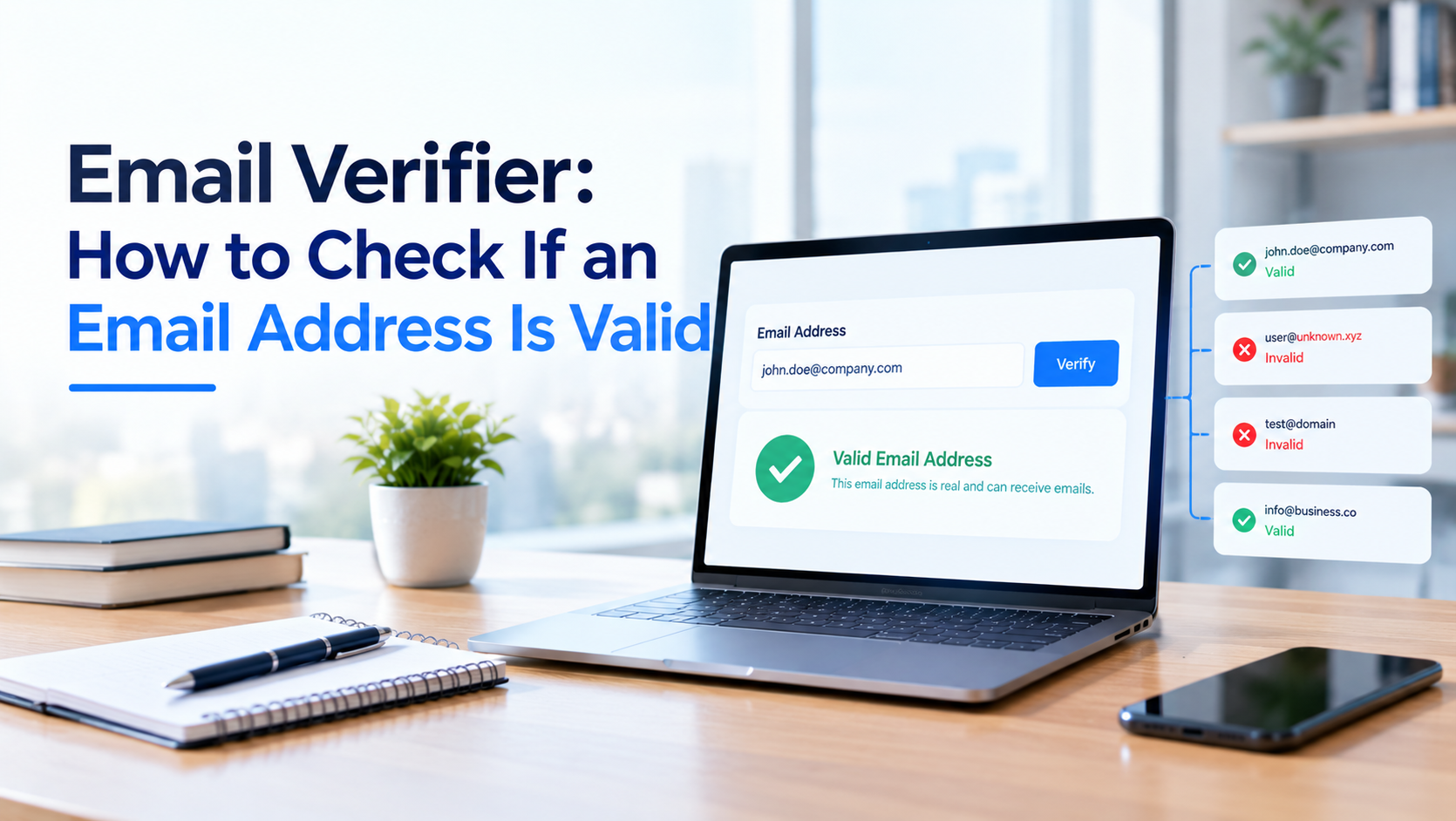
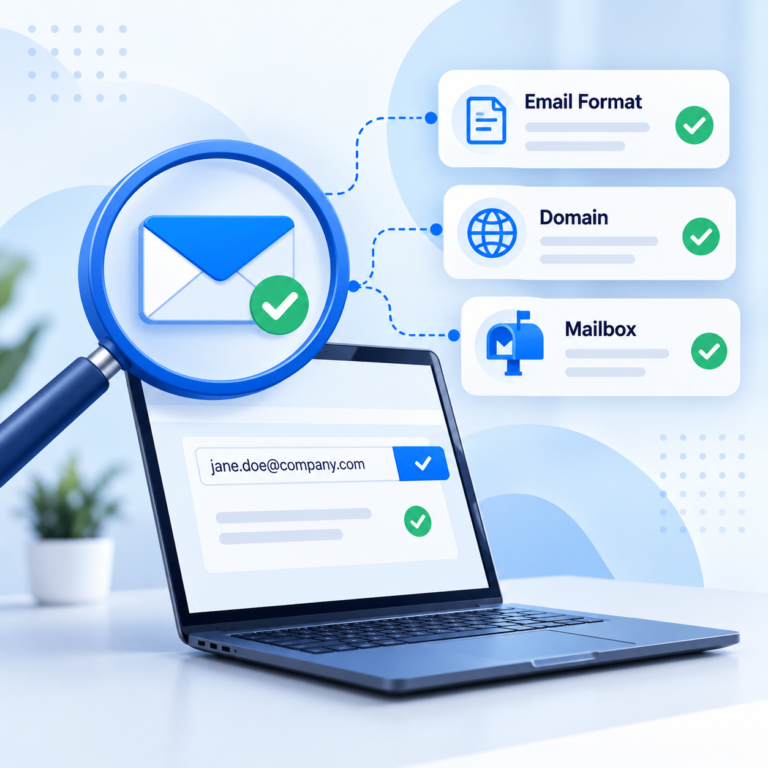
An email verifier checks whether an email address is correctly formatted, points to a domain with working mail servers, and has a mailbox that actually accepts mail, all without sending a message. The result comes back as something like valid, invalid, catch-all (risky), or unknown, so you can clean a list or confirm a single address before you rely on it.
Most people run into a verifier the first time they build a list from scraped pages, old spreadsheets, or a signup form that does not check format on its own. Typing a guessed pattern like firstname.lastname@company.com produces an address that looks plausible but may not exist, and a verifier is what tells the difference before a bounce report does.
Email verification and email validation get used interchangeably in everyday conversation, but the two terms describe slightly different checks. For now, the short version: a verifier combines several checks into one result, and understanding those checks is what helps you judge whether a “valid” label is actually trustworthy.
An email verifier layers several checks on top of each other, with each step catching something the previous one missed.
Put together, those checks produce one result per address, which is far easier to act on than five separate pass or fail flags.
Most email checkers sort results into three or four buckets. Valid means the syntax is correct, the domain has working mail servers, and the mailbox answered as expected. Invalid means one of those checks failed outright: the domain does not exist, there is no MX record, or the mailbox rejected the address during the SMTP step.
Risky, catch-all, and unknown sit in between. These labels show up when a domain accepts everything at the SMTP level, when a mail provider blocks verification probes outright, or when a greylisting server asks the connection to try again later and the verifier cannot wait around for that retry. None of this automatically means the address is bad; it means the tool genuinely cannot confirm it either way.
Treat valid and invalid as close to reliable. Treat risky and unknown as a judgment call: send to them in a smaller, monitored batch rather than removing them outright or mailing them at full volume.
Real time email verification checks a single address the moment it is needed: when someone submits a signup form, when a rep adds a new contact, or when an API call fires right before a message goes out. It typically returns a result in one to three seconds.
Bulk email verifier tools solve a different problem: cleaning a list of a few hundred to a few hundred thousand addresses before a campaign goes out. Instead of checking each address interactively, you upload a file, the tool processes it in the background, and you download a report with every address labeled.
The two are not mutually exclusive. A reasonable setup runs new contacts through real-time verification at the point of entry and still re-verifies the whole list periodically, since a mailbox that is valid today can be deactivated months later without anything changing on your end.
A catch-all (or accept-all) domain is configured to say yes to every address during the SMTP handshake, whether or not a mailbox actually exists behind it. Industry estimates put catch-all configuration at roughly 20 to 40 percent of B2B domains, which means a meaningful share of any cold outreach list will come back with this result.
Basic verifiers either guess or lump every catch-all result into “unknown” and leave the decision to you. More thorough tools layer in pattern analysis (comparing the address against known formats for that company, prior delivery history, and other secondary signals) to narrow catch-all results toward valid or invalid instead of shrugging.
Whatever tool you use, do not treat “catch-all” as a synonym for “bad.” It means uncertain. Removing every catch-all address from a list can cut a surprising number of real, working contacts along with the fake ones.
Not every technically valid address is worth sending to. Disposable email detection flags addresses from temporary-inbox services people use to get past a signup wall without giving up a real address. These pass syntax and SMTP checks just fine but have no long-term value on a list.
Role-based email addresses, like info@, support@, or sales@, raise a different concern. They are usually valid and actively monitored, but by multiple people or an automated system rather than one person, which changes how you should read open and reply rates tied to that address.
Spam trap detection is the highest-stakes check of the three. A spam trap is an address that was never used by a real person, or was abandoned and later reactivated specifically to catch senders using old or purchased lists. Hitting even a handful of spam traps can damage sender reputation, screening for known trap patterns before you send is far cheaper than recovering deliverability afterward.
Run a sample of your own contacts through real-time verification and see exactly how many come back valid, invalid, or catch-all before you commit to a plan.
Yes. That is the entire point of SMTP-level verification. The tool opens a connection to the recipient’s mail server and asks whether the address would accept a message (the RCPT TO step), then closes the connection before any content is transmitted. No email lands in an inbox, and nothing appears to happen on the other end.
This matters for two reasons. First, it protects your own sender reputation: you are not burning sending volume or tripping spam filters just to test a list. Second, it means verification is safe to run even on addresses you suspect might be fake, without any risk of “confirming” a spam trap by emailing it directly.
| Verification Method | Best For | Speed | Catch-All Handling | Typical Cost |
|---|---|---|---|---|
| Manual MX + SMTP check | One address at a time, before a high-value email | A minute or two per address | Cannot resolve catch-all domains on its own | Free, but doesn’t scale past a handful of checks |
| Dedicated verifier (tool or API) | Cleaning a purchased or scraped list before a send | Seconds to minutes for thousands of addresses | Flags catch-all and scores risk instead of guessing | A fraction of a cent to a few cents per address |
| Built-in verifier | Verifying contacts at the moment you export them | Near real time as records are pulled | Varies by the provider’s own catch-all handling | Usually bundled into plan credits |
A “valid” result describes the moment the check ran, not a permanent guarantee. Several things can change between verification and send:
This is why “verified” and “guaranteed to deliver” are not the same claim. A good verifier meaningfully lowers your bounce rate, it cannot promise zero bounces, because some of the causes above happen after the check is already finished.
A free email verifier is a reasonable way to test a tool’s accuracy against your own list before paying for anything. Most free tiers cap how many checks you get each month, run a lighter version of the check (often syntax and MX only, without full SMTP probing or catch-all resolution), or limit you to checking one address at a time instead of uploading a file.
Paid plans typically unlock full SMTP-level verification, catch-all handling, bulk list upload, and API access, priced per verification credit rather than per address checked manually. Credit-based pricing on dedicated email verifier products generally runs from a fraction of a cent to a few cents per address, with the per-email cost dropping at higher volumes.
Bulk email verifier tools handle list cleaning: upload a CSV or spreadsheet, the system runs every address through the full check pipeline, and you get a report back with each row labeled valid, invalid, risky, or unknown, often with a reason attached, so you can decide case by case instead of guessing.
An email verification API does the same checks programmatically, which makes sense when you want verification built into something ongoing rather than a one-off cleanup: a signup form that rejects fake addresses before they hit your database, a CRM that checks new contacts as they are added, or an outreach tool that verifies each recipient right before a campaign sends.
Many providers, including ReachStream, also tie verification directly into a CRM workflow, so the check happens automatically when a contact is added or exported, rather than as a separate manual step someone has to remember to run.
An email verifier will not get you to zero bounces, and any tool that promises that number is overselling what SMTP-level checking can actually confirm. What it will do is cut the obvious waste out of your list: the typos, the dead domains, the disposable addresses, and flag the genuinely uncertain ones so you can decide how to handle them instead of finding out mid-campaign.
Whether you are checking a handful of addresses by hand or running a purchased list through an API, the fundamentals stay the same: syntax, MX, SMTP, and catch-all detection, stacked together, with a healthy amount of skepticism toward any accuracy claim you have not tested yourself.
Author

Abdul Kareem writes about B2B sales prospecting, email deliverability, and cold outreach for ReachStream, focusing on practical guidance that sales and marketing teams can put to use right away.
Access 200M+ verified business emails and grow your sales pipeline effortlessly.
Don't forget to share this post!















Check out our other blogs!
Email ID Checker: Verify Any Email ID Online

ICP Refinement for SDRs: Using Data Filters to Stop Wasting Touches

Email Validator: Validate Email Format, Domain and Mailbox